ART
BEAUTY & WELLNESS
CRAFT
CULTURE & HISTORY
ENTERTAINMENT
ENVIRONMENT
FOOD & DRINKS
REVERSE ENGINEERING
SCIENCES
SPORTS
TECHNOLOGY
WEARABLES
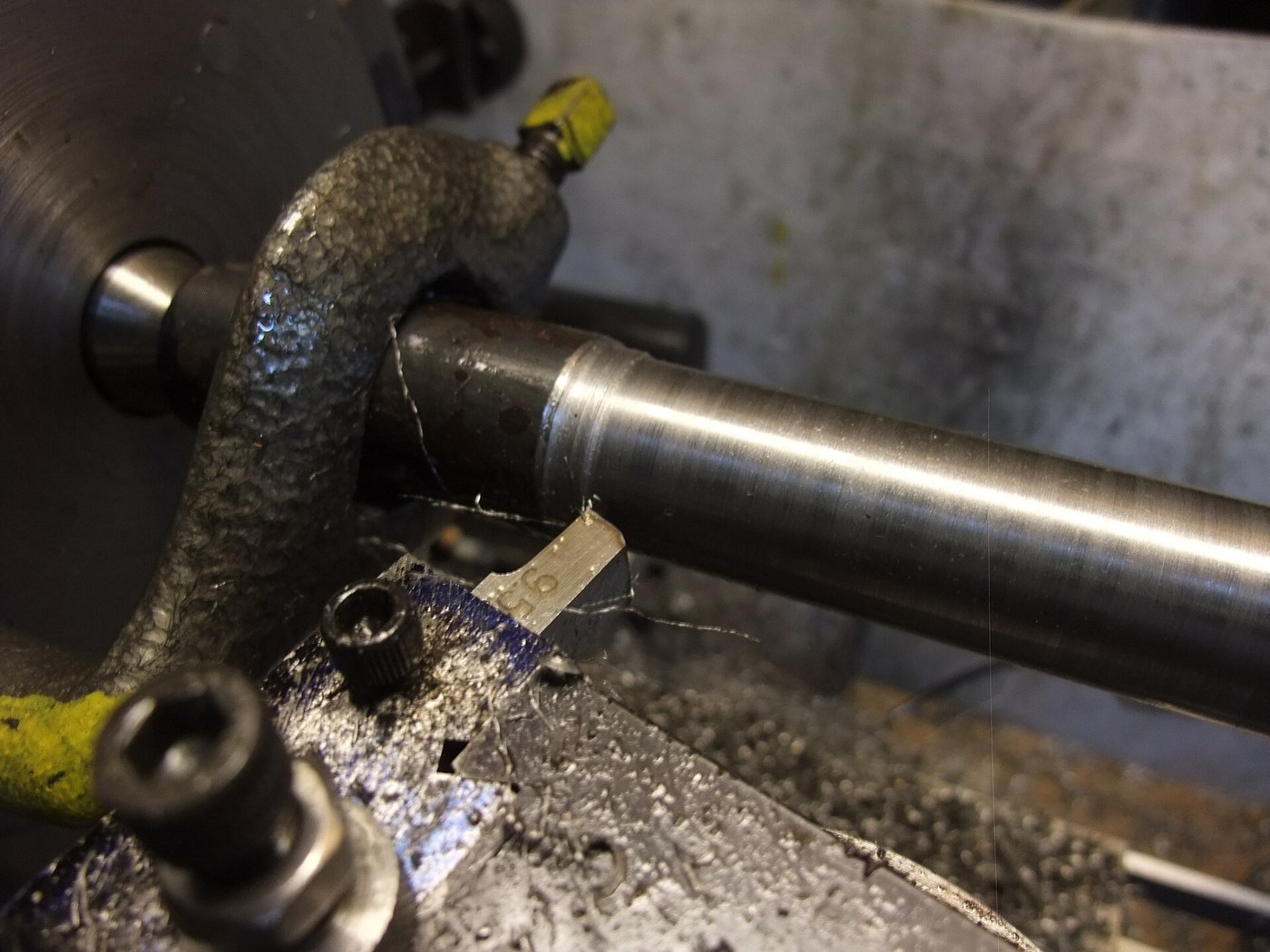


Steel Shaft, 30 mm: Round Bar Turned Between Centres
A shaft carries gears, wheels and bearings, and it has to be straight, round and true to size where they fit. Turned between centres from a forged round bar, it can be taken out, checked and put back without losing its axis.
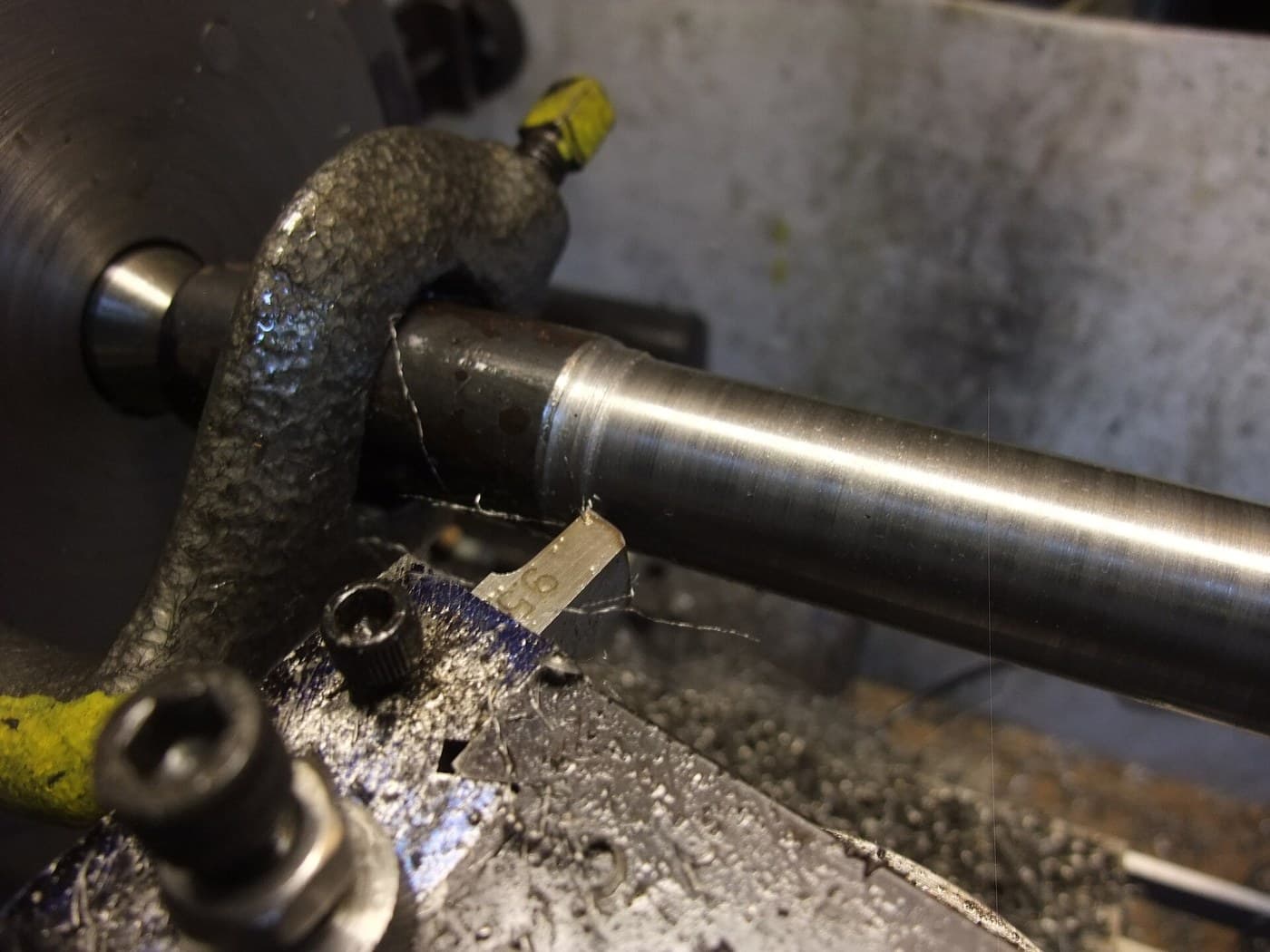
The picture: a steel bar being turned between centres, driven by a lathe dog.
Intermediate
An afternoon
Instructions
1
1
Cut the bar
Cut the bar
Saw a length of round bar a few millimetres oversize in diameter (about 33 mm for a 30 mm shaft) and a little longer than the finished shaft.
Materials for this step:
 Mild Steel Round Bar1 piece
Tools needed:
 Hacksaw
2
2
Mount it between centres
Mount it between centres
Face both ends, centre-drill them and mount the bar between centres, driven by a lathe dog, as in Turning Between Centres.
3
3
Turn to 30 mm
Turn to 30 mm
Rough down to about 30.5 mm with light oiled cuts, then take a fine finishing cut to 30.00 mm, measuring with a micrometer at both ends and the middle. Turn the dog to the other end and finish the length under it.
Tools needed:
 Metal Lathe
 Turning Tool Set HSS
 Cutting Oil
 Micrometer
 Safety Glasses
4
4
Check it runs true
Check it runs true
With the shaft back between centres, run a dial indicator along it. Break the sharp corners at the ends.
Tools needed:
 Dial IndicatorMetal Lathe
Materials
1- 1 piecePlaceholder
Tools Required
7- Placeholder
- Placeholder
- Placeholder
- Placeholder
- Placeholder
- Placeholder
- Placeholder
This blueprint makes

Related Blueprints
These blueprints share knowledge with this one — techniques, materials, or principles that connect them in the learning graph.

CC0 Public Domain
This blueprint is released under CC0. You are free to copy, modify, distribute, and use this work for any purpose, without asking permission.
Support the Maker by purchasing products through their Blueprint where they earn a Maker Commission set by Vendors, or create a new iteration of this Blueprint and include it as a connection in your own Blueprint to share revenue.