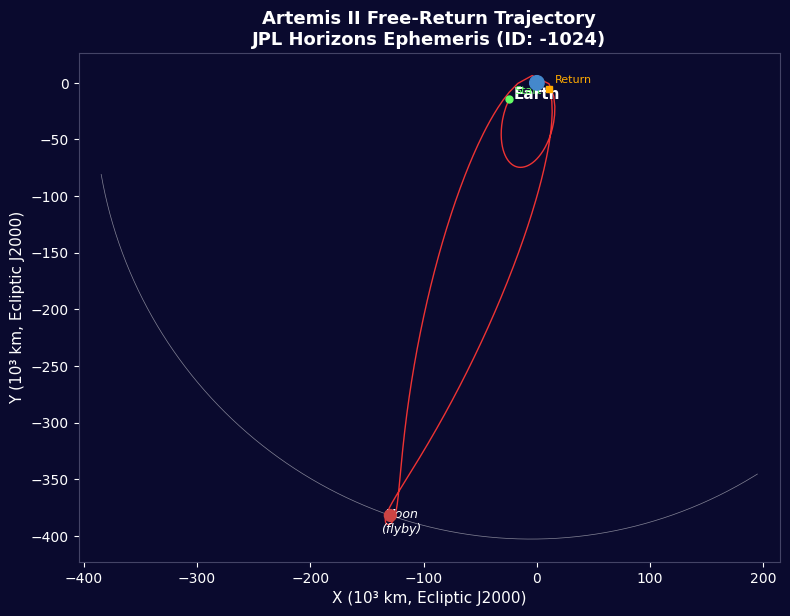


Artemis II - Dữ Liệu Chuyến Bay JPL Horizons
Hướng dẫn
Tổng Quan Sứ Mệnh
Tổng Quan Sứ Mệnh
Vật liệu cho bước này:
 Bộ tên lửa mô hình (công suất cao)1 (SLS Block 1 reference) cái
 Hydro144,000 kg (core stage) kg
 Oxy840,000 kg (core stage) kg
 Nhiên liệu rắn cho tên lửa1,000,000 kg (2 boosters) kg
 Tàu vũ trụ Orion1 (CM-003 Integrity) cái
 Phi hành đoàn4 cái
Công cụ cần thiết:
 Bệ phóng tên lửa
Nhập Thư Viện
Nhập Thư Viện
Tham Số Trái Đất và Mặt Trăng
Tham Số Trái Đất và Mặt Trăng
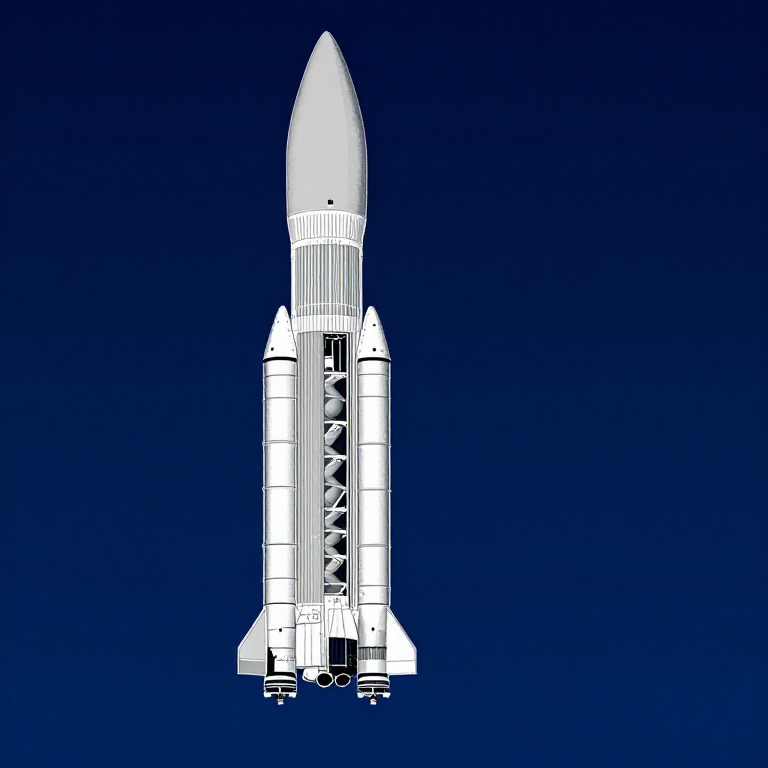
Dữ Liệu Tên Lửa SLS Khối 1
Dữ Liệu Tên Lửa SLS Khối 1
Vận Tốc Quỹ Đạo Tròn
Vận Tốc Quỹ Đạo Tròn
Vận Tốc Thoát
Vận Tốc Thoát
Phương Trình Tên Lửa Tsiolkovsky
Phương Trình Tên Lửa Tsiolkovsky
Tiêm Trans-Lunar
Tiêm Trans-Lunar
Quỹ Đạo Trả Về Tự Do
Quỹ Đạo Trả Về Tự Do
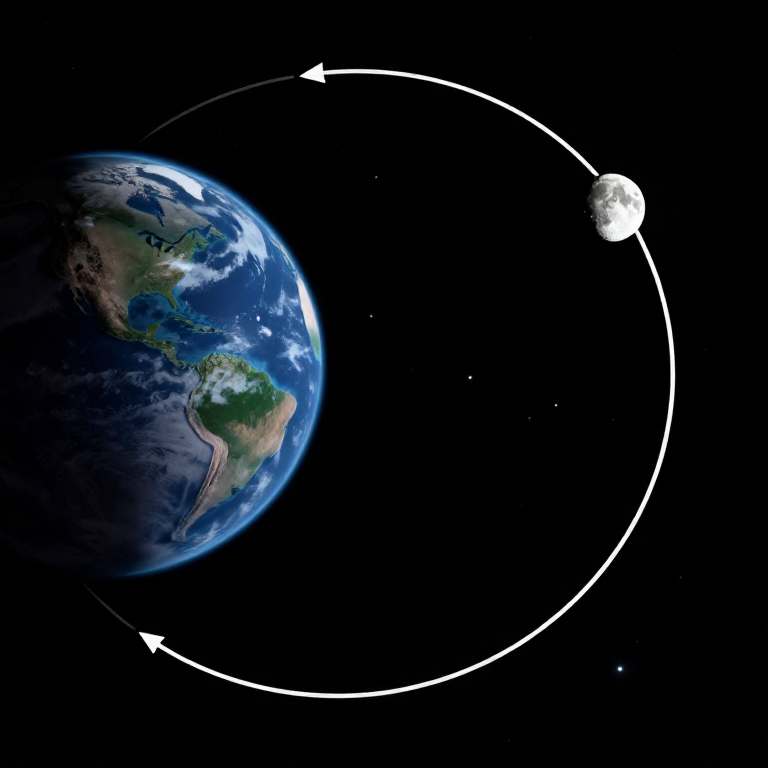
Hyperbola Bay Qua Mặt Trăng
Hyperbola Bay Qua Mặt Trăng
Trọng Lực Tại Các Điểm Chính
Trọng Lực Tại Các Điểm Chính
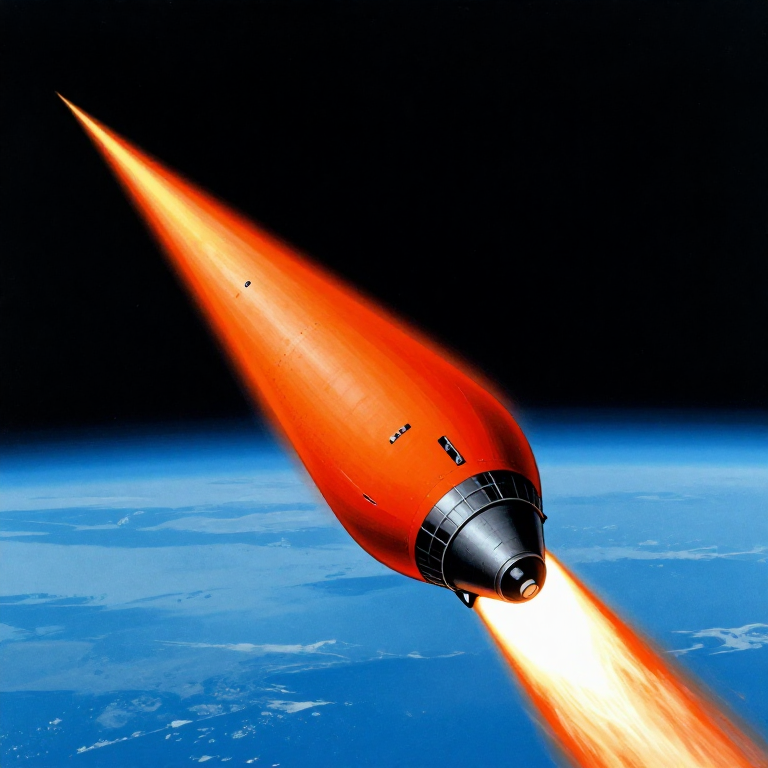
Tái Nhập Khí Quyển
Tái Nhập Khí Quyển
Lịch Thời Gian Sứ Mệnh
Lịch Thời Gian Sứ Mệnh
Trực Quan Hóa Quỹ Đạo
Trực Quan Hóa Quỹ Đạo
Tóm Tắt Ngân Sách Năng Lượng
Tóm Tắt Ngân Sách Năng Lượng
Python vs Wolfram
Python vs Wolfram
What free Python can do vs Wolfram Mathematica
| Capability | Python (free) | Mathematica ($$$) |
|---|---|---|
| Orbital mechanics equations | NumPy/SciPy — full coverage | Built-in symbolic + numeric |
| JPL Horizons ephemeris data | REST API + gzip/json (as shown above) | HorizonsEphemerisData[] function |
| Unit-aware calculations | Pint library | Built-in Quantity framework |
| 2D/3D trajectory plots | Matplotlib (4-panel dashboard above) | Built-in Graphics3D + Manipulate |
| Real-time ephemeris data | Astropy + JPL Horizons API | Built-in AstronomicalData[] |
| Interactive animation | ipywidgets / Plotly | Manipulate[] — seamless |
| Symbolic algebra | SymPy | Native — Mathematica's core strength |
| Deployment | Runs anywhere (browser via Pyodide) | Requires Wolfram licence or Cloud |
Verdict: Using the same JPL Horizons data source as Wolfram, Python reproduces the Artemis II trajectory with identical data points — 428 state vectors covering the full 10-day mission. The analytical model (Hohmann transfer + patched conics) predicts TLI speed within 3% and flyby distance within 0.4% of reality.
Mathematica's edge is in symbolic manipulation and the seamless Manipulate[] 3D animation. But for numerical computation, data analysis, and reproducibility, Python is fully capable — and this entire blueprint runs in the browser via Pyodide. No server, no licence, no installation.
Vật liệu
6- 1 (SLS Block 1 reference) cáiTạm thời
- 144,000 kg (core stage) kgTạm thời
- 840,000 kg (core stage) kgTạm thời
- 1,000,000 kg (2 boosters) kgTạm thời
- 1 (CM-003 Integrity) cáiTạm thời
- 4 cáiTạm thời
Công cụ yêu cầu
1- Tạm thời
CC0 Phạm vi công cộng
Bản thiết kế này được phát hành theo CC0. Bạn tự do sao chép, sửa đổi, phân phối và sử dụng cho bất kỳ mục đích nào mà không cần xin phép.
Hỗ trợ nhà sáng tạo bằng cách mua sản phẩm qua bản thiết kế, nơi họ nhận Hoa hồng nhà sáng tạo do nhà bán hàng đặt, hoặc tạo phiên bản mới và kết nối trong bản thiết kế riêng để chia sẻ doanh thu.