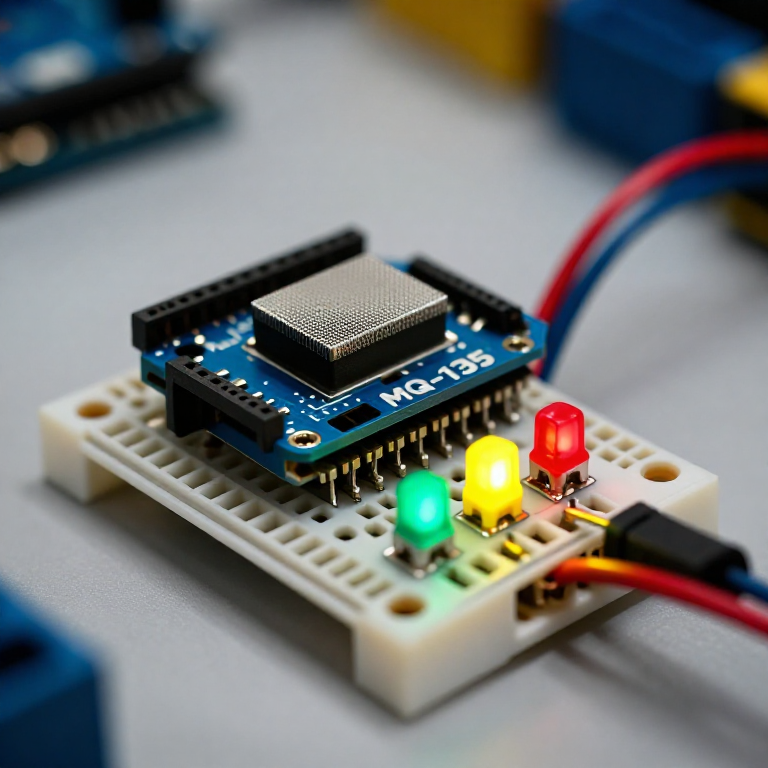


Building an Air-Quality Monitor
Build a traffic-light air-quality monitor. An MQ-135 sensor responds to smoke, fumes, alcohol, CO2 and other gases; the Arduino compares the reading to clean air and lights a green, yellow or red LED for good, moderate or poor air. A hands-on way to watch indoor air change — with the honest limit that it shows RELATIVE quality, not a calibrated ppm figure.
Hướng dẫn
Wire the sensor and three LEDs
Wire the sensor and three LEDs
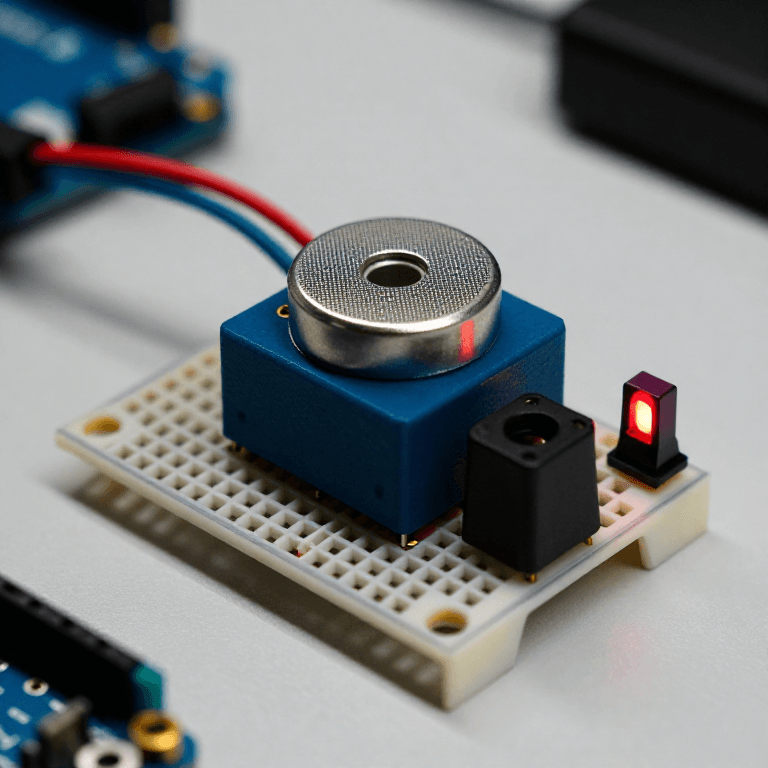
On the breadboard: MQ-135 VCC to Arduino 5V, GND to GND, and its analog output (AOUT) to A0. Wire three LEDs — ideally green, yellow and red — to pins 5, 6 and 7, each through a 330 Ω resistor to GND (long leg to the pin).
Vật liệu cho bước này:
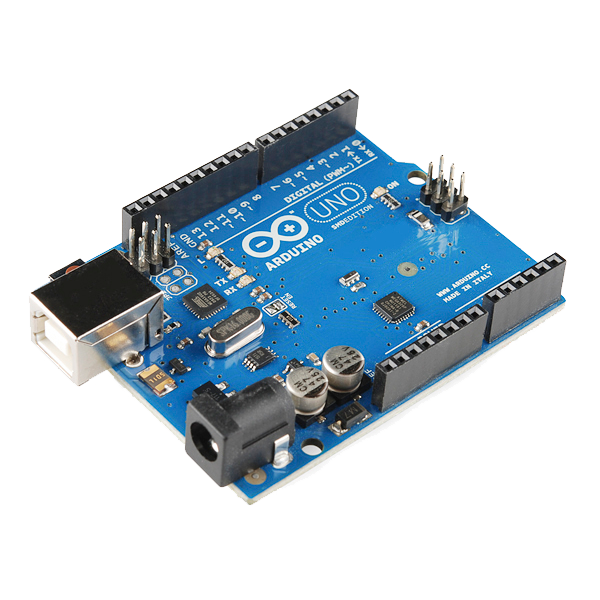 Arduino Uno R31 cái
 Mô-đun cảm biến chất lượng không khí MQ-1351 cái
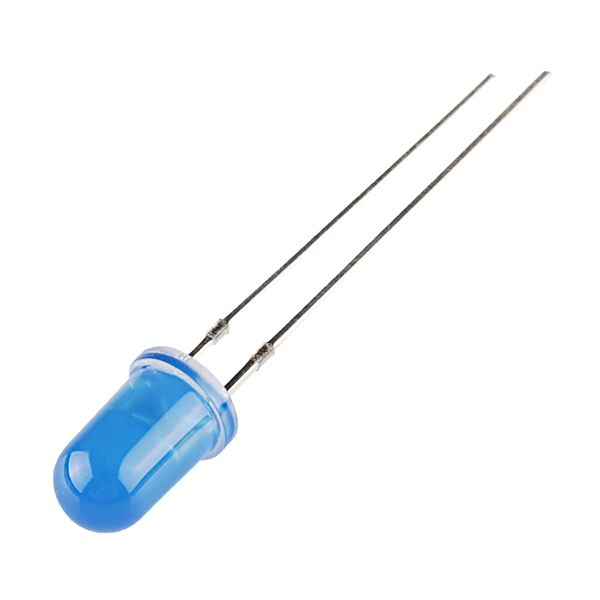 LED - Basic 5mm (25 pack)1 gói
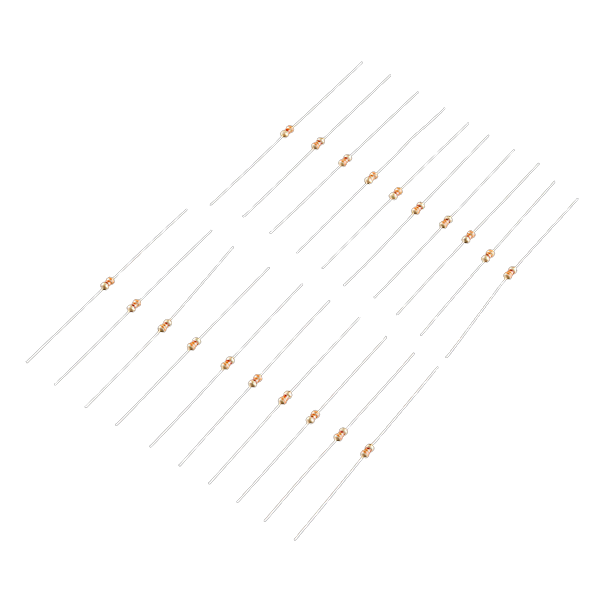 Resistor 330 Ohm 1/6 Watt PTH - 20 pack1 gói
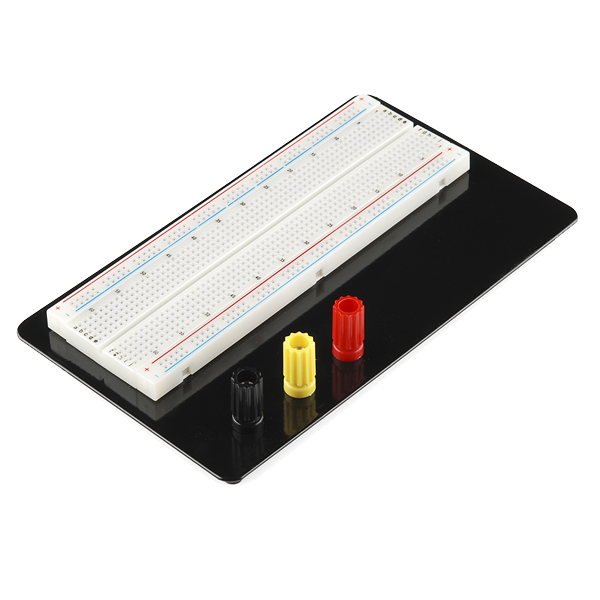 Breadboard1 cái
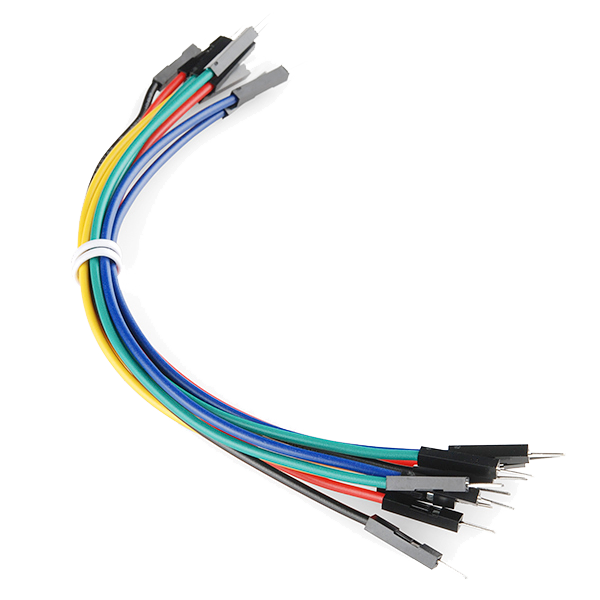 Jumper Wires (Male-to-Male)1 gói
Connect and open the IDE
Connect and open the IDE
Plug the Arduino into your computer with the USB cable, open the Arduino IDE, and select Arduino Uno and its serial port.
Vật liệu cho bước này:
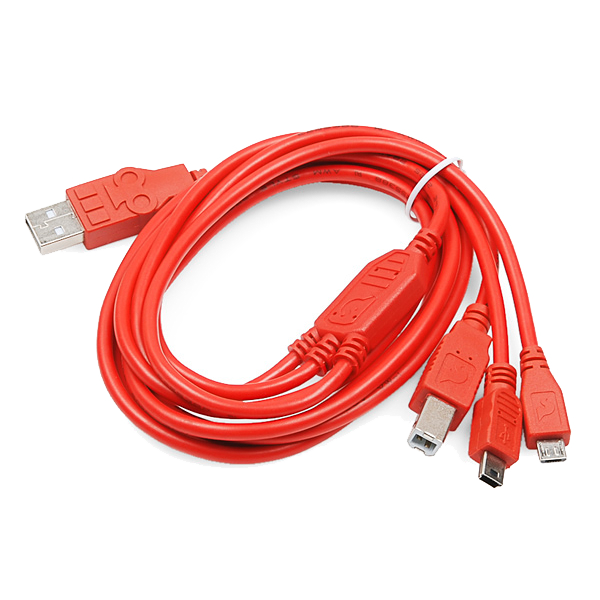 USB-B Cable1 cái
Công cụ cần thiết:
 Máy tính cài Arduino IDE
Upload the traffic-light sketch
Upload the traffic-light sketch
Paste this sketch and upload. It warms the sensor, records a clean-air baseline, then lights green for good air, yellow for moderate and red for poor. Open the Serial Monitor to see the raw reading.
Warm up, baseline and test
Warm up, baseline and test
Run it in fresh air and let the 2-minute warm-up set the baseline (a new MQ-135 also needs a 24–48 h burn-in to settle). Then test it: breathe on it, spray a little deodorant nearby, or hold a blown-out match's smoke close — it should climb to yellow then red, and return to green in clean air. Tune MODERATE and POOR to change the thresholds.
Know the limits
Know the limits
The MQ-135 reacts to many gases at once and gives a RELATIVE reading, not a calibrated CO2 or ppm value — despite what some tutorials claim, real ppm needs proper calibration against known concentrations. It also drifts and needs re-baselining. Treat this as an air-change indicator and a great sensing project, not a laboratory instrument.
Vật liệu
7- Arduino Uno R3 SMDHoa hồng 10%1 cái$26.95
- Tạm thời
- LED - Basic 5mmHoa hồng 10%1 gói$0.77
- Resistor 330 Ohm 1/6 Watt PTH - 20 packHoa hồng 10%1 gói$1.19
- Breadboard - ClassicHoa hồng 10%1 cái$9.46
- 1 gói$4.99
- SparkFun Cerberus USB Cable - 1.8 meterHoa hồng 10%1 cái$5.66
Công cụ yêu cầu
2- Tạm thời
- Breadboard - ClassicHoa hồng 10%$9.46
Blueprint liên quan
Các blueprint này chia sẻ kiến thức — kỹ thuật, vật liệu hoặc nguyên tắc
CC0 Phạm vi công cộng
Bản thiết kế này được phát hành theo CC0. Bạn tự do sao chép, sửa đổi, phân phối và sử dụng cho bất kỳ mục đích nào mà không cần xin phép.
Hỗ trợ nhà sáng tạo bằng cách mua sản phẩm qua bản thiết kế, nơi họ nhận Hoa hồng nhà sáng tạo do nhà bán hàng đặt, hoặc tạo phiên bản mới và kết nối trong bản thiết kế riêng để chia sẻ doanh thu.