NGHỆ THUẬT
LÀM ĐẸP VÀ SỨC KHỎE
THỦ CÔNG
VĂN HÓA VÀ LỊCH SỬ
GIẢI TRÍ
MÔI TRƯỜNG
THỰC PHẨM VÀ ĐỒ UỐNG
KỸ THUẬT NGƯỢC
KHOA HỌC
THỂ THAO
CÔNG NGHỆ
THIẾT BỊ ĐEO
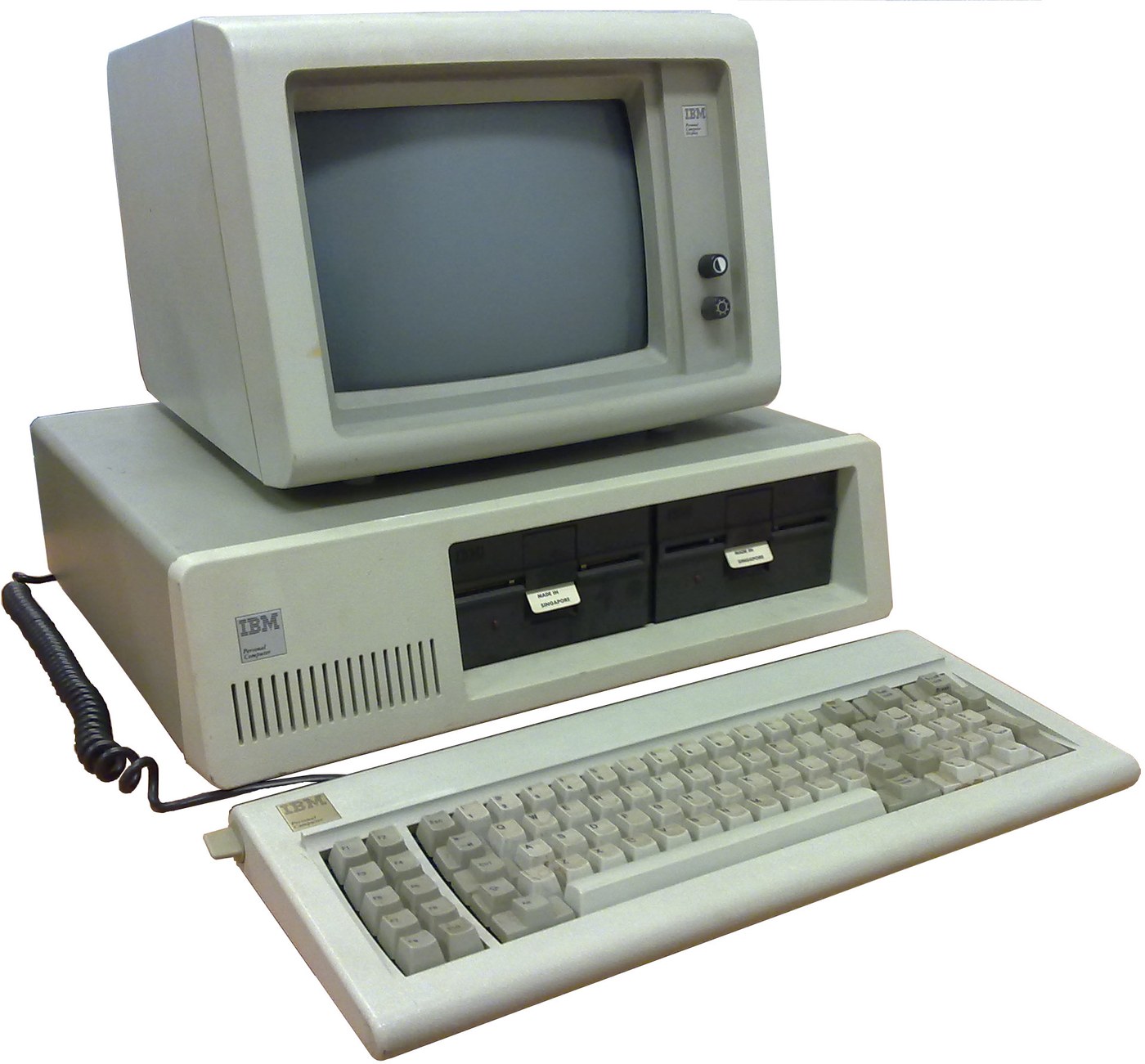

IBM Personal Computer (5150): System Unit, Keyboard and Display (IBM Technical Reference, 1981)
IBM's first personal computer, the machine today's desktop PCs descend from. One system unit holds an Intel 8088 system board, a power supply and five expansion slots. A keyboard, a display and 5-1/4 inch diskette drives complete it. IBM published its whole design, down to the BIOS program, in the Technical Reference.
Result: an IBM PC that tests itself at power-on and starts an operating system from diskette.
Source: IBM Personal Computer Technical Reference (1981; edition of April 1984). Unknown: the chassis and its sizes, the display and diskette adapter cards (described in IBM's separate Options and Adapters volumes), and how each part is made. Ours: the assembly order. Picture: Wikimedia Commons.
Nâng cao
1 week
Hướng dẫn
1
1
Populate the system board
Populate the system board
On the system board, fit the Intel 8088 processor. It runs at 4.77 MHz, taken from a 14.31818 MHz crystal divided by 3; divided by 4, the same crystal gives the 3.58 MHz colour-burst signal for colour TVs. Fit its support chips: the 8237A-5 DMA controller, 8259A interrupt controller, 8253-5 timer and 8255A-5 peripheral interface. Add the ROM holding the BIOS, the read/write memory, the speaker circuit, five expansion slots, and 5-pin DIN sockets for the keyboard and a cassette recorder. The 8088 runs in maximum mode, so a coprocessor can be added later. Set switch SW1 to tell the machine what it has: whether to start from a 5-1/4 inch diskette drive, how much read/write memory is on the board, which display adapter is fitted, and how many diskette drives there are. Not given here: the board layout.
Vật liệu cho bước này:
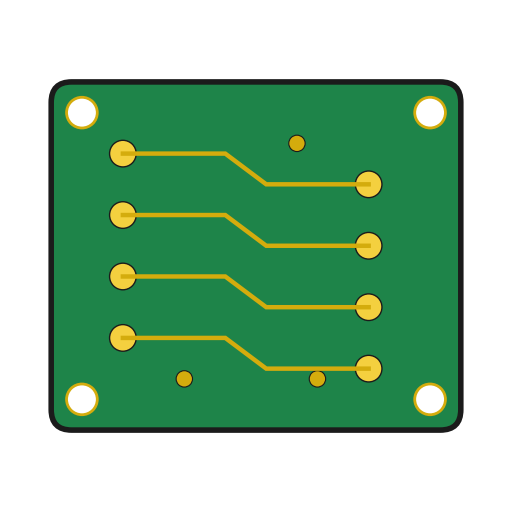 Bảng mạch in1 system board
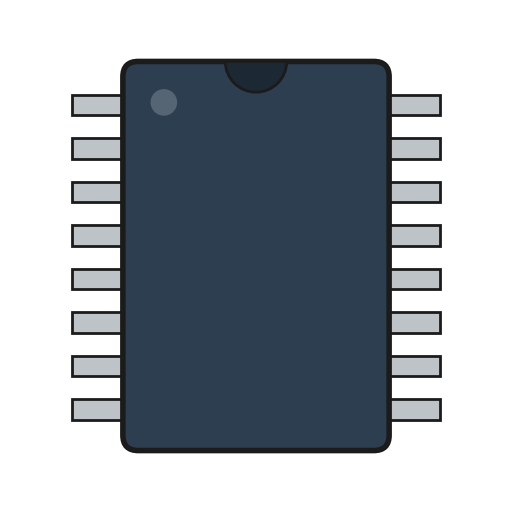 Vi mạch tích hợp1 8088, 8237A-5, 8259A, 8253-5, 8255A-5, ROM, RAM
 Tinh thể thạch anh1 14.31818 MHz
 BIOS của IBM PC1 in ROM
 Công tắc DIP1 SW1
 Dây thiếc hàn1 as needed
Công cụ cần thiết:
 Mỏ hàn
2
2
Fit the board and power supply in the chassis
Fit the board and power supply in the chassis
Screw the system board into the system-unit chassis. Fit the power supply at the right rear; its housing supports the rear panel and its fan cools the whole machine. It is rated for 63.5 W continuous, from a fused 120 V or 220/240 V input. Its four protected outputs are +5 V at 7 A, +12 V at 2 A, -5 V at 0.3 A and -12 V at 0.25 A, bussed to all five slots. It also has a power-good signal, a switched mains socket for the monochrome display and two drive power plugs. Not given: the chassis metal and sizes.
Vật liệu cho bước này:
 Kim loại chưa rõ1 chassis
 Bộ nguồn máy tính1 63.5 W
 Vít máy1 bộ
Công cụ cần thiết:
 Bộ tua vít
 Kích thước chưa rõ
 Đồng hồ vạn năng
3
3
Add the drives and adapter cards
Add the drives and adapter cards
Fit up to two 5-1/4 inch diskette drives, each powered from its own plug on the supply. Only one drive runs at a time. Plug a diskette drive adapter and a display adapter (monochrome or colour/graphics) into expansion slots, and cable the drives to their adapter. Not given here: the adapter cards and cables, which IBM describes in its separate Options and Adapters volumes.
Vật liệu cho bước này:
 Ổ đĩa mềm 5¼ inch2 up to two
 Card mở rộng2 diskette adapter, display adapter
 Cáp dẹt1 drive cable
Công cụ cần thiết:
Bộ tua vít4
4
Connect keyboard and display, and power on
Connect keyboard and display, and power on
Plug in the keyboard: 83 keys, with the typewriter keys in the middle, 10 function keys on the left and a 15-key pad on the right. It sends scan codes, not letters, so the software decides what each key does. Connect the display to its adapter and to the switched socket. Switch on: the power-on self-test in the BIOS checks the machine, sets up its interrupt vectors, and looks for extra ROM on the adapter cards. The bootstrap loader then starts the operating system from a diskette.
Vật liệu cho bước này:
 Bàn phím máy tính1 83 keys
 Màn hình máy tính1 cái
Công cụ cần thiết:
 Đĩa mềm
Vật liệu
14- 1 system boardTạm thời
- 1 8088, 8237A-5, 8259A, 8253-5, 8255A-5, ROM, RAMTạm thời
- 1 14.31818 MHzTạm thời
- 1 in ROMTạm thời
- Tạm thời
- 1 as neededTạm thời
- 1 chassisTạm thời
- 1 63.5 WTạm thời
- 1 bộTạm thời
- 2 up to twoTạm thời
- 2 diskette adapter, display adapterTạm thời
- Tạm thời
- 1 83 keysTạm thời
- 1 cáiTạm thời
Vật liệu bản thiết kế liên kết
Bản thiết kế này làm ra
CC0 Phạm vi công cộng
Bản thiết kế này được phát hành theo CC0. Bạn tự do sao chép, sửa đổi, phân phối và sử dụng cho bất kỳ mục đích nào mà không cần xin phép.
Hỗ trợ nhà sáng tạo bằng cách mua sản phẩm qua bản thiết kế, nơi họ nhận Hoa hồng nhà sáng tạo do nhà bán hàng đặt, hoặc tạo phiên bản mới và kết nối trong bản thiết kế riêng để chia sẻ doanh thu.