NGHỆ THUẬT
LÀM ĐẸP VÀ SỨC KHỎE
THỦ CÔNG
VĂN HÓA VÀ LỊCH SỬ
GIẢI TRÍ
MÔI TRƯỜNG
THỰC PHẨM VÀ ĐỒ UỐNG
KỸ THUẬT NGƯỢC
KHOA HỌC
THỂ THAO
CÔNG NGHỆ
THIẾT BỊ ĐEO
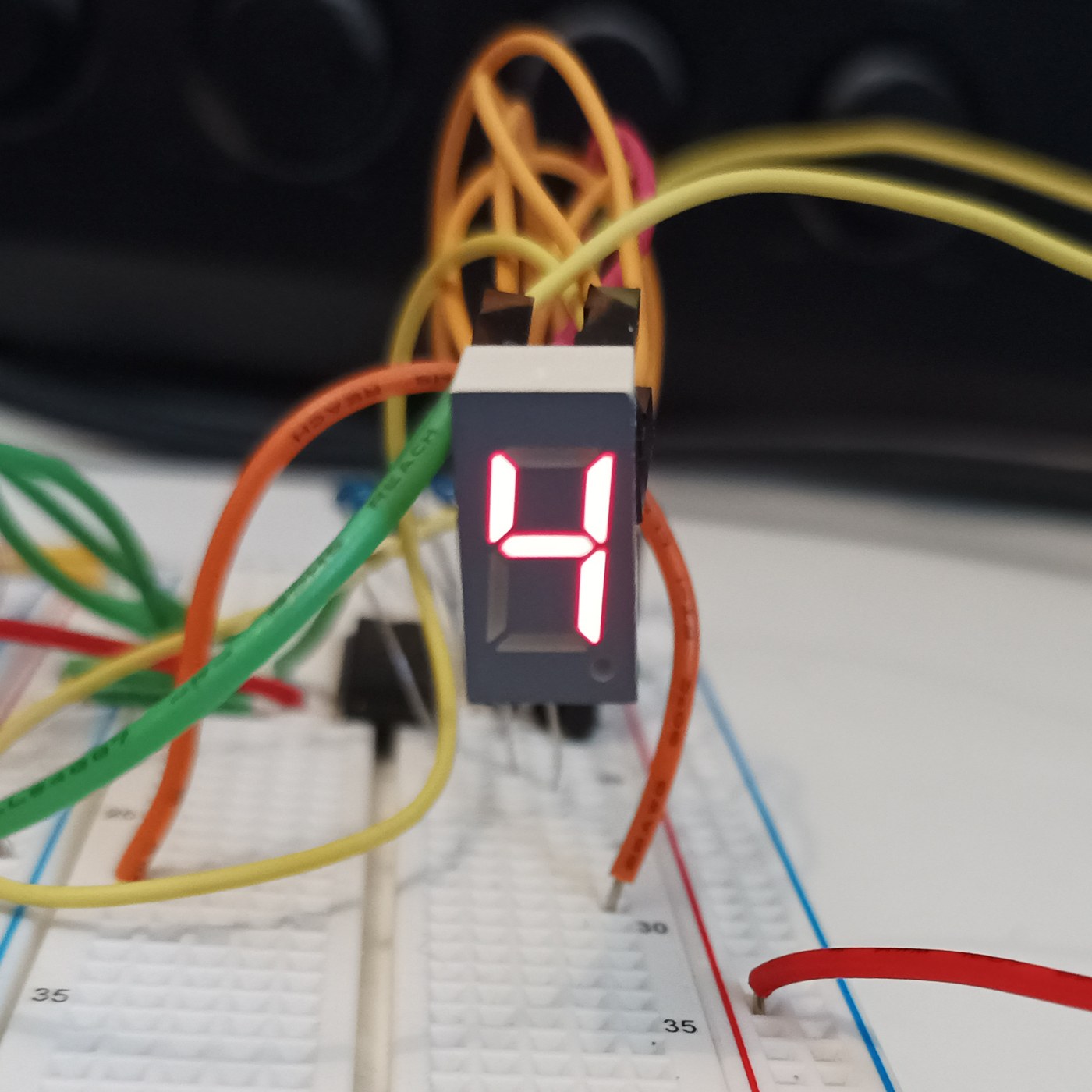


The Seven-Segment LED Display
The opposite of the Nixie: instead of a shaped numeral at 170 V, the fewest straight lines that still make every digit — seven bars in a figure eight, at 2 V and pennies. It looks like sticks and nobody cares, because it is seven LEDs and never wears out. You will build a four-digit display and confront its one clever idea, multiplexing, then measure the refresh rate at which the flicker vanishes for your own eyes.
Cơ bản
4 hours
Hướng dẫn
1
1
Seven sticks, ten digits, and the sibling that used 170 volts
Seven sticks, ten digits, and the sibling that used 170 volts
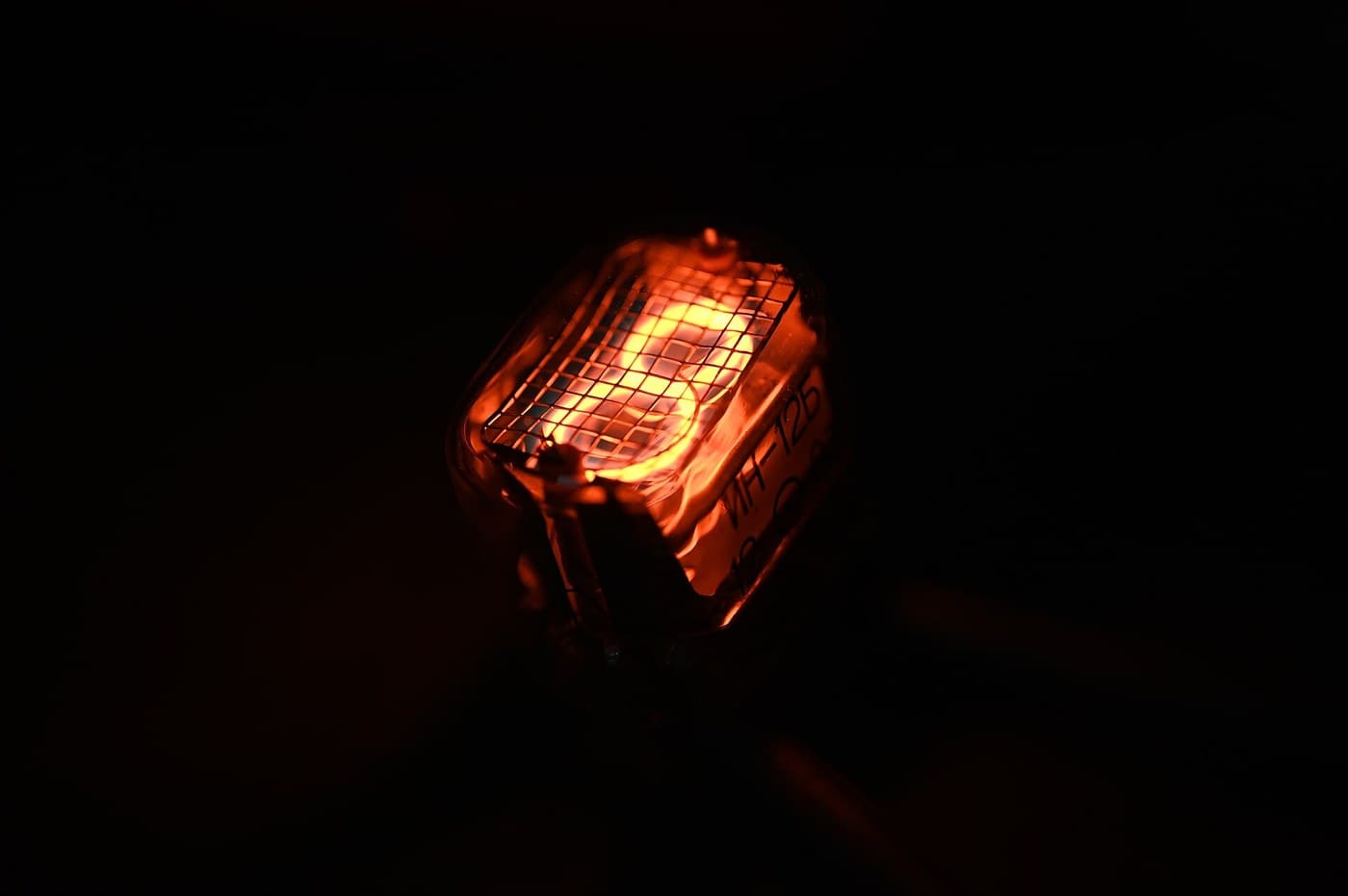
Nixie versus seven-segment: the same job, opposite answers. The Nixie shows the real numeral shape at 170 V and poisons its cathodes; the seven-segment builds each digit from seven bars (a-g) at 2 V and never wears out. Before wiring, draw a figure eight, label the bars a-g, and write which bars light for each digit 0-9. That table is the whole interface and becomes the lookup table in the code step.
Vật liệu cho bước này:
 Màn hình 7 đoạn 4 chữ số (TM1637)1 cái
2
2
Wire it: seven segment resistors, one transistor per digit
Wire it: seven segment resistors, one transistor per digit
The multiplex wiring. All four digits' matching segments share one pin through ONE resistor — seven segment lines, seven resistors, whatever the digit count. Each digit's common cathode switches to ground through one NPN. Resistors go on the SEGMENTS, not the digits, or an 8 shares one resistor seven ways and dims. Four digits: eleven pins instead of twenty-eight. That saving is why you multiplex.
Đang tải trình xem KiCanvas...
Trình xem thiết kế PCB chuyên nghiệp
Vật liệu cho bước này:
Màn hình 7 đoạn 4 chữ số (TM1637)1 cái Bộ điện trở1 bộ
 Bộ transistor các loại1 bộ
Công cụ cần thiết:
 Bảng cắm mạch
 Trạm hàn thiếc
3
3
Drive it, and find the flicker frequency for your own eyes
Drive it, and find the flicker frequency for your own eyes
The sketch multiplexes the four digits, then sweeps the refresh rate down so YOU find the frequency at which the steady number breaks into flicker — your flicker-fusion threshold, higher in peripheral vision. Each digit is lit a quarter of the time, so to stay bright it must be driven harder while on: refresh too slow and it flickers, drive too hard and you exceed the LED peak current. You have measured one wall of that box.
sevenseg_mux.inocpp
Vật liệu cho bước này:
Màn hình 7 đoạn 4 chữ số (TM1637)1 cáiCông cụ cần thiết:
 Bo mạch phát triển ESP32
 Dây nối
4
4
Multiplex duty cycle versus perceived brightness
Multiplex duty cycle versus perceived brightness
Đang tải sổ tay Jupyter…
Công cụ cần thiết:
 Máy tính để bàn
Vật liệu
3- Tạm thời
- Tạm thời
- Tạm thời
Công cụ yêu cầu
5- 1 vendor sell this, none ship to you yetTạm thời
- Tạm thời
- Tạm thời
- 3 vendors sell this, none ship to you yetTạm thời
- Tạm thời
Blueprint liên quan
Các blueprint này chia sẻ kiến thức — kỹ thuật, vật liệu hoặc nguyên tắc

CC0 Phạm vi công cộng
Bản thiết kế này được phát hành theo CC0. Bạn tự do sao chép, sửa đổi, phân phối và sử dụng cho bất kỳ mục đích nào mà không cần xin phép.
Hỗ trợ nhà sáng tạo bằng cách mua sản phẩm qua bản thiết kế, nơi họ nhận Hoa hồng nhà sáng tạo do nhà bán hàng đặt, hoặc tạo phiên bản mới và kết nối trong bản thiết kế riêng để chia sẻ doanh thu.