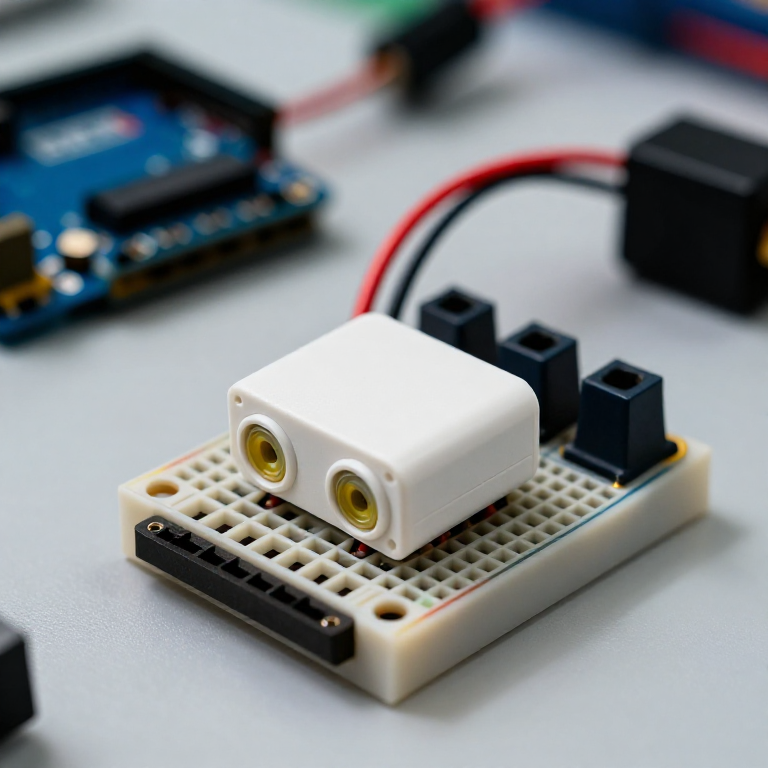


Building an Ultrasonic Parking Sensor
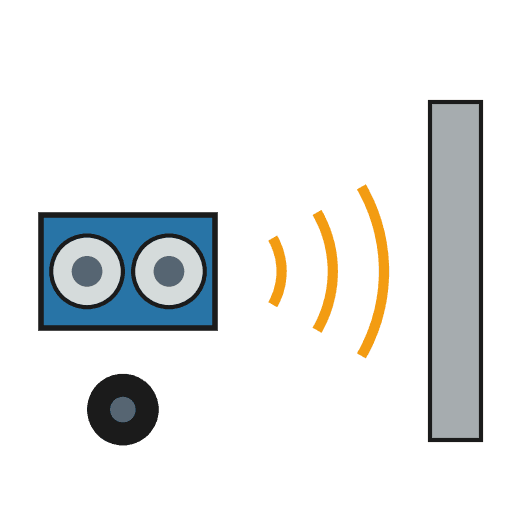
Measure distance with sound. An HC-SR04 ultrasonic sensor sends out a pulse of sound and times its echo, and the Arduino turns that into a distance in centimetres. Wire it to a buzzer that beeps faster as something gets closer — a car parking sensor, a reversing aid, or a doorway proximity alarm.
Imiyalelo
Wire the sensor and buzzer
Wire the sensor and buzzer
Push the HC-SR04 and the active buzzer into the breadboard. Wire the sensor: VCC to Arduino 5V, GND to GND, Trig to pin 9, Echo to pin 10. Wire the buzzer: + to pin 8, - to GND.
Izinto zokwakha zalesi sinyathelo:
 Arduino Uno R31 ucezu
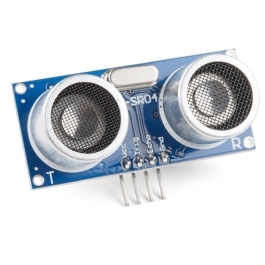 HC-SR04 Ultrasonic Distance Sensor (5-Pack)1 ucezu
 Imojuli yesikhalisi esisebenzayo1 ucezu
 Ibhodi Lokuhlola1 ucezu
 Izintambo Zokuxhuma1 iphakethe
Connect and open the IDE
Connect and open the IDE
Plug the Arduino into your computer with the USB cable, open the Arduino IDE, and select Arduino Uno and its serial port.
Amathuluzi adingekayo:
 Ikhompyutha Ene-Arduino IDE
 Ikhebula le-USB-B
Upload the parking-sensor sketch
Upload the parking-sensor sketch
Paste this sketch and upload. It measures the distance and beeps faster the closer an object is. Open the Serial Monitor to see the distance in centimetres.
Test and set the range
Test and set the range
Move your hand toward the sensor — the buzzer beeps faster as you get closer and nearly solid when very near. Change the 50 in the sketch to set how far away it starts reacting, and the * 6 to change how quickly the beeping speeds up.
Mount it
Mount it
Fix the sensor facing outward on a bracket or in a small box and power the Arduino from a USB power bank or a 9 V adapter. Aim it at your parking spot, garage wall or doorway.
Izinto
5- Isibambeli
- Ultrasonic Sensor - HC-SR04ikhomishini engu-10%1 ucezu$4.20
- Isibambeli
- Isibambeli
- Isibambeli
Amathuluzi Adingekayo
3- Isibambeli
- 1 vendor sell this, none ship to you yetIsibambeli
- 1 vendor sell this, none ship to you yetIsibambeli
Le blueprint yenza
Ama-blueprint ahlobene
Lama-blueprint abelana ngolwazi — amasu, izinto noma izimiso

CC0 Isizinda Somphakathi
Le blueprint ikhishwe ngaphansi kwe-CC0. Ukhululekile ukukopisha, ukuguqula, ukusabalalisa, nokusebenzisa ngaphandle kwemvume.
Sekela uMenzi ngokuthenga imikhiqizo nge-Blueprint yabo IKhomishane Yomenzi kumiswe ngabathengisi, noma dala inguqulo entsha yale Blueprint bese uyifaka njengoxhumaniso ku-Blueprint yakho ukuze wabelane ngemali engenayo.