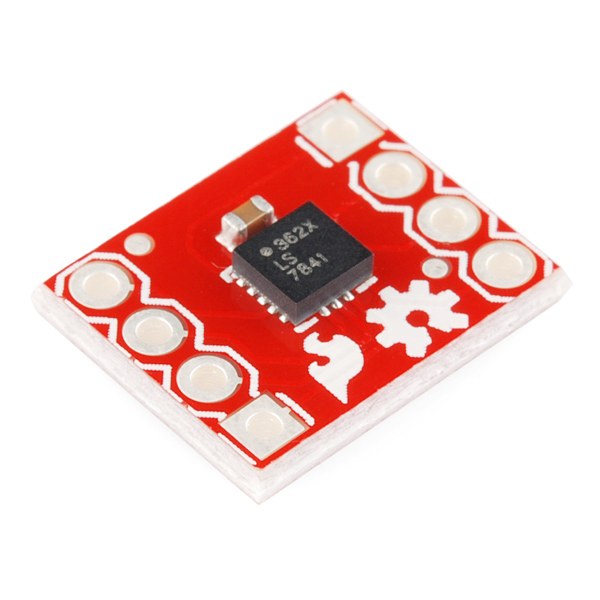


Digital Spirit Level
Imiyalelo
Solder headers to the accelerometer and level converter
Solder headers to the accelerometer and level converter
Fit breakaway headers to both boards so they seat in the breadboard. Both are small-pitch parts — keep the iron brief so a pad does not lift.
Izinto zokwakha zalesi sinyathelo:
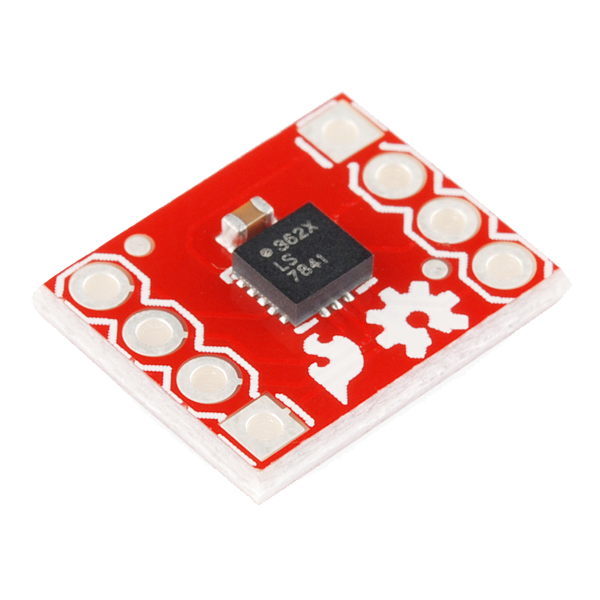 Triple Axis Accelerometer Breakout - ADXL3621 ucezu
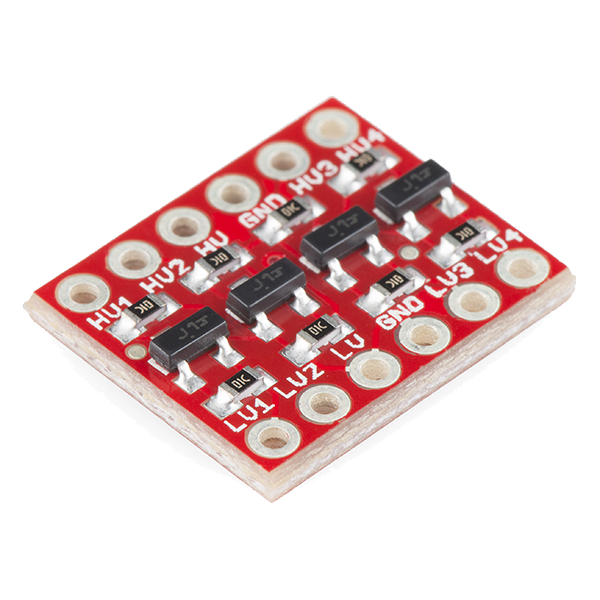 SparkFun Logic Level Converter - Bi-Directional1 ucezu
Amathuluzi adingekayo:
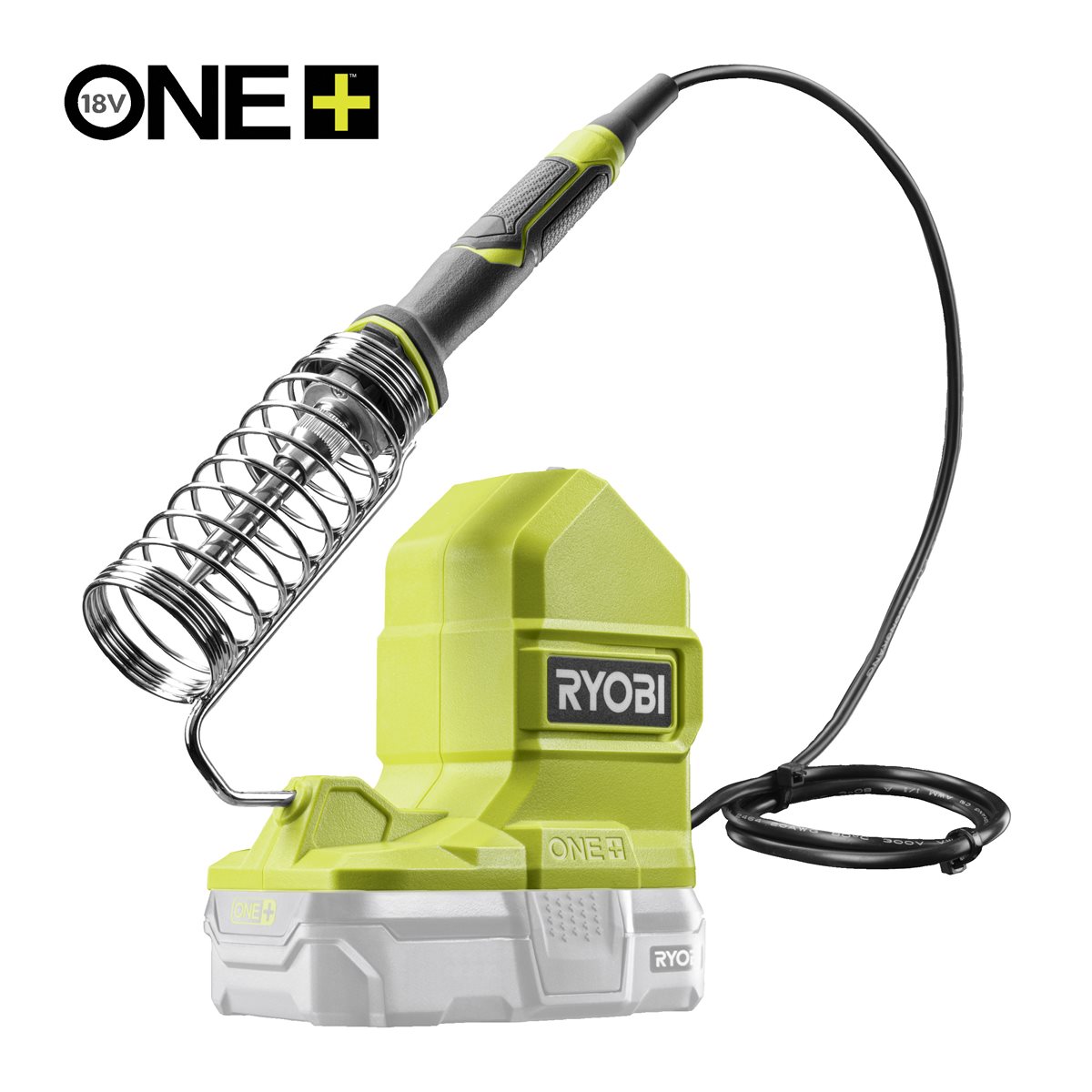 Ryobi ONE+ RSI18-0 Cordless Soldering Iron
Wire the accelerometer through the level converter — pin by pin
Wire the accelerometer through the level converter — pin by pin
The converter has a low-voltage side (LV) and a high-voltage side (HV). The accelerometer is on LV, the Arduino on HV.
- Converter LV → Arduino 3.3V; converter HV → Arduino 5V; both GND rails common.
- ADXL362 VIN → Arduino 3.3V, ADXL362 GND → GND.
- ADXL362 SCLK → LV1 · HV1 → Arduino D13
- ADXL362 MOSI → LV2 · HV2 → Arduino D11
- ADXL362 MISO → LV3 · HV3 → Arduino D12
- ADXL362 CS → LV4 · HV4 → Arduino D10
Izinto zokwakha zalesi sinyathelo:
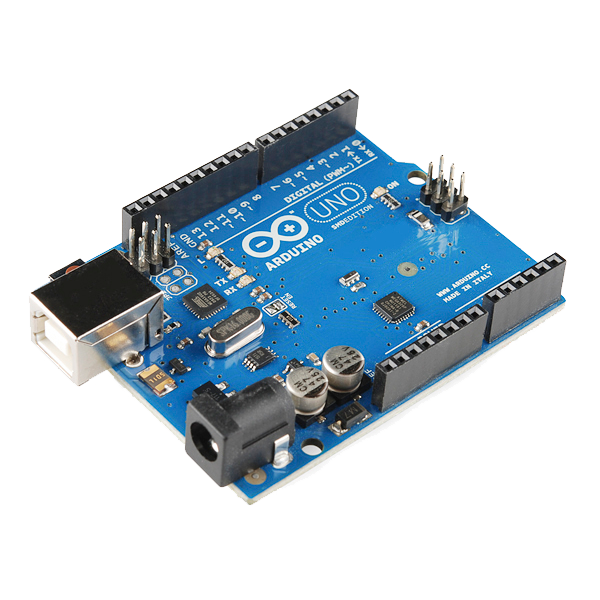 Arduino Uno R3 SMD1 ucezu
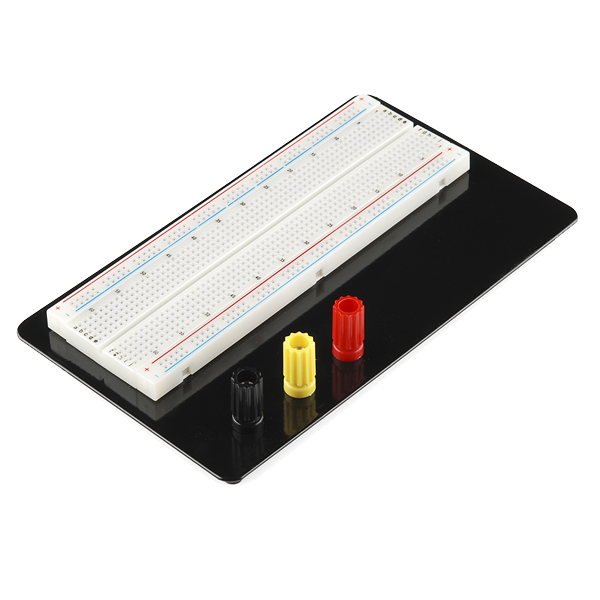 Breadboard - Classic1 ucezu
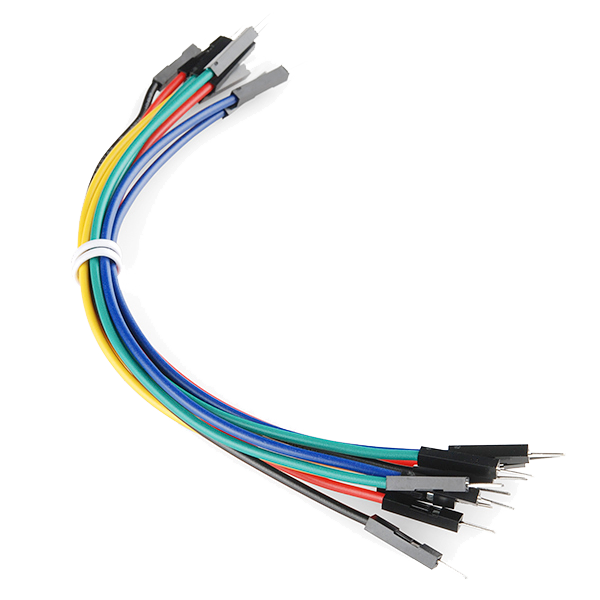 Jumper Wires Premium M/M 20 AWG - 15.5 cm (Pack of 10)1 iphakethe
Wire the display and set its contrast
Wire the display and set its contrast
Wire the 16x2 display in 4-bit parallel mode. It is a 5 V part and connects straight to the Arduino — it does not go through the converter.
- LCD RS → D7, E → D6
- LCD D4 D5 D6 D7 → Arduino D5 D4 D3 D2
- LCD RW → GND, VSS → GND, VDD → 5V
- A 10 kΩ potentiometer across 5V and GND, wiper → LCD V0
Izinto zokwakha zalesi sinyathelo:
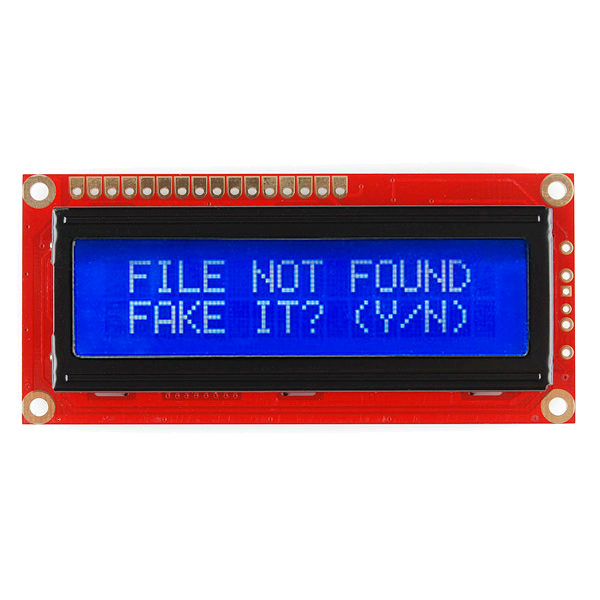 Basic 16x2 Character LCD - 5V1 ucezu
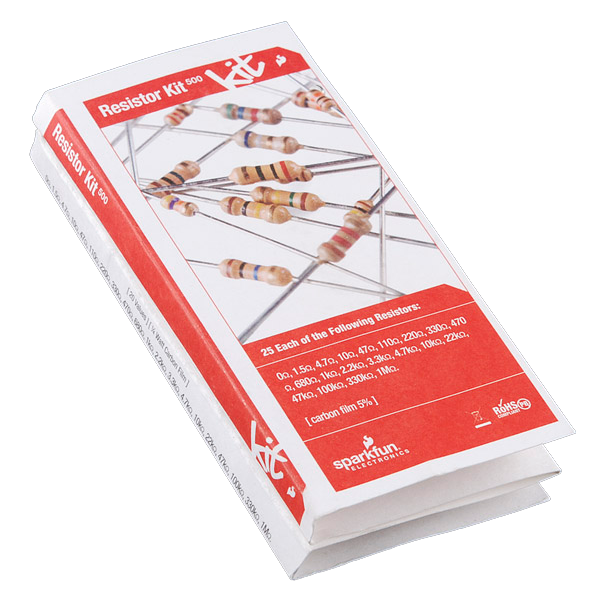 Resistor Kit - 1/4W (500 total)1 ikhithi
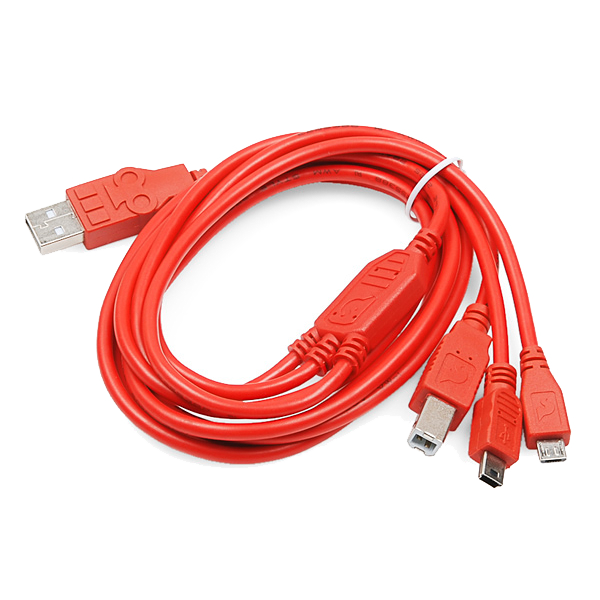 USB-B Cable1 ucezu
Upload the level sketch
Upload the level sketch
Talks to the ADXL362 over raw SPI so every register write is visible rather than hidden in a library. SPI and LiquidCrystal ship with the IDE.
Zero it, then prove it with the reversal test
Zero it, then prove it with the reversal test
Lay the board on a surface you are treating as flat. It zeroes itself at power-up, so it will read close to 0.0.
- Turn the board end for end on the same surface.
- A correctly zeroed level now reads the same magnitude with the opposite sign.
Izinto
8- Triple Axis Accelerometer Breakout - ADXL362ikhomishini engu-10%1 ucezu$14.14
- SparkFun Logic Level Converter - Bi-Directionalikhomishini engu-10%1 ucezu$3.54
- Arduino Uno R3 SMDikhomishini engu-10%1 ucezu$26.85
- Breadboard - Classicikhomishini engu-10%1 ucezu$9.43
- Jumper Wires Premium M/M 20 AWG - 15.5 cm (Pack of 10)ikhomishini engu-10%1 iphakethe$4.97
- Basic 16x2 Character LCD - 5Vikhomishini engu-10%1 ucezu$14.14
- Resistor Kit - 1/4W (500 total)ikhomishini engu-10%1 ikhithi$7.49
- SparkFun Cerberus USB Cable - 1.8 meterikhomishini engu-10%1 ucezu$5.64
Amathuluzi Adingekayo
1- Ryobi ONE+ RSI18-0 Cordless Soldering Ironikhomishini engu-3%$92.47
CC0 Isizinda Somphakathi
Le blueprint ikhishwe ngaphansi kwe-CC0. Ukhululekile ukukopisha, ukuguqula, ukusabalalisa, nokusebenzisa ngaphandle kwemvume.
Sekela uMenzi ngokuthenga imikhiqizo nge-Blueprint yabo IKhomishane Yomenzi kumiswe ngabathengisi, noma dala inguqulo entsha yale Blueprint bese uyifaka njengoxhumaniso ku-Blueprint yakho ukuze wabelane ngemali engenayo.