

Artemis II - Dados de Voo JPL Horizons
Instruções
Visão Geral da Missão
Visão Geral da Missão
Materiais para este passo:
 Conjunto de foguetão modelo (de alta potência)1 (SLS Block 1 reference) peça
 Hidrogénio144,000 kg (core stage) kg
 Oxigénio840,000 kg (core stage) kg
 Propelente sólido de foguetão1,000,000 kg (2 boosters) kg
 Nave espacial Orion1 (CM-003 Integrity) peça
 Tripulação de astronautas4 peças
Ferramentas necessárias:
 Plataforma de lançamento de foguetões
Importar Bibliotecas
Importar Bibliotecas
Parâmetros da Terra e da Lua
Parâmetros da Terra e da Lua
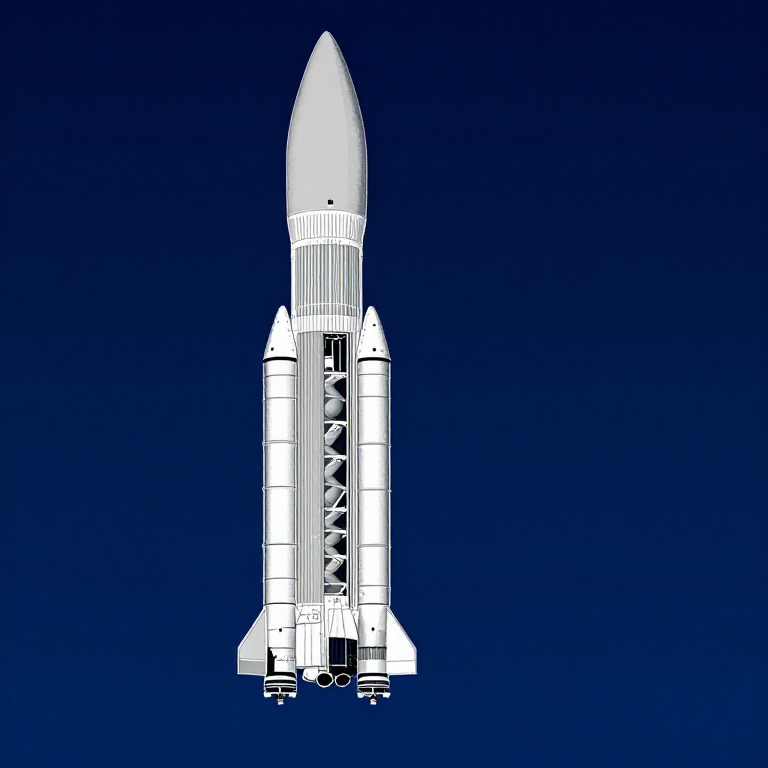
Dados do Foguete SLS Bloco 1
Dados do Foguete SLS Bloco 1
Velocidade da Órbita Circular
Velocidade da Órbita Circular
Velocidade de Escape
Velocidade de Escape
Equação do Foguete Tsiolkovsky
Equação do Foguete Tsiolkovsky
Injeção Translunar
Injeção Translunar
Trajetória de Retorno Livre
Trajetória de Retorno Livre
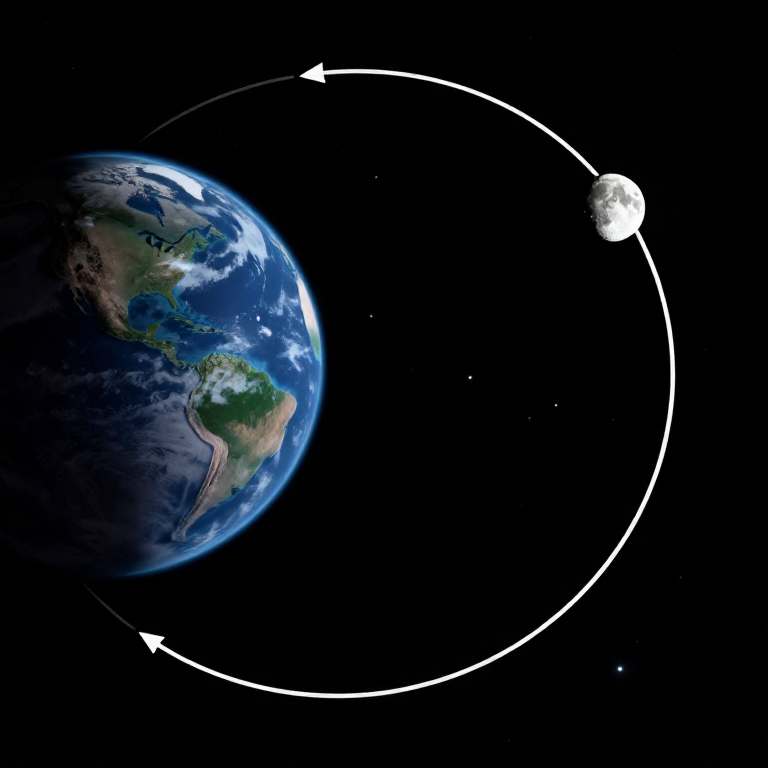
Hipérbole do Sobrevolo Lunar
Hipérbole do Sobrevolo Lunar
Gravidade em Pontos-Chave
Gravidade em Pontos-Chave
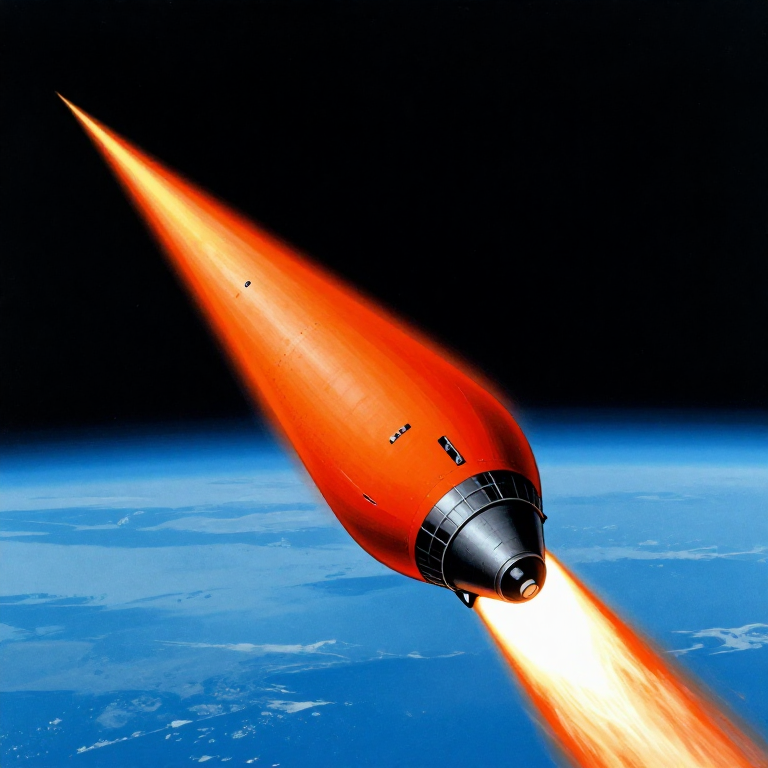
Reentrada Atmosférica
Reentrada Atmosférica
Cronograma da Missão
Cronograma da Missão
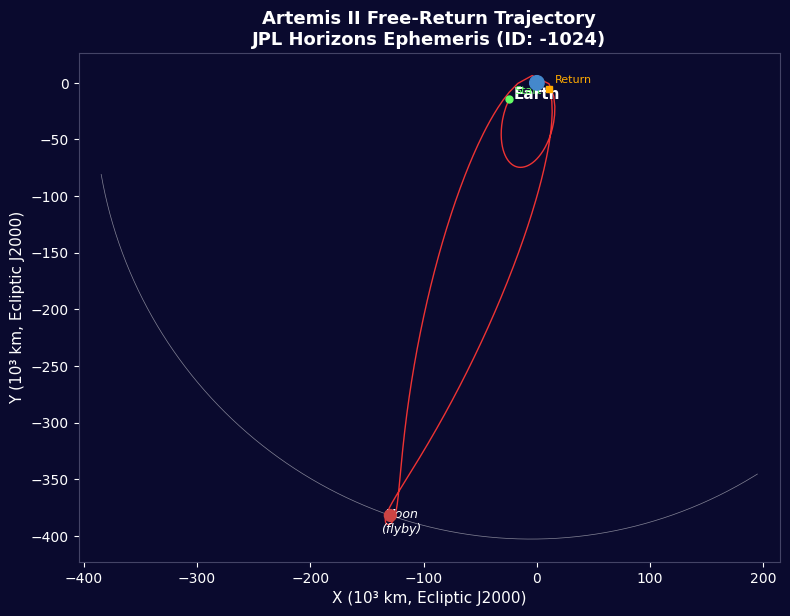
Visualização da Trajetória
Visualização da Trajetória
Resumo do Orçamento de Energia
Resumo do Orçamento de Energia
Python vs Wolfram
Python vs Wolfram
What free Python can do vs Wolfram Mathematica
| Capability | Python (free) | Mathematica ($$$) |
|---|---|---|
| Orbital mechanics equations | NumPy/SciPy — full coverage | Built-in symbolic + numeric |
| JPL Horizons ephemeris data | REST API + gzip/json (as shown above) | HorizonsEphemerisData[] function |
| Unit-aware calculations | Pint library | Built-in Quantity framework |
| 2D/3D trajectory plots | Matplotlib (4-panel dashboard above) | Built-in Graphics3D + Manipulate |
| Real-time ephemeris data | Astropy + JPL Horizons API | Built-in AstronomicalData[] |
| Interactive animation | ipywidgets / Plotly | Manipulate[] — seamless |
| Symbolic algebra | SymPy | Native — Mathematica's core strength |
| Deployment | Runs anywhere (browser via Pyodide) | Requires Wolfram licence or Cloud |
Verdict: Using the same JPL Horizons data source as Wolfram, Python reproduces the Artemis II trajectory with identical data points — 428 state vectors covering the full 10-day mission. The analytical model (Hohmann transfer + patched conics) predicts TLI speed within 3% and flyby distance within 0.4% of reality.
Mathematica's edge is in symbolic manipulation and the seamless Manipulate[] 3D animation. But for numerical computation, data analysis, and reproducibility, Python is fully capable — and this entire blueprint runs in the browser via Pyodide. No server, no licence, no installation.
Materiais
6- 1 (SLS Block 1 reference) peçaReferência
- 144,000 kg (core stage) kgReferência
- 840,000 kg (core stage) kgReferência
- 1,000,000 kg (2 boosters) kgReferência
- 1 (CM-003 Integrity) peçaReferência
- 4 peçasReferência
Ferramentas necessárias
1- Referência
CC0 Domínio Público
Este blueprint é liberado sob CC0. Você é livre para copiar, modificar, distribuir e usar este trabalho para qualquer finalidade, sem pedir permissão.
Apoie o Maker comprando produtos através do Blueprint, onde ele ganha uma Comissão Maker definida pelos vendedores, ou crie uma nova versão deste Blueprint e inclua-o como conexão no seu próprio Blueprint para compartilhar receita.