ARTE
BELEZA E BEM-ESTAR
ARTESANATO
CULTURA E HISTÓRIA
ENTRETENIMENTO
MEIO AMBIENTE
COMIDA E BEBIDAS
ENGENHARIA REVERSA
CIÊNCIAS
ESPORTES
TECNOLOGIA
TECNOLOGIA VESTÍVEL
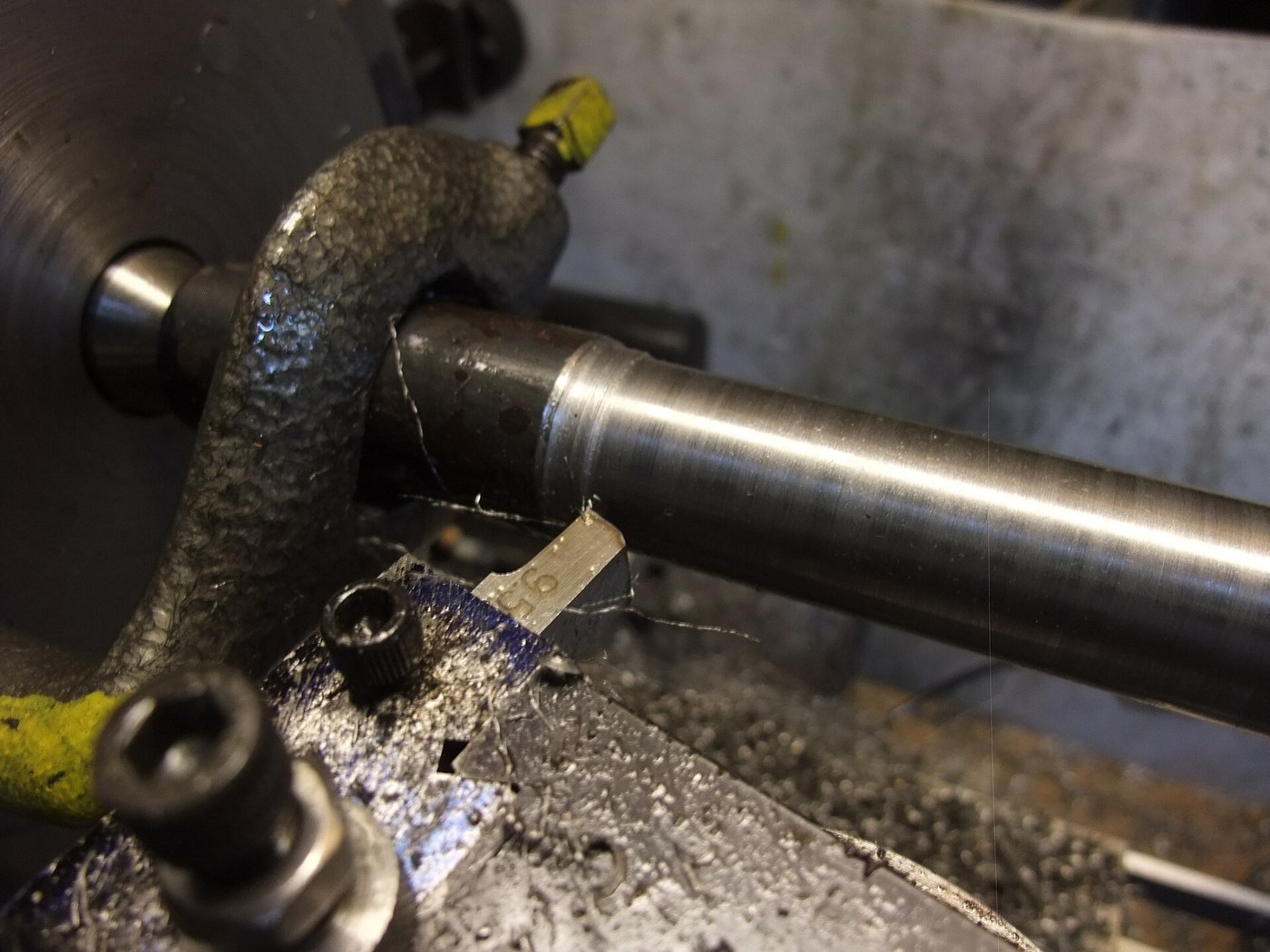


Steel Shaft, 30 mm: Round Bar Turned Between Centres
A shaft carries gears, wheels and bearings, and it has to be straight, round and true to size where they fit. Turned between centres from a forged round bar, it can be taken out, checked and put back without losing its axis.
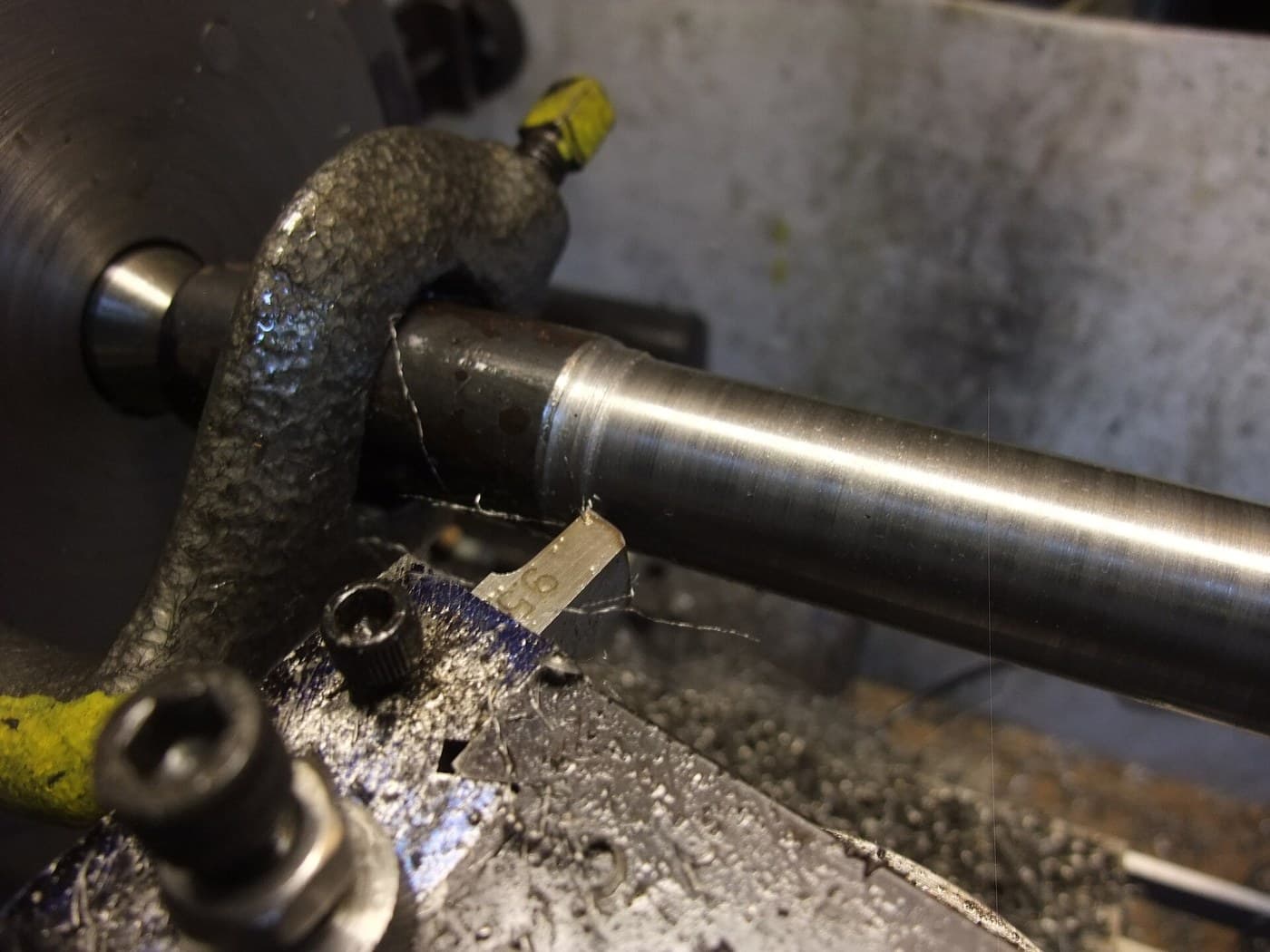
The picture: a steel bar being turned between centres, driven by a lathe dog.
Intermediário
An afternoon
Instruções
1
1
Cut the bar
Cut the bar
Saw a length of round bar a few millimetres oversize in diameter (about 33 mm for a 30 mm shaft) and a little longer than the finished shaft.
Materiais para este passo:
 Barra redonda de aço macio1 peça
Ferramentas necessárias:
 Serra de arco para metais
2
2
Mount it between centres
Mount it between centres
Face both ends, centre-drill them and mount the bar between centres, driven by a lathe dog, as in Turning Between Centres.
3
3
Turn to 30 mm
Turn to 30 mm
Rough down to about 30.5 mm with light oiled cuts, then take a fine finishing cut to 30.00 mm, measuring with a micrometer at both ends and the middle. Turn the dog to the other end and finish the length under it.
Ferramentas necessárias:
 Torno mecânico
 Conjunto de goivas de torno em aço rápido
 Óleo de corte
 Micrómetro
 Óculos de segurança
4
4
Check it runs true
Check it runs true
With the shaft back between centres, run a dial indicator along it. Break the sharp corners at the ends.
Ferramentas necessárias:
 Comparador de quadranteTorno mecânico
Materiais
1- Referência
Ferramentas necessárias
7- Referência
- Referência
- Referência
- Referência
- Referência
- Referência
Este projeto faz

Blueprints relacionados
Estes blueprints compartilham conhecimento — técnicas, materiais ou princípios

CC0 Domínio Público
Este blueprint é liberado sob CC0. Você é livre para copiar, modificar, distribuir e usar este trabalho para qualquer finalidade, sem pedir permissão.
Apoie o Maker comprando produtos através do Blueprint, onde ele ganha uma Comissão Maker definida pelos vendedores, ou crie uma nova versão deste Blueprint e inclua-o como conexão no seu próprio Blueprint para compartilhar receita.