ART
BEAUTÉ ET BIEN-ÊTRE
ARTISANAT
CULTURE ET HISTOIRE
DIVERTISSEMENT
ENVIRONNEMENT
NOURRITURE ET BOISSONS
INGÉNIERIE INVERSE
SCIENCES
SPORTS
TECHNOLOGIE
TECHNOLOGIE PORTABLE
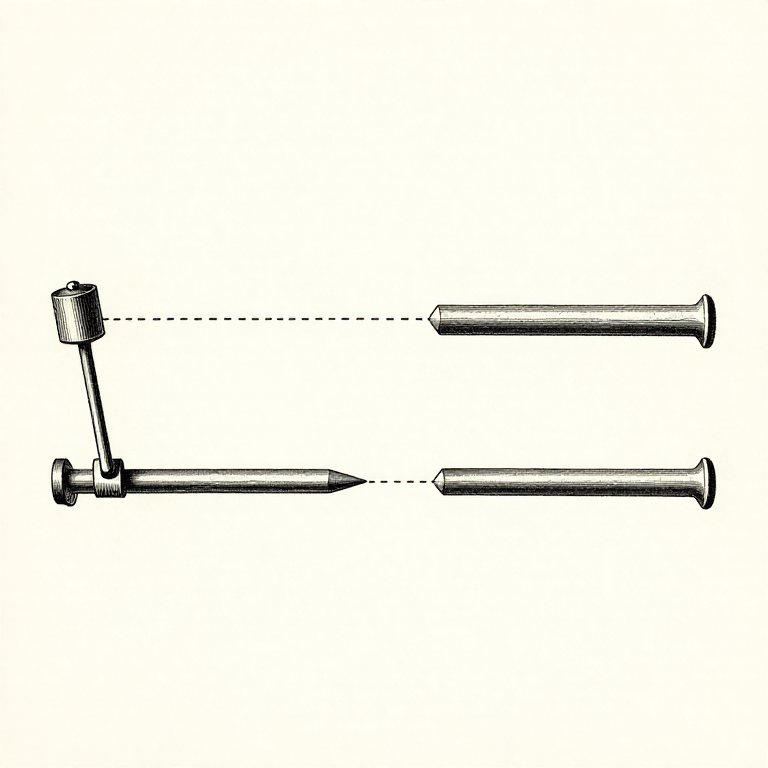


Alignment: Two Shafts That Look In Line Are Not In Line
A motor bolted to a pump with a coupling between them looks aligned if the coupling goes together. It almost certainly is not, and the bearings will pay for it.
There are two independent errors. OFFSET is the two shaft centrelines being parallel but not on the same line. ANGULAR misalignment is them meeting at an angle. A real machine has both, in both the vertical and the horizontal plane — four numbers, not one.
The tolerance is far tighter than intuition suggests: a tenth of a millimetre of offset is a lot on a machine running at 1500 rpm. Flexible couplings accommodate misalignment rather than removing it, and what they accommodate, the bearings still feel.
Avancé
3 hours
Consignes
1
1
Fix the foundation before touching the shafts
Fix the foundation before touching the shafts
SOFT FOOT is a machine that rocks on its feet — one foot not touching, or touching only when a bolt is tightened. Align a machine with a soft foot and the alignment changes every time the bolts are torqued.
Check it by loosening each foot bolt in turn with a dial indicator on the housing. If the machine lifts more than a few hundredths of a millimetre when a bolt is released, that foot needs shimming.
Check the baseplate is flat and clean too. Rust, paint and old shims under a foot compress over the following weeks, and a machine aligned on top of them goes out of alignment by itself.
Outils nécessaires :
 Comparateur à cadran
 Jeu de cales d'épaisseur
 Règle de contrôle
2
2
What misalignment actually costs
What misalignment actually costs
Chargement du notebook Jupyter…
Outils nécessaires :
Comparateur à cadran Ordinateur de bureauJeu de cales d'épaisseur
3
3
Measure with dial indicators, and rotate BOTH shafts together
Measure with dial indicators, and rotate BOTH shafts together
Clamp an indicator to one coupling half reading the other, and turn both shafts together through four positions — twelve, three, six and nine o'clock. The readings give you the offset and the angle in both planes.
Turning both together is what makes it a measurement of ALIGNMENT rather than of the coupling's own runout. Rotate only one and you are measuring how round that half is, which is a different and much less interesting question.
Take the readings twice, all the way round, and check the first reading repeats when you get back to it. A set that does not close means something moved — a loose bracket, a soft foot, or the indicator itself — and the numbers are worth nothing until it does.
Outils nécessaires :
Comparateur à cadranComparateur à cadran4
4
Correct with shims, vertical first
Correct with shims, vertical first
Correct the vertical error by shimming the feet, then the horizontal by sliding the machine sideways. That order matters: shimming changes the horizontal position slightly, and sliding does not change the vertical.
Use as few shims as possible, in the largest sizes available. A stack of ten thin shims compresses over time and springs when the bolts are torqued — so the machine you carefully aligned is out again by the next morning.
Allow for thermal growth. A pump that runs hot rises on its feet as it warms, so it is deliberately aligned LOW when cold. Cold alignment is not the target; alignment at operating temperature is, and the cold offset that achieves it comes from the manufacturer or from measuring the machine hot.
Outils nécessaires :
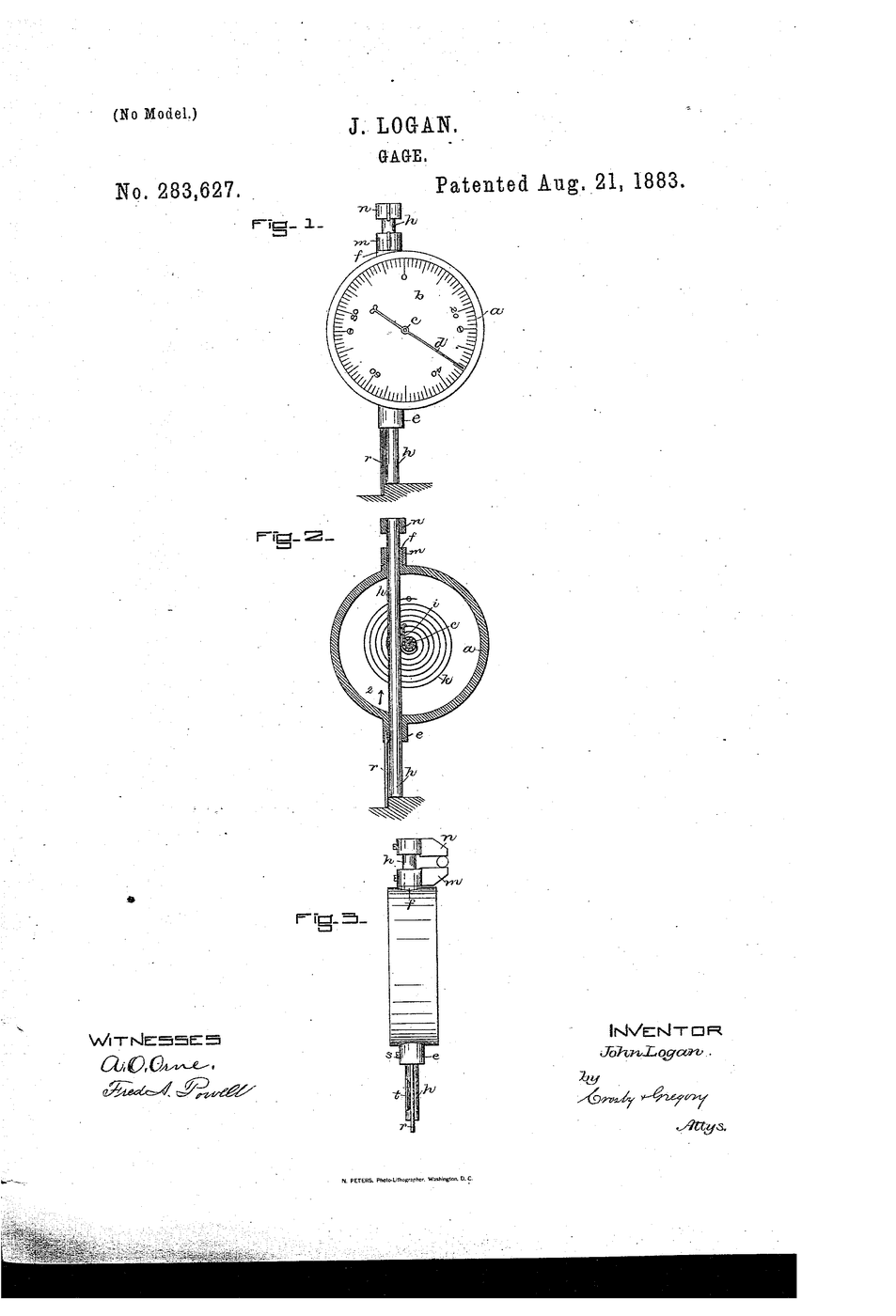
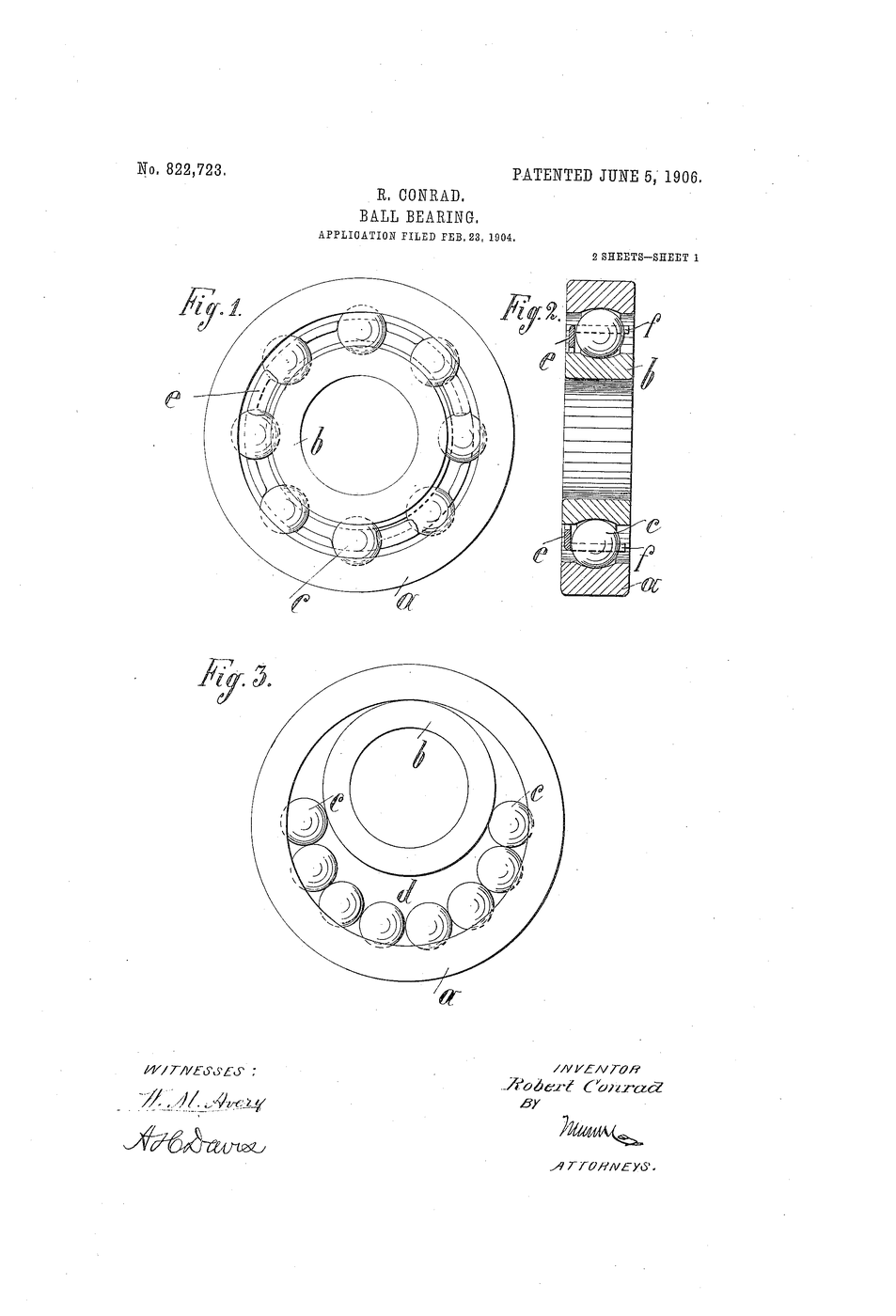
Comparateur à cadranJeu de cales d'épaisseurRègle de contrôleBlueprints liés
Ces blueprints partagent des connaissances — techniques, matériaux ou principes


CC0 Domaine public
Ce blueprint est publié sous CC0. Vous êtes libre de copier, modifier, distribuer et utiliser ce travail pour tout usage, sans demander la permission.
Soutenez le Maker en achetant des produits via son Blueprint où il perçoit une Commission Maker définie par les Vendeurs, ou créez une nouvelle itération de ce Blueprint et incluez-le comme connexion dans votre propre Blueprint pour partager les revenus.