협업
예술
뷰티 및 웰니스
공예
문화 및 역사
엔터테인먼트
환경
음식 및 음료
역공학
과학
스포츠
기술
웨어러블
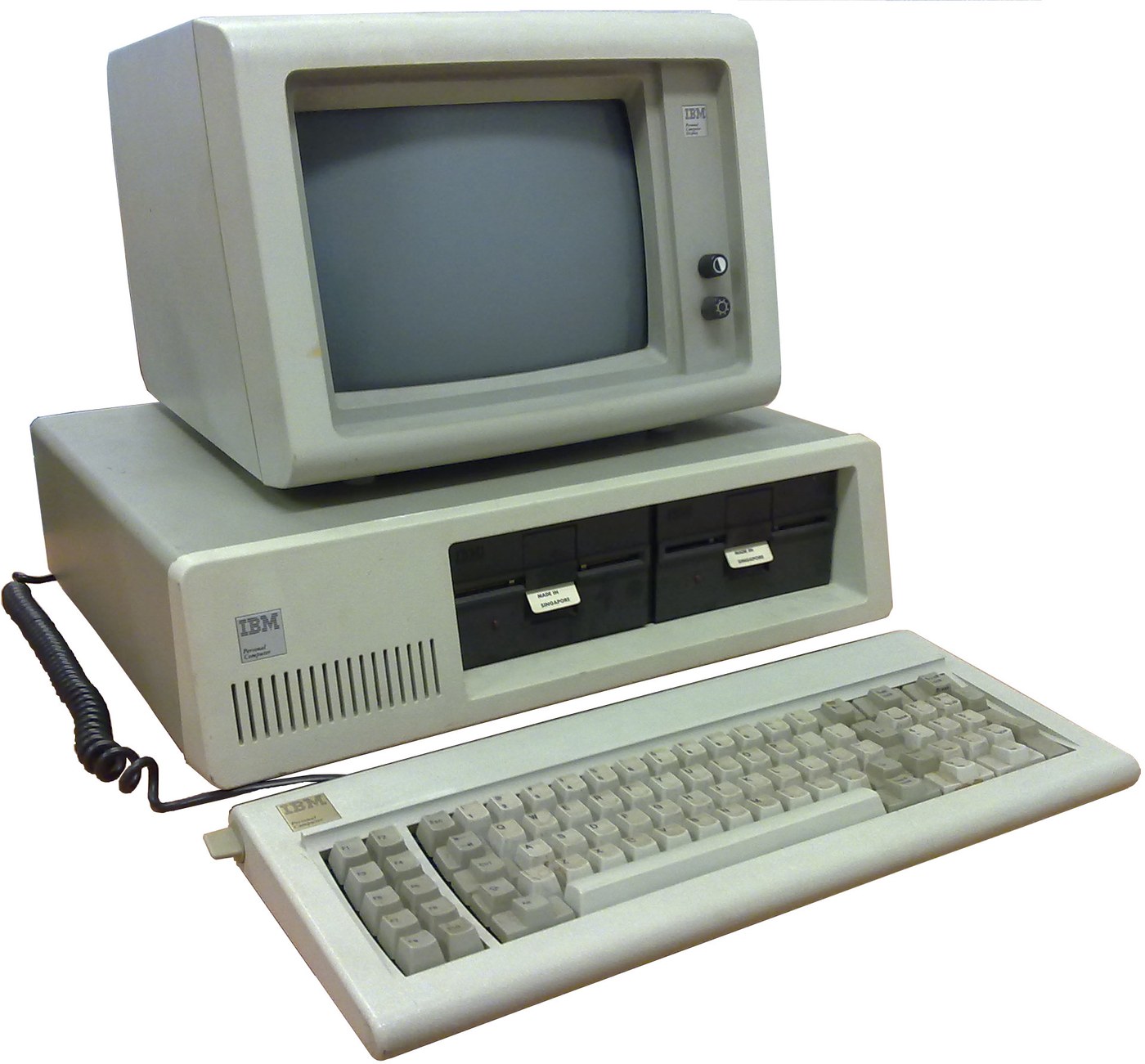

IBM Personal Computer (5150): System Unit, Keyboard and Display (IBM Technical Reference, 1981)
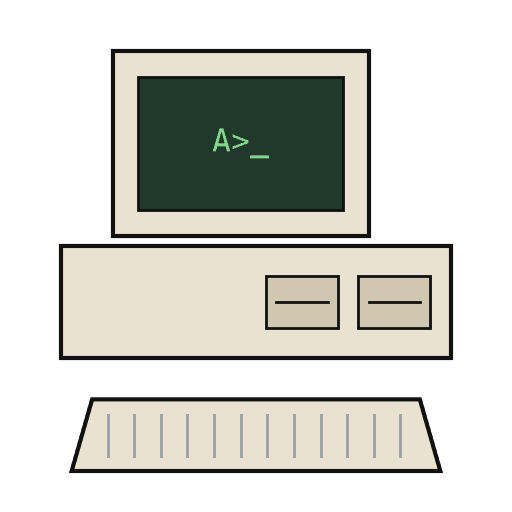
IBM's first personal computer, the machine today's desktop PCs descend from. One system unit holds an Intel 8088 system board, a power supply and five expansion slots. A keyboard, a display and 5-1/4 inch diskette drives complete it. IBM published its whole design, down to the BIOS program, in the Technical Reference.
Result: an IBM PC that tests itself at power-on and starts an operating system from diskette.
Source: IBM Personal Computer Technical Reference (1981; edition of April 1984). Unknown: the chassis and its sizes, the display and diskette adapter cards (described in IBM's separate Options and Adapters volumes), and how each part is made. Ours: the assembly order. Picture: Wikimedia Commons.
고급
1 week
안내
1
1
Populate the system board
Populate the system board
On the system board, fit the Intel 8088 processor. It runs at 4.77 MHz, taken from a 14.31818 MHz crystal divided by 3; divided by 4, the same crystal gives the 3.58 MHz colour-burst signal for colour TVs. Fit its support chips: the 8237A-5 DMA controller, 8259A interrupt controller, 8253-5 timer and 8255A-5 peripheral interface. Add the ROM holding the BIOS, the read/write memory, the speaker circuit, five expansion slots, and 5-pin DIN sockets for the keyboard and a cassette recorder. The 8088 runs in maximum mode, so a coprocessor can be added later. Set switch SW1 to tell the machine what it has: whether to start from a 5-1/4 inch diskette drive, how much read/write memory is on the board, which display adapter is fitted, and how many diskette drives there are. Not given here: the board layout.
이 단계의 재료:
 인쇄 회로 기판1 system board
 집적 회로(IC)1 8088, 8237A-5, 8259A, 8253-5, 8255A-5, ROM, RAM
 수정 진동자1 14.31818 MHz
 IBM PC BIOS1 in ROM
 DIP 스위치1 SW1
 땜납 선1 as needed
필요한 도구:
 인두
2
2
Fit the board and power supply in the chassis
Fit the board and power supply in the chassis
Screw the system board into the system-unit chassis. Fit the power supply at the right rear; its housing supports the rear panel and its fan cools the whole machine. It is rated for 63.5 W continuous, from a fused 120 V or 220/240 V input. Its four protected outputs are +5 V at 7 A, +12 V at 2 A, -5 V at 0.3 A and -12 V at 0.25 A, bussed to all five slots. It also has a power-good signal, a switched mains socket for the monochrome display and two drive power plugs. Not given: the chassis metal and sizes.
이 단계의 재료:
 알 수 없는 금속1 chassis
 컴퓨터 전원 공급 장치1 63.5 W
 기계 나사1 세트
필요한 도구:
 드라이버 세트
 알 수 없는 치수
 멀티미터
3
3
Add the drives and adapter cards
Add the drives and adapter cards
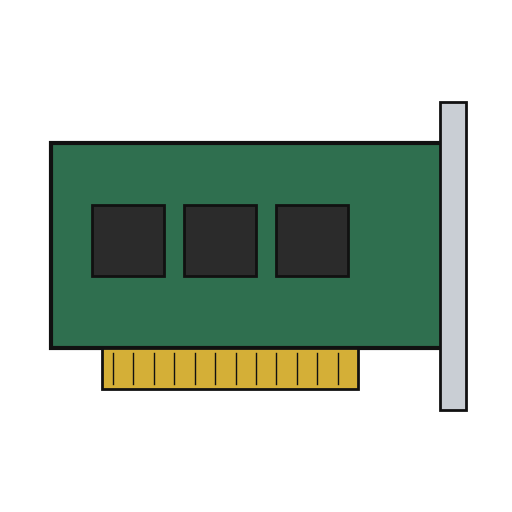
Fit up to two 5-1/4 inch diskette drives, each powered from its own plug on the supply. Only one drive runs at a time. Plug a diskette drive adapter and a display adapter (monochrome or colour/graphics) into expansion slots, and cable the drives to their adapter. Not given here: the adapter cards and cables, which IBM describes in its separate Options and Adapters volumes.
이 단계의 재료:
 5¼인치 디스켓 드라이브2 up to two
 확장 카드2 diskette adapter, display adapter
 리본 케이블1 drive cable
필요한 도구:
드라이버 세트4
4
Connect keyboard and display, and power on
Connect keyboard and display, and power on
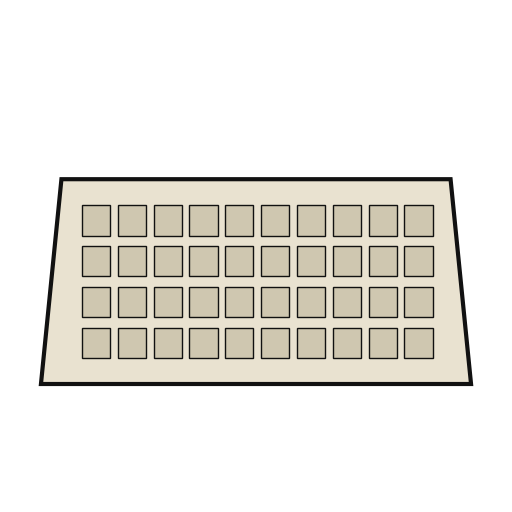
Plug in the keyboard: 83 keys, with the typewriter keys in the middle, 10 function keys on the left and a 15-key pad on the right. It sends scan codes, not letters, so the software decides what each key does. Connect the display to its adapter and to the switched socket. Switch on: the power-on self-test in the BIOS checks the machine, sets up its interrupt vectors, and looks for extra ROM on the adapter cards. The bootstrap loader then starts the operating system from a diskette.
이 단계의 재료:
 컴퓨터 키보드1 83 keys
 컴퓨터 모니터1 개
필요한 도구:
 플로피 디스크
재료
14- 1 system board플레이스홀더
- 1 8088, 8237A-5, 8259A, 8253-5, 8255A-5, ROM, RAM플레이스홀더
- 1 14.31818 MHz플레이스홀더
- 1 in ROM플레이스홀더
- 플레이스홀더
- 1 as needed플레이스홀더
- 1 chassis플레이스홀더
- 1 63.5 W플레이스홀더
- 1 세트플레이스홀더
- 2 up to two플레이스홀더
- 2 diskette adapter, display adapter플레이스홀더
- 플레이스홀더
- 1 83 keys플레이스홀더
- 1 개플레이스홀더
연결된 블루프린트 재료
이 블루프린트로 만드는 것
CC0 퍼블릭 도메인
이 블루프린트는 CC0로 공개되었습니다. 어떤 목적으로든 자유롭게 복사, 수정, 배포 및 사용할 수 있습니다.
제품 구매를 통해 메이커를 지원하세요. 판매자가 설정한 메이커 커미션 을 받거나, 이 블루프린트의 새로운 반복을 만들어 연결로 포함시킬 수 있습니다.