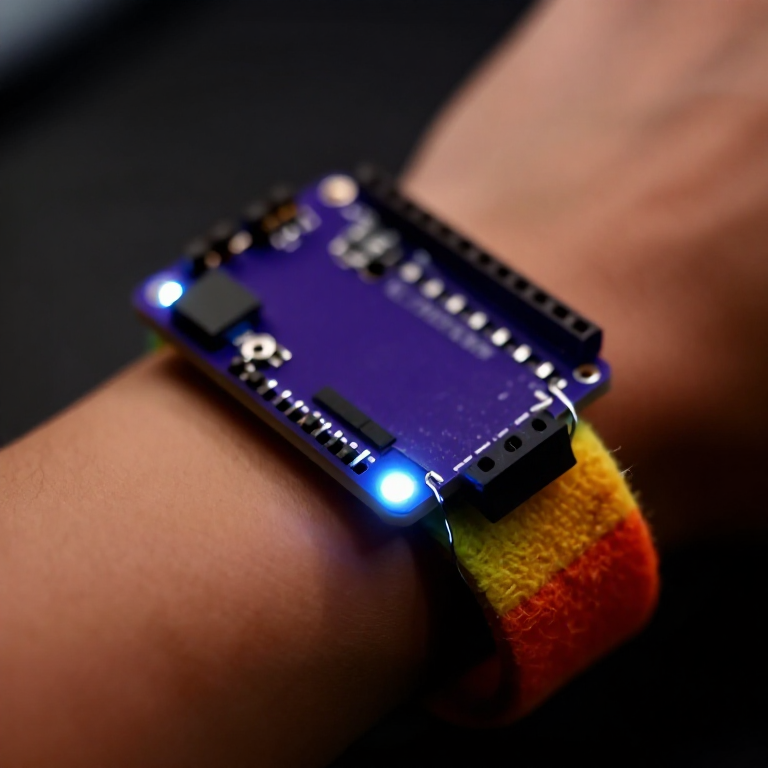


Making a Motion-Reactive LilyPad Patch
Sew a patch that lights up when it moves. A LilyPad accelerometer senses motion in three directions, and a short program flashes an LED whenever you shake or swing it — a reactive costume piece, a dance accessory, or a 'don't-touch' bag alarm. Introduces the accelerometer and reading three sensor axes at once.
Instrucciones
Sew the board, accelerometer and LED
Sew the board, accelerometer and LED
Sew a LilyPad Arduino, a LilyPad accelerometer and a LilyPad LED onto felt. Wire it: the accelerometer's + to the board's +, its - to -, and its X, Y and Z tabs to analog pins A2, A3 and A4; the LED to pin 5 and to -. Keep every line separate.
Materiales para este paso:
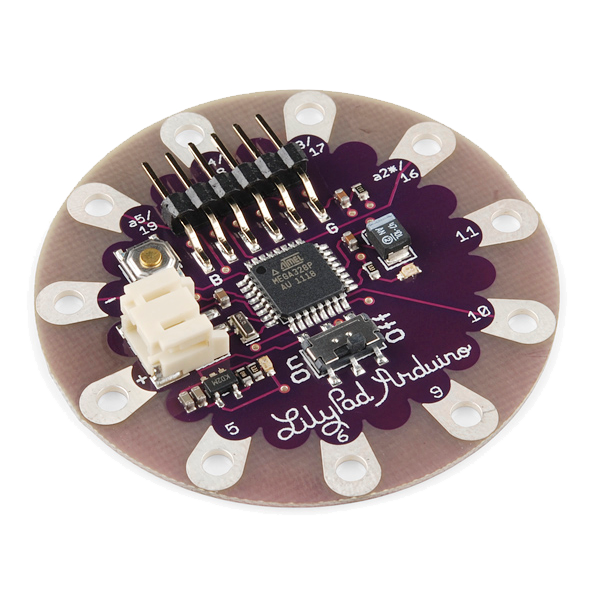 LilyPad Arduino Simple Board1 pieza
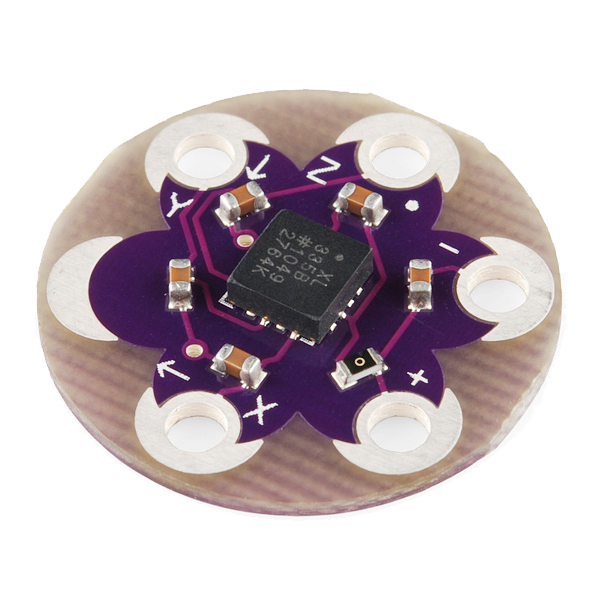 LilyPad Accelerometer ADXL3351 pieza
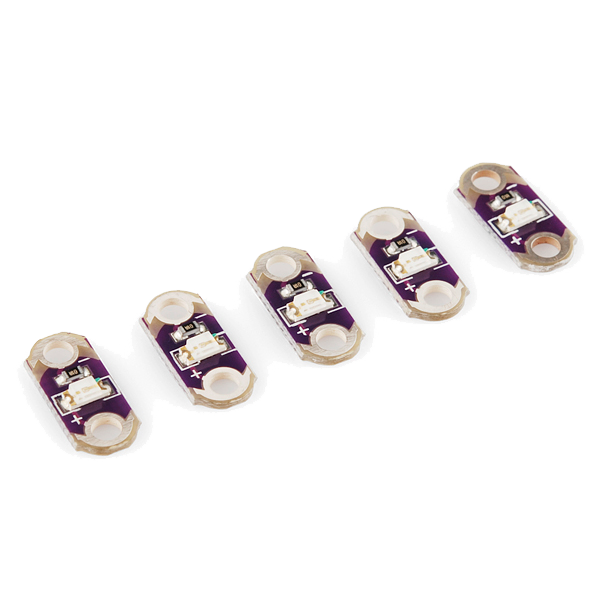 LilyPad LED - 5 pcs1 paquete
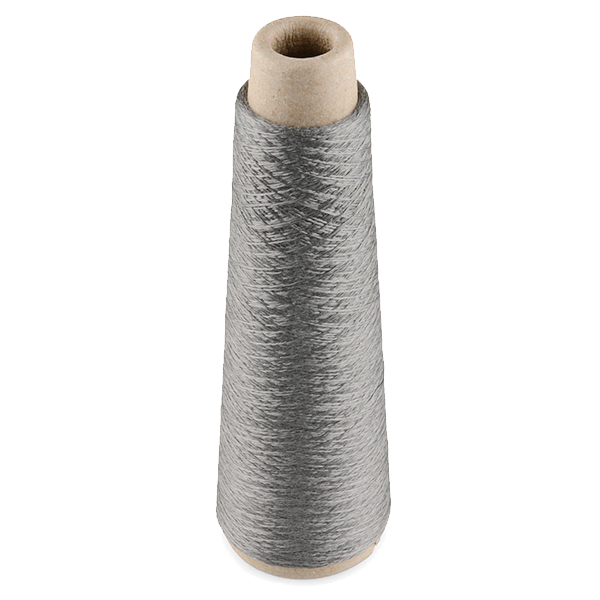 Conductive Thread - 60g (Stainless Steel)1 bobina
 Plancha de fieltro de lana1 hoja
Herramientas necesarias:
 Agujas de coser a mano
Connect the programmer
Connect the programmer
Plug the LilyPad FTDI onto the programming header and connect the USB cable. Open the Arduino IDE and select the LilyPad Arduino board and its serial port.
Herramientas necesarias:
 Ordenador con el IDE de Arduino
 LilyPad FTDI Basic Breakout - 5V
 Cable USB-B
Upload the motion sketch
Upload the motion sketch
Paste this sketch and upload. It watches how much the three axes change between readings and lights the LED when the patch moves.
Test and tune the sensitivity
Test and tune the sensitivity
Hold the patch still — the LED stays off. Shake or swing it — the LED lights. If it's too twitchy or not sensitive enough, change moveThreshold in the sketch (higher = needs a bigger movement) and re-upload.
Go wireless and wear it
Go wireless and wear it
Unplug the FTDI, sew a LilyPad coin-cell holder to the board (+ to +, - to -), drop in a CR2032 and switch on. Sew the felt onto a sleeve, shoe or bag — it flashes whenever you move.
Materiales para este paso:
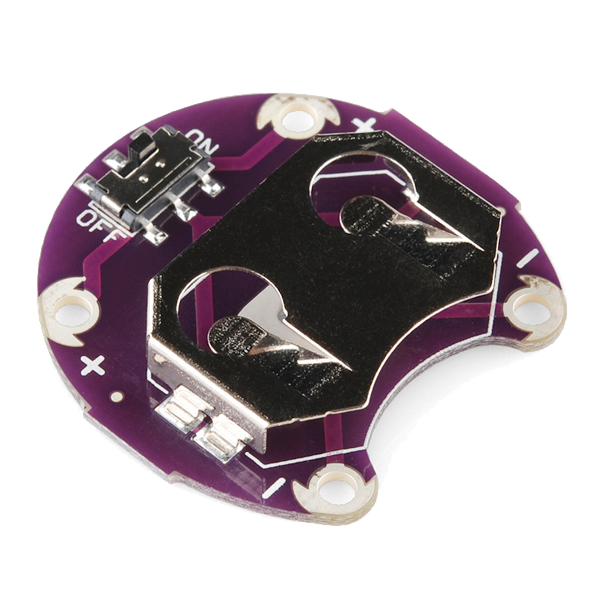 LilyPad Coin Cell Battery Holder - w/Switch - 20mm1 pieza
 Pila de botón CR20321 pieza
Materiales
7- LilyPad Arduino Simple Board10% de comisión1 piezaMX$367.95
- LilyPad Accelerometer ADXL33510% de comisión1 piezaMX$269.94
- LilyPad LED - 5 pcs10% de comisión1 paqueteMX$78.74
- Conductive Thread - 60g (Stainless Steel)10% de comisión1 bobinaMX$753.57
- Marcador de posición
- LilyPad Coin Cell Battery Holder - w/Switch - 20mm10% de comisión1 piezaMX$94.80
- 1 piezaMarcador de posición
Herramientas requeridas
4- Marcador de posición
- Marcador de posición
- LilyPad FTDI Basic Breakout - 5V10% de comisiónMX$269.94
- 1 vendor sell this, none ship to you yetMarcador de posición
Blueprints relacionados
Estos blueprints comparten conocimiento — técnicas, materiales o principios
CC0 Dominio público
Este Blueprint se publica bajo CC0. Eres libre de copiar, modificar, distribuir y usar este trabajo para cualquier propósito, sin pedir permiso.
Apoya al Maker comprando productos a través de su Blueprint, donde gana una Comisión del Maker establecida por los vendedores, o crea una nueva iteración de este Blueprint e inclúyela como conexión en tu propio Blueprint para compartir ingresos.