Pakikipagtulungan
SINING
BEAUTY AT WELLNESS
CRAFTS
KULTURA AT KASAYSAYAN
LIBANGAN
KAPALIGIRAN
PAGKAIN AT INUMIN
REVERSE ENGINEERING
AGHAM
ISPORTS
TEKNOLOHIYA
MGA WEARABLE
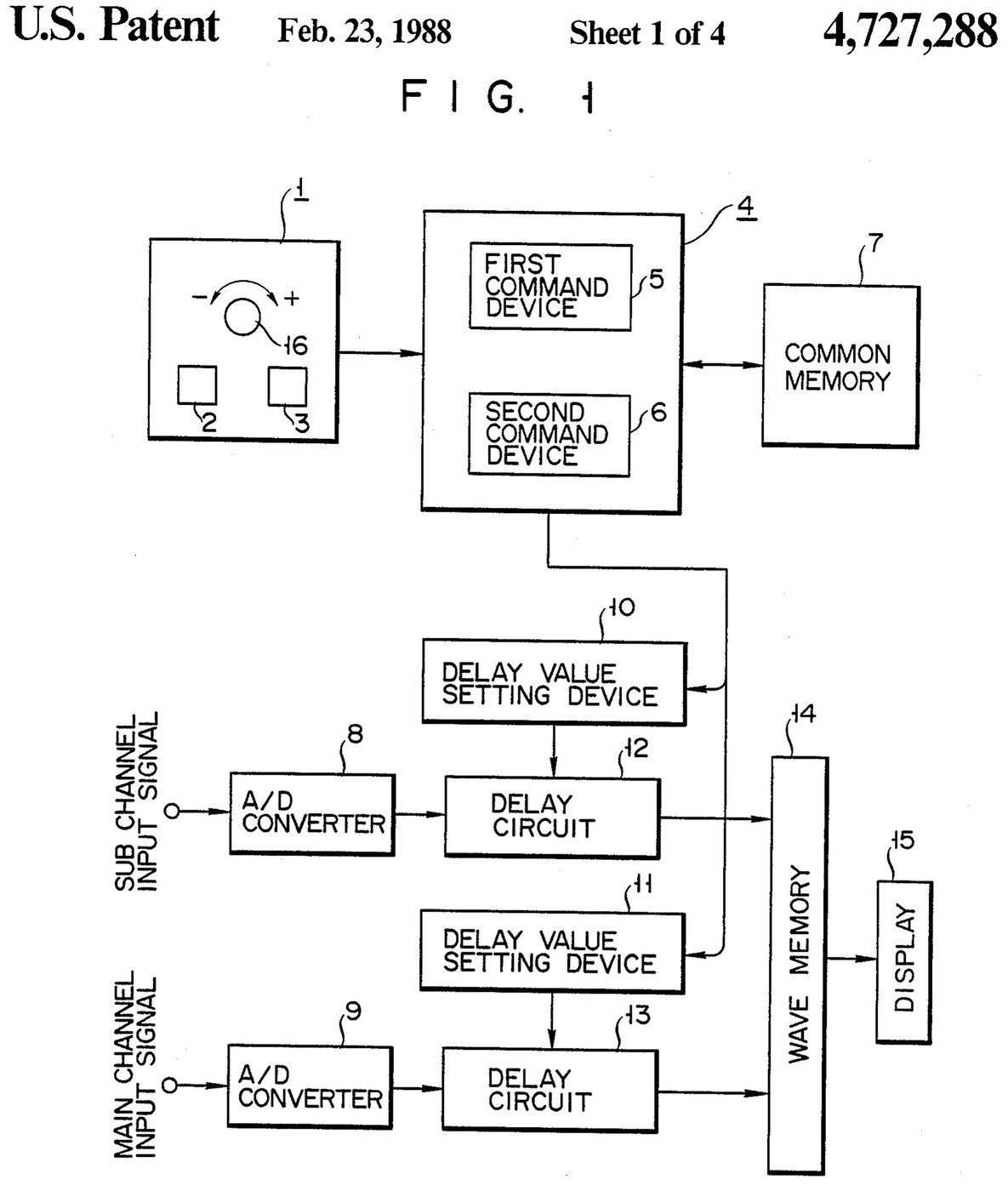

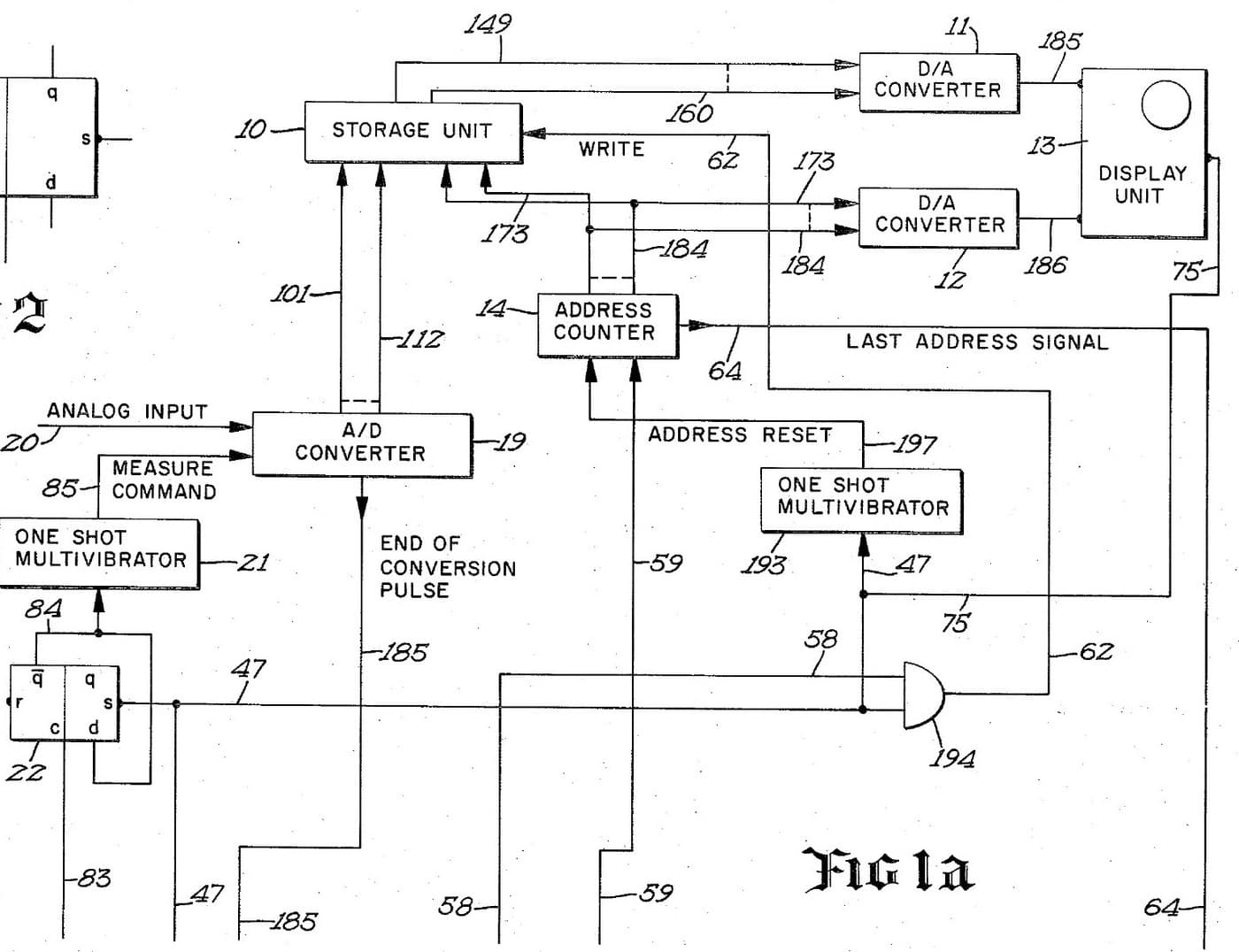
Oscilloscope: Two-Channel Digital, with a Delay per Channel and a Common Delay (Anritsu, US 4,727,288, 1988)
A two-channel digital oscilloscope. Each channel has its own converter and delay circuit. One knob, with a main and a sub button, sets the delays. The sub button shifts only the sub channel's wave, so you can line it up against the main one. The main button shifts both waves together and keeps the gap between them.
Result: a 2-channel digital oscilloscope that can move both traces along the time base without losing their phase difference.
Source: K. Nakatsugawa et al. (Anritsu), US 4,727,288 (1988). Unknown: sample rate, bandwidth, memory size and the display. Picture: the patent drawing.
Dalubhasa
Unknown
Mga Tagubilin
1
1
Convert the two channels
Convert the two channels
Bring the main channel and the sub channel each to its own analog-to-digital converter. Ours: BNC sockets. Not given: the sample rate, the bandwidth.
Mga materyales para sa hakbang na ito:
 Tagapalit ng Analog sa Digital2 main and sub converters
 Set ng koaksiyal na konektor (BNC / SO-239)1 input sockets
Mga kailangang kasangkapan:
 Panghinang
 Pambalat ng kawad
2
2
Delay, store and display
Delay, store and display
Pass each channel's digital signal through its own delay circuit, whose delay is set by its own delay value setting device. Store both delayed signals in a wave memory and show them on the display. Ours: logic ICs for the delay circuits and setting devices, IC memory, and a CRT driven through D/A converters. Not given: how the delay circuits are built, the memory size, the display.
Mga materyales para sa hakbang na ito:
 Sari-saring IC na lohika1 delay circuits and setting devices
 Integrated-circuit memory1 wave memory
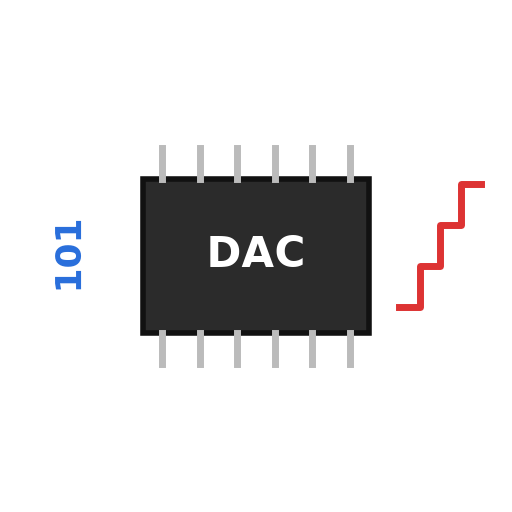 Digital-to-analog converter2 display drive
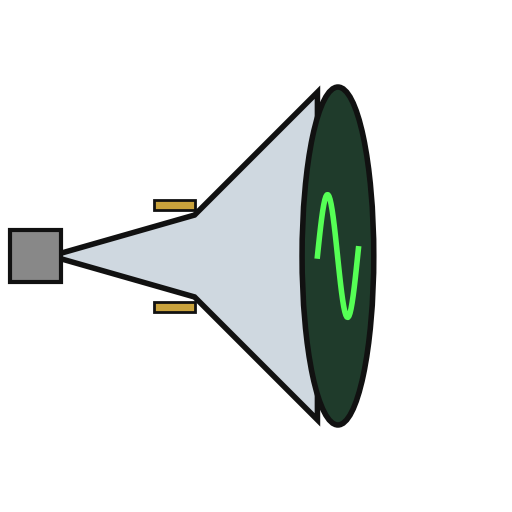 Cathode-ray tube1 display
Mga kailangang kasangkapan:
PanghinangPambalat ng kawad3
3
Build the delay panel and processor
Build the delay panel and processor
Make a delay operation panel with a main switch, a sub switch and one dial, with an encoder on the dial so each turn is read as a change in its output. Connect the panel to a microprocessor with a common memory that holds the sub channel's delay S in one area and the main channel's delay M in another. Mount it all in a case with its supply. Ours: push buttons, an aluminium case, a DC supply.
Mga materyales para sa hakbang na ito:
 Pindutan2 main and sub switches
 Rotary encoder1 delay dial
 Microprocessor1 command devicesIntegrated-circuit memory1 common memory
 Kahon na aluminyo1 case
Mga kailangang kasangkapan:
 Pinagkukunan ng tuwid na kuryente
 Baradong NakatayoPanghinang
4
4
Program the two commands
Program the two commands
When the dial turns, read the encoder change e and which switch is held. Sub switch: add e to S, set the sum in the sub channel's setting device and store it back as the new S. Main switch: add e to both M and S, set M + e in the main channel's device and S + e in the sub channel's, and store both back. The main command so moves both channels by the same amount and keeps their relative delay.
Mga kailangang kasangkapan:
Panghinang5
5
Compare two waves
Compare two waves
Feed two signals in. Hold the sub switch and turn the dial to slide the sub channel's wave against the main one. Then hold the main switch and turn the dial: both waves move along the time base together, with the phase difference between them unchanged. Test it with a known signal.
Mga kailangang kasangkapan:
 Bumubuo ng Alon
Mga Materyales
10- 2 main and sub convertersPlaceholder
- 1 input socketsPlaceholder
- 1 delay circuits and setting devicesPlaceholder
- 1 common memoryPlaceholder
- 2 display drivePlaceholder
- 1 displayPlaceholder
- Placeholder
- Placeholder
- 1 command devicesPlaceholder
- 1 casePlaceholder
Mga Kinakailangang Kasangkapan
5- 2 vendors sell this, none ship to you yetPlaceholder
- Placeholder
- Placeholder
- Placeholder
- Placeholder
Ang blueprint na ito ay gumagawa ng

Kaugnay na Blueprint
Ang mga blueprint na ito ay nagbabahagi ng kaalaman — mga teknik, materyales, o prinsipyo
CC0 Pampublikong Domain
Ang blueprint na ito ay inilabas sa ilalim ng CC0. Malaya kang kumopya, magbago, mamahagi, at gumamit nang walang pahintulot.
Suportahan ang Maker sa pamamagitan ng pagbili ng mga produkto sa kanilang Blueprint Komisyon ng Maker itinakda ng mga Vendor, o lumikha ng bagong bersyon ng Blueprint na ito at isama bilang koneksyon sa iyong Blueprint upang ibahagi ang kita.