Ubufatanye
UBUHANZI
UBWIZA N'UBUZIMA
UBUKORIKORI
UMUCO N'AMATEKA
IMYIDAGADURO
IBIDUKIKIJE
IBIRIBWA N'IBINYOBWA
UBWUBATSI BUSUBIRA INYUMA
UBUMENYI
SIPORO
IKORANABUHANGA
IBYAMBARWA
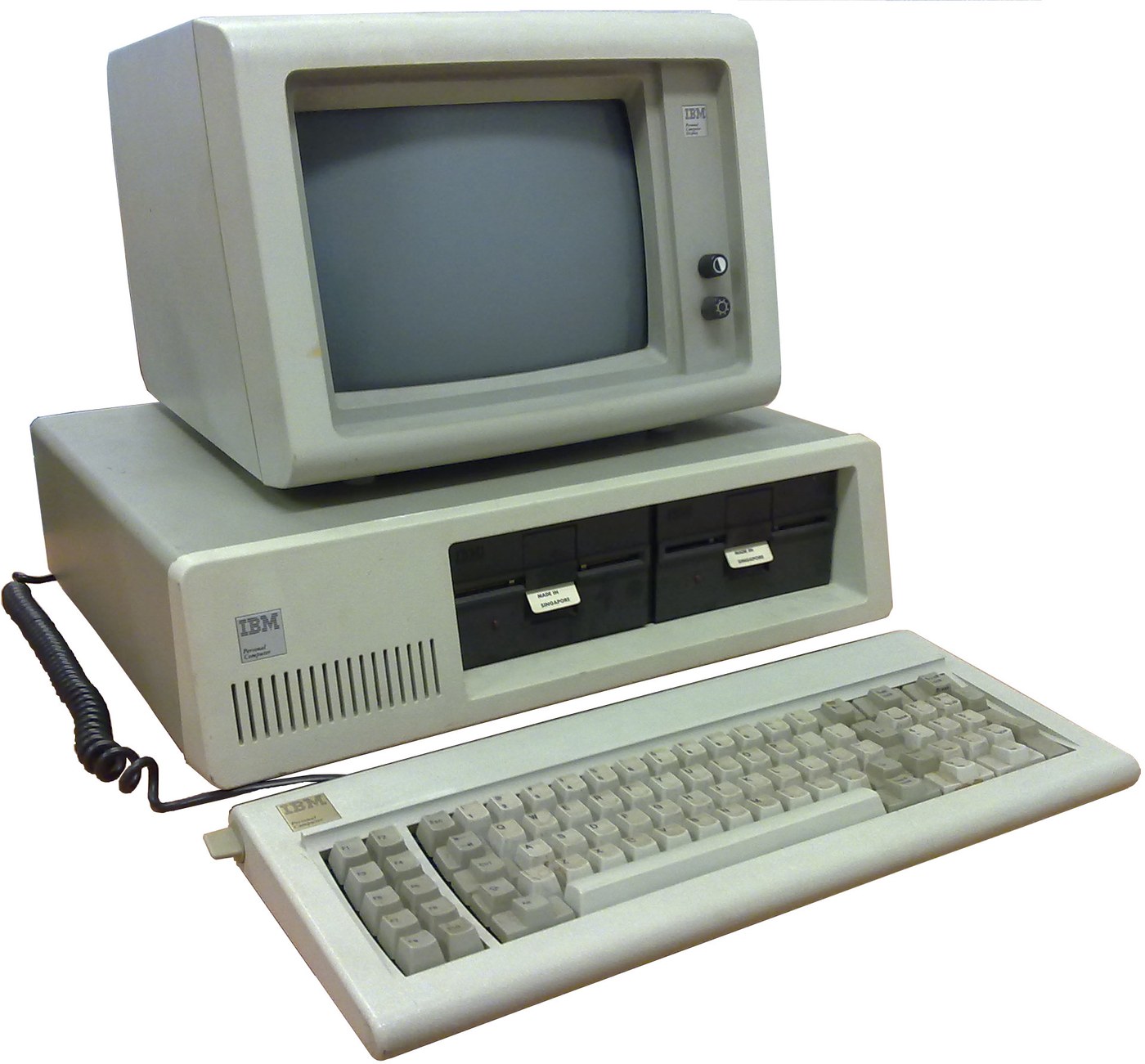

IBM Personal Computer (5150): System Unit, Keyboard and Display (IBM Technical Reference, 1981)
IBM's first personal computer, the machine today's desktop PCs descend from. One system unit holds an Intel 8088 system board, a power supply and five expansion slots. A keyboard, a display and 5-1/4 inch diskette drives complete it. IBM published its whole design, down to the BIOS program, in the Technical Reference.
Result: an IBM PC that tests itself at power-on and starts an operating system from diskette.
Source: IBM Personal Computer Technical Reference (1981; edition of April 1984). Unknown: the chassis and its sizes, the display and diskette adapter cards (described in IBM's separate Options and Adapters volumes), and how each part is made. Ours: the assembly order. Picture: Wikimedia Commons.
Hejuru
1 week
Amabwiriza
1
1
Populate the system board
Populate the system board
On the system board, fit the Intel 8088 processor. It runs at 4.77 MHz, taken from a 14.31818 MHz crystal divided by 3; divided by 4, the same crystal gives the 3.58 MHz colour-burst signal for colour TVs. Fit its support chips: the 8237A-5 DMA controller, 8259A interrupt controller, 8253-5 timer and 8255A-5 peripheral interface. Add the ROM holding the BIOS, the read/write memory, the speaker circuit, five expansion slots, and 5-pin DIN sockets for the keyboard and a cassette recorder. The 8088 runs in maximum mode, so a coprocessor can be added later. Set switch SW1 to tell the machine what it has: whether to start from a 5-1/4 inch diskette drive, how much read/write memory is on the board, which display adapter is fitted, and how many diskette drives there are. Not given here: the board layout.
Ibikoresho by'iyi ntambwe:
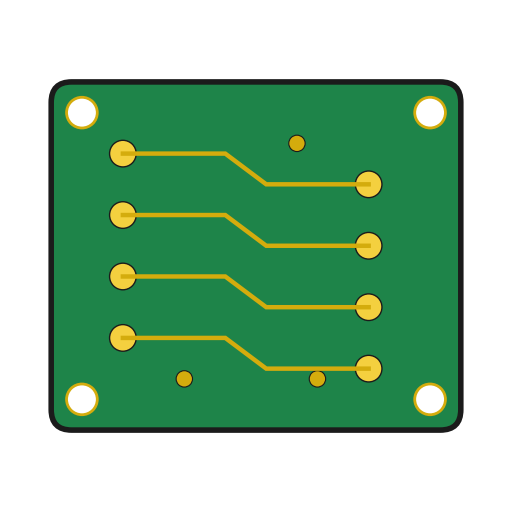 Ikibaho cy'umuzunguruko cyacapwe1 system board
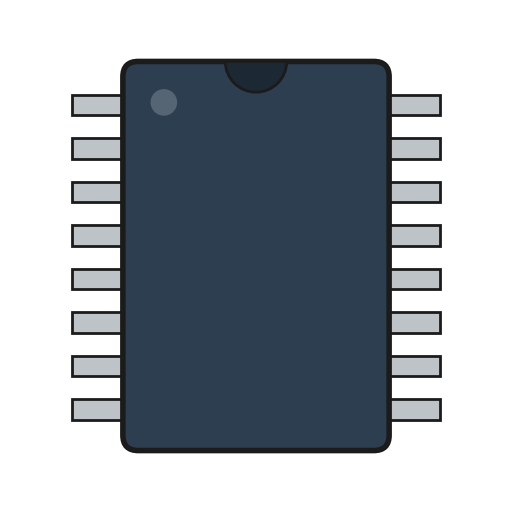 IC1 8088, 8237A-5, 8259A, 8253-5, 8255A-5, ROM, RAM
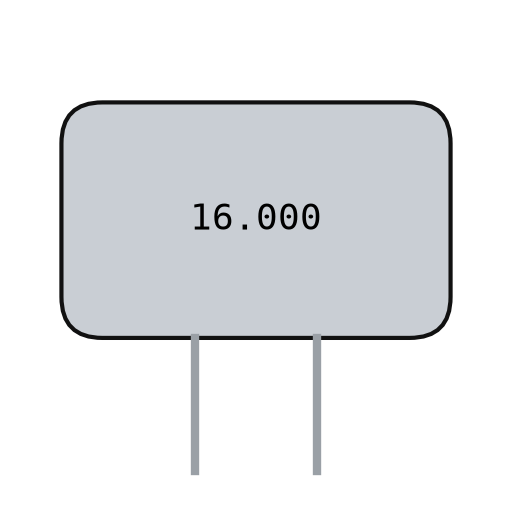 Kirisitali ya kwartsi1 14.31818 MHz
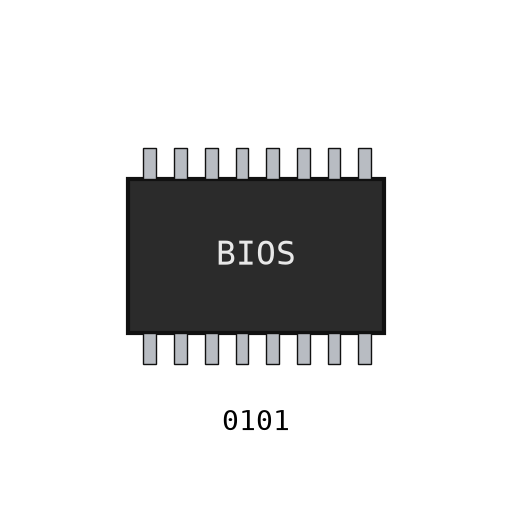 BIOS ya IBM PC1 in ROM
 Buto DIP1 SW1
 Urusinga rw'isudire1 as needed
Ibikoresho bikenewe:
 Icyuma cyo gusudira
2
2
Fit the board and power supply in the chassis
Fit the board and power supply in the chassis
Screw the system board into the system-unit chassis. Fit the power supply at the right rear; its housing supports the rear panel and its fan cools the whole machine. It is rated for 63.5 W continuous, from a fused 120 V or 220/240 V input. Its four protected outputs are +5 V at 7 A, +12 V at 2 A, -5 V at 0.3 A and -12 V at 0.25 A, bussed to all five slots. It also has a power-good signal, a switched mains socket for the monochrome display and two drive power plugs. Not given: the chassis metal and sizes.
Ibikoresho by'iyi ntambwe:
 Icyuma kitazwi1 chassis
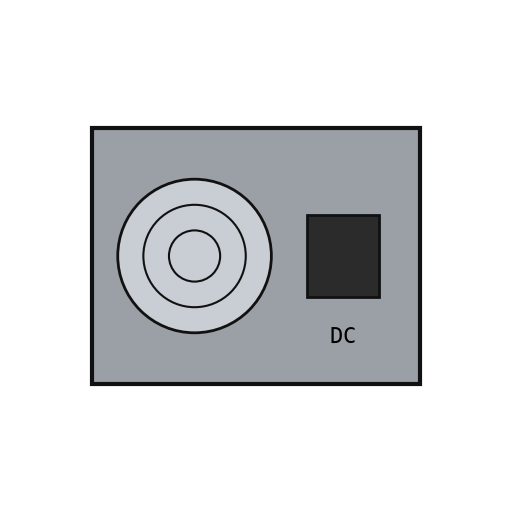 Igikoresho gitanga umuriro kuri mudasobwa1 63.5 W
 Ibitorezo by'imashini1 ikirundo
Ibikoresho bikenewe:
 Ikusanyirizo ry'ibitorezi
 Ingano zitazwi
 Igipimo cy'amashanyarazi kinyuranye
3
3
Add the drives and adapter cards
Add the drives and adapter cards
Fit up to two 5-1/4 inch diskette drives, each powered from its own plug on the supply. Only one drive runs at a time. Plug a diskette drive adapter and a display adapter (monochrome or colour/graphics) into expansion slots, and cable the drives to their adapter. Not given here: the adapter cards and cables, which IBM describes in its separate Options and Adapters volumes.
Ibikoresho by'iyi ntambwe:
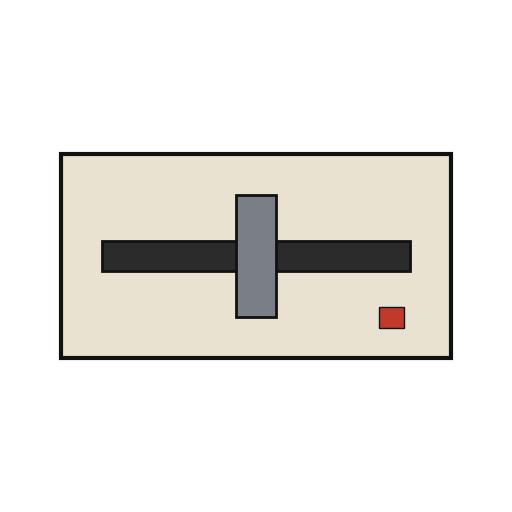 Imashini isoma disikete za inci 5¼2 up to two
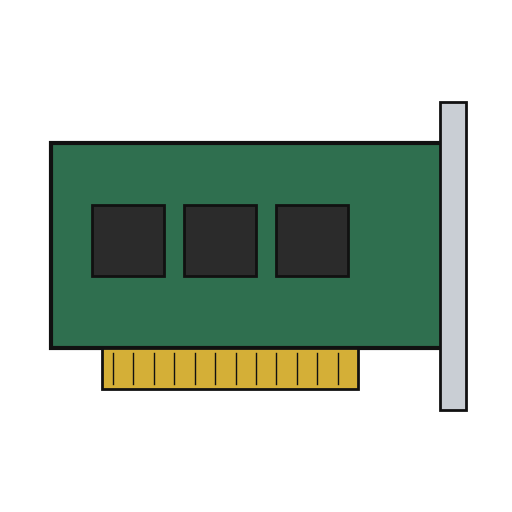 Ikarita yo kwagura2 diskette adapter, display adapter
 Insinga imeze nk'urugero1 drive cable
Ibikoresho bikenewe:
Ikusanyirizo ry'ibitorezi4
4
Connect keyboard and display, and power on
Connect keyboard and display, and power on
Plug in the keyboard: 83 keys, with the typewriter keys in the middle, 10 function keys on the left and a 15-key pad on the right. It sends scan codes, not letters, so the software decides what each key does. Connect the display to its adapter and to the switched socket. Switch on: the power-on self-test in the BIOS checks the machine, sets up its interrupt vectors, and looks for extra ROM on the adapter cards. The bootstrap loader then starts the operating system from a diskette.
Ibikoresho by'iyi ntambwe:
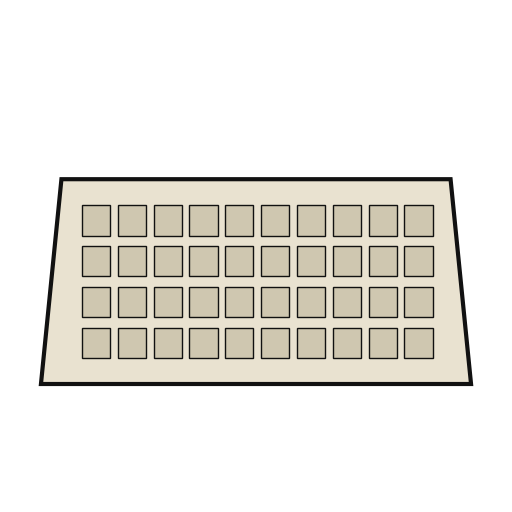 Clavier ya mudasobwa1 83 keys
 Icyerekana cya mudasobwa1 igice
Ibikoresho bikenewe:
 Disikete
Ibikoresho
14- 1 system boardUmwanya
- 1 8088, 8237A-5, 8259A, 8253-5, 8255A-5, ROM, RAMUmwanya
- 1 14.31818 MHzUmwanya
- 1 in ROMUmwanya
- Umwanya
- 1 as neededUmwanya
- 1 chassisUmwanya
- Umwanya
- 1 ikirundoUmwanya
- 2 up to twoUmwanya
- 2 diskette adapter, display adapterUmwanya
- Umwanya
- 1 83 keysUmwanya
- 1 igiceUmwanya
Ibikoresho bikenewe
5- 2 vendors sell this, none ship to you yetUmwanya
- Umwanya
- Umwanya
- Umwanya
Ibikoresho by'Ibishushanyo Bifitanye Isano
Iki gishushanyo gikora
CC0 Umurenge rusange
Iyi blueprint yasohowe munsi ya CC0. Ushobora gukoporora, guhindura, gukwirakwiza no gukoresha nta kwemererwa.
Shyigikira Umuremyi ugura ibicuruzwa binyuze muri Blueprint ye Komisiyo y'Umuremyi byashyizweho n'Abacuruzi, cyangwa kora verisiyo nshya y'iyi Blueprint ukayinjiza nk'isano muri Blueprint yawe kugira ngo musangire inyungu.