التعاون
فنون
الجمال والعناية
حِرَف
الثقافة والتاريخ
ترفيه
البيئة
الطعام والمشروبات
الهندسة العكسية
العلوم
رياضة
التقنية
الأجهزة القابلة للارتداء
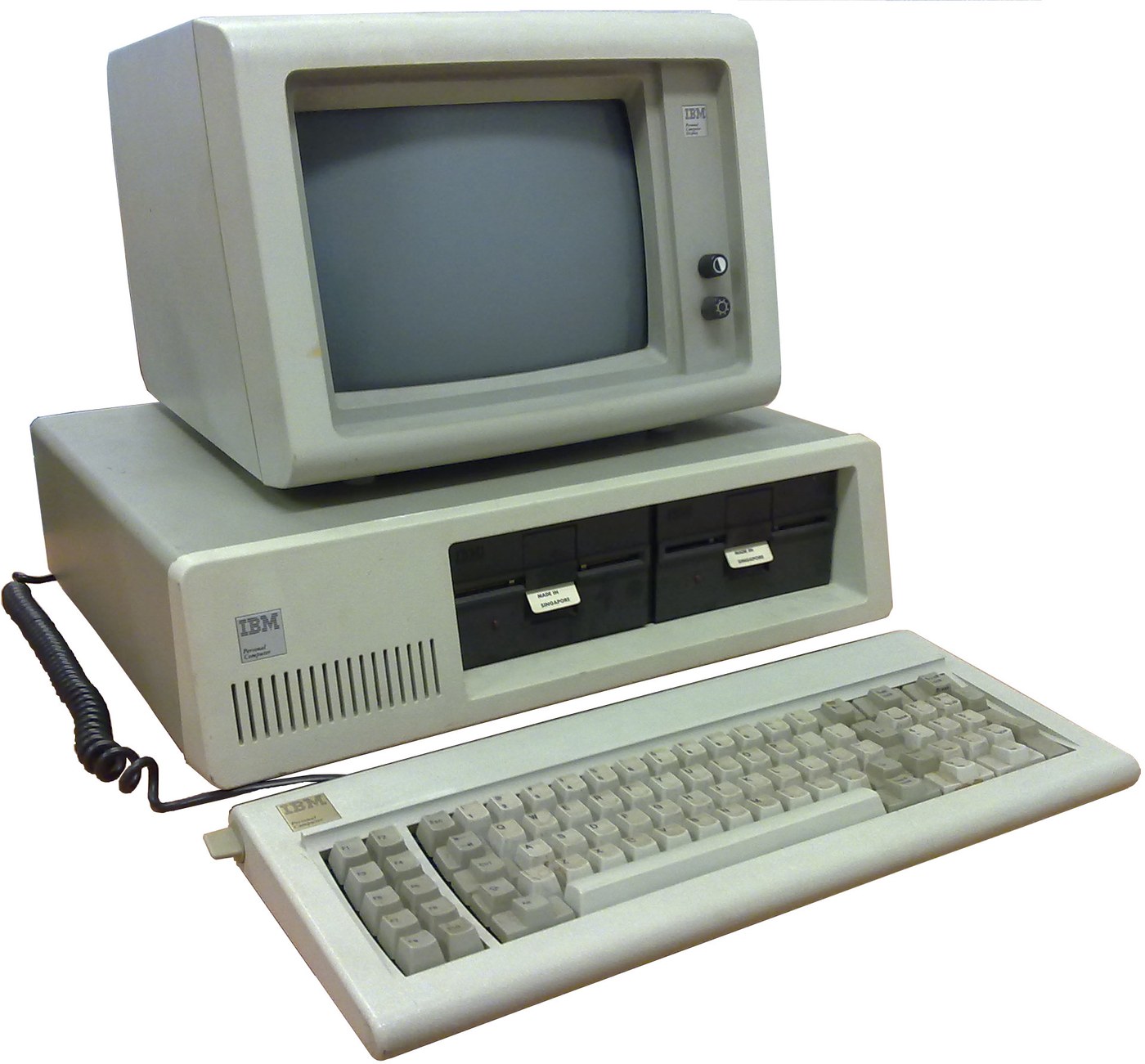

IBM Personal Computer (5150): System Unit, Keyboard and Display (IBM Technical Reference, 1981)
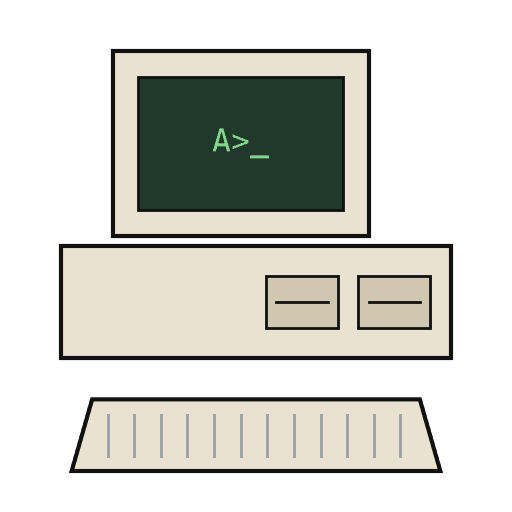
IBM's first personal computer, the machine today's desktop PCs descend from. One system unit holds an Intel 8088 system board, a power supply and five expansion slots. A keyboard, a display and 5-1/4 inch diskette drives complete it. IBM published its whole design, down to the BIOS program, in the Technical Reference.
Result: an IBM PC that tests itself at power-on and starts an operating system from diskette.
Source: IBM Personal Computer Technical Reference (1981; edition of April 1984). Unknown: the chassis and its sizes, the display and diskette adapter cards (described in IBM's separate Options and Adapters volumes), and how each part is made. Ours: the assembly order. Picture: Wikimedia Commons.
متقدم
1 week
التعليمات
1
1
Populate the system board
Populate the system board
On the system board, fit the Intel 8088 processor. It runs at 4.77 MHz, taken from a 14.31818 MHz crystal divided by 3; divided by 4, the same crystal gives the 3.58 MHz colour-burst signal for colour TVs. Fit its support chips: the 8237A-5 DMA controller, 8259A interrupt controller, 8253-5 timer and 8255A-5 peripheral interface. Add the ROM holding the BIOS, the read/write memory, the speaker circuit, five expansion slots, and 5-pin DIN sockets for the keyboard and a cassette recorder. The 8088 runs in maximum mode, so a coprocessor can be added later. Set switch SW1 to tell the machine what it has: whether to start from a 5-1/4 inch diskette drive, how much read/write memory is on the board, which display adapter is fitted, and how many diskette drives there are. Not given here: the board layout.
المواد لهذه الخطوة:
 لوح دارة مطبوعة1 system board
 دارة متكاملة1 8088, 8237A-5, 8259A, 8253-5, 8255A-5, ROM, RAM
 بلورة كوارتز1 14.31818 MHz
 نظام BIOS لحاسوب IBM PC1 in ROM
 مفتاح DIP1 SW1
 سلك لحام1 as needed
الأدوات المطلوبة:
 كاوية لحام
2
2
Fit the board and power supply in the chassis
Fit the board and power supply in the chassis
Screw the system board into the system-unit chassis. Fit the power supply at the right rear; its housing supports the rear panel and its fan cools the whole machine. It is rated for 63.5 W continuous, from a fused 120 V or 220/240 V input. Its four protected outputs are +5 V at 7 A, +12 V at 2 A, -5 V at 0.3 A and -12 V at 0.25 A, bussed to all five slots. It also has a power-good signal, a switched mains socket for the monochrome display and two drive power plugs. Not given: the chassis metal and sizes.
المواد لهذه الخطوة:
 معدن غير معروف1 chassis
 مزود طاقة الحاسوب1 63.5 W
 براغي آلية1 طقم
الأدوات المطلوبة:
 طقم مفكات
 أبعاد غير معروفة
 جهاز قياس متعدد
3
3
Add the drives and adapter cards
Add the drives and adapter cards
Fit up to two 5-1/4 inch diskette drives, each powered from its own plug on the supply. Only one drive runs at a time. Plug a diskette drive adapter and a display adapter (monochrome or colour/graphics) into expansion slots, and cable the drives to their adapter. Not given here: the adapter cards and cables, which IBM describes in its separate Options and Adapters volumes.
المواد لهذه الخطوة:
 مشغل أقراص مرنة 5¼ بوصة2 up to two
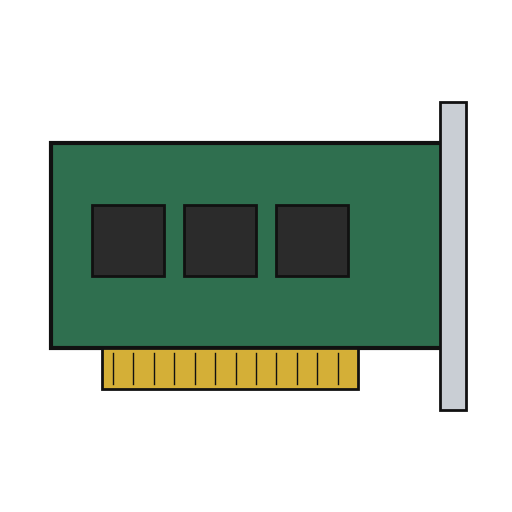 بطاقة توسعة2 diskette adapter, display adapter
 كبل شريطي1 drive cable
الأدوات المطلوبة:
طقم مفكات4
4
Connect keyboard and display, and power on
Connect keyboard and display, and power on
Plug in the keyboard: 83 keys, with the typewriter keys in the middle, 10 function keys on the left and a 15-key pad on the right. It sends scan codes, not letters, so the software decides what each key does. Connect the display to its adapter and to the switched socket. Switch on: the power-on self-test in the BIOS checks the machine, sets up its interrupt vectors, and looks for extra ROM on the adapter cards. The bootstrap loader then starts the operating system from a diskette.
المواد لهذه الخطوة:
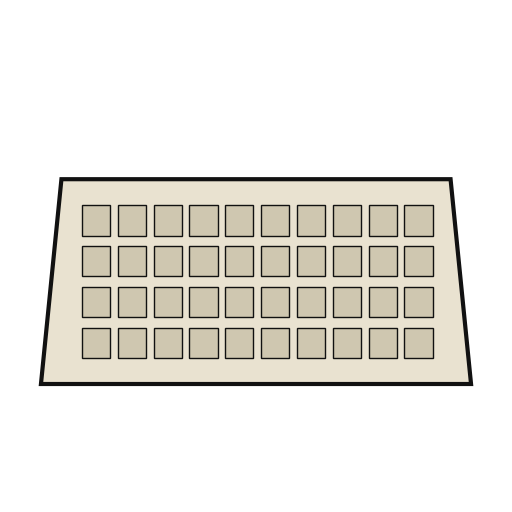 لوحة مفاتيح الحاسوب1 83 keys
 شاشة الحاسوب1 قطعة
الأدوات المطلوبة:
 قرص مرن
المواد
14- 1 system boardعنصر نائب
- 1 8088, 8237A-5, 8259A, 8253-5, 8255A-5, ROM, RAMعنصر نائب
- 1 14.31818 MHzعنصر نائب
- 1 in ROMعنصر نائب
- عنصر نائب
- 1 as neededعنصر نائب
- 1 chassisعنصر نائب
- 1 63.5 Wعنصر نائب
- 1 طقمعنصر نائب
- 2 up to twoعنصر نائب
- 2 diskette adapter, display adapterعنصر نائب
- عنصر نائب
- 1 83 keysعنصر نائب
- 1 قطعةعنصر نائب
مواد المخططات المرتبطة
هذا المخطط يصنع
CC0 ملكية عامة
هذا المخطط مُصدر بموجب CC0. يحق لك نسخه وتعديله وتوزيعه واستخدامه لأي غرض، دون طلب إذن.
ادعم الصانع بشراء منتجات عبر مخططه حيث يكسب عمولة الصانع يحددها البائعون، أو أنشئ نسخة جديدة من هذا المخطط وضمّنه كرابط في مخططك لمشاركة الإيرادات.