การทำงานร่วมกัน
ศิลปะ
ความงามและสุขภาพ
งานฝีมือ
วัฒนธรรมและประวัติศาสตร์
ความบันเทิง
สิ่งแวดล้อม
อาหารและเครื่องดื่ม
วิศวกรรมย้อนรอย
วิทยาศาสตร์
กีฬา
เทคโนโลยี
อุปกรณ์สวมใส่
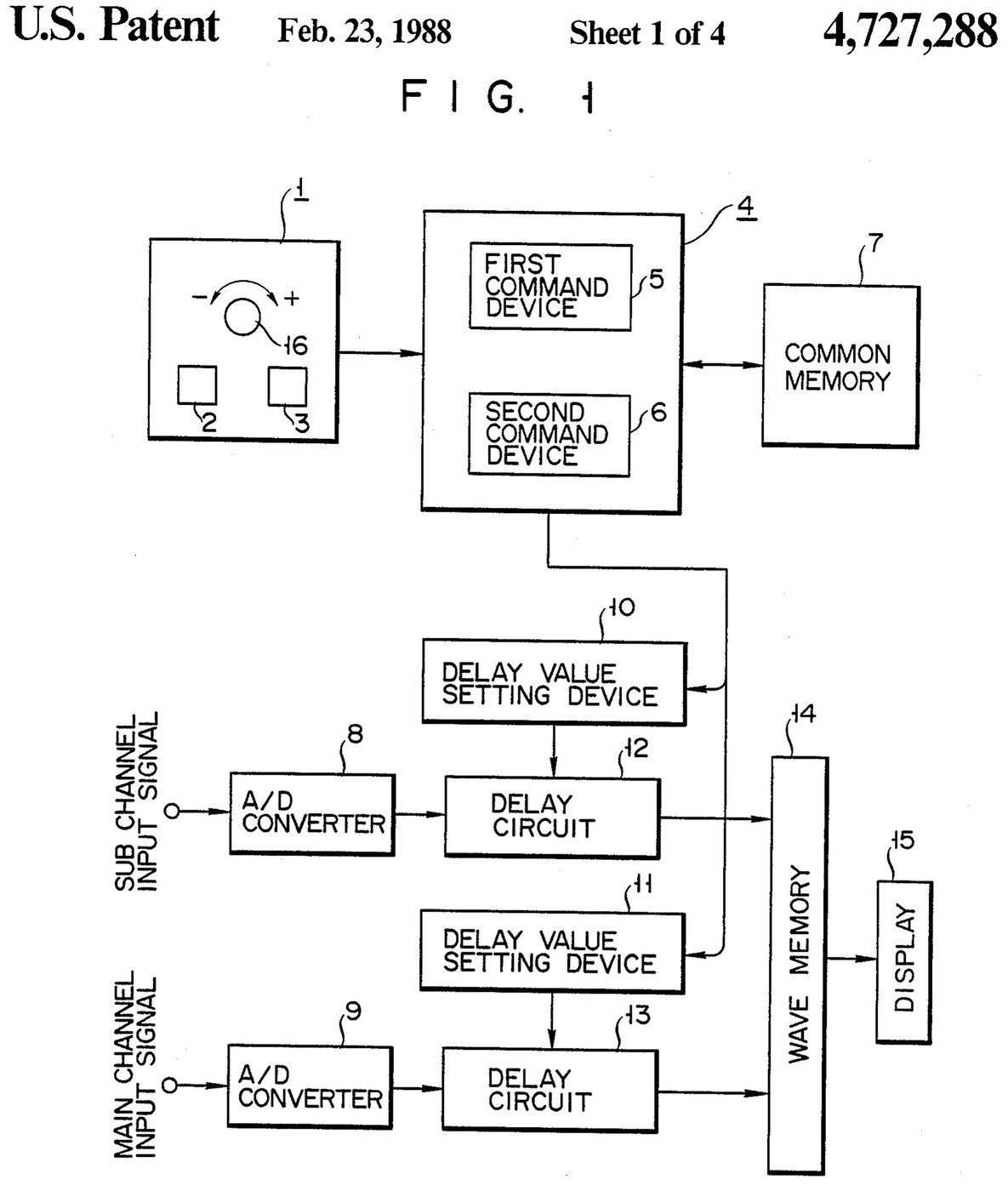
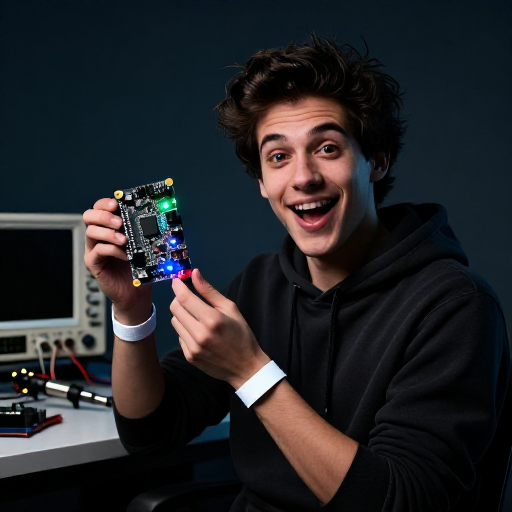

Oscilloscope: Two-Channel Digital, with a Delay per Channel and a Common Delay (Anritsu, US 4,727,288, 1988)
A two-channel digital oscilloscope. Each channel has its own converter and delay circuit. One knob, with a main and a sub button, sets the delays. The sub button shifts only the sub channel's wave, so you can line it up against the main one. The main button shifts both waves together and keeps the gap between them.
Result: a 2-channel digital oscilloscope that can move both traces along the time base without losing their phase difference.
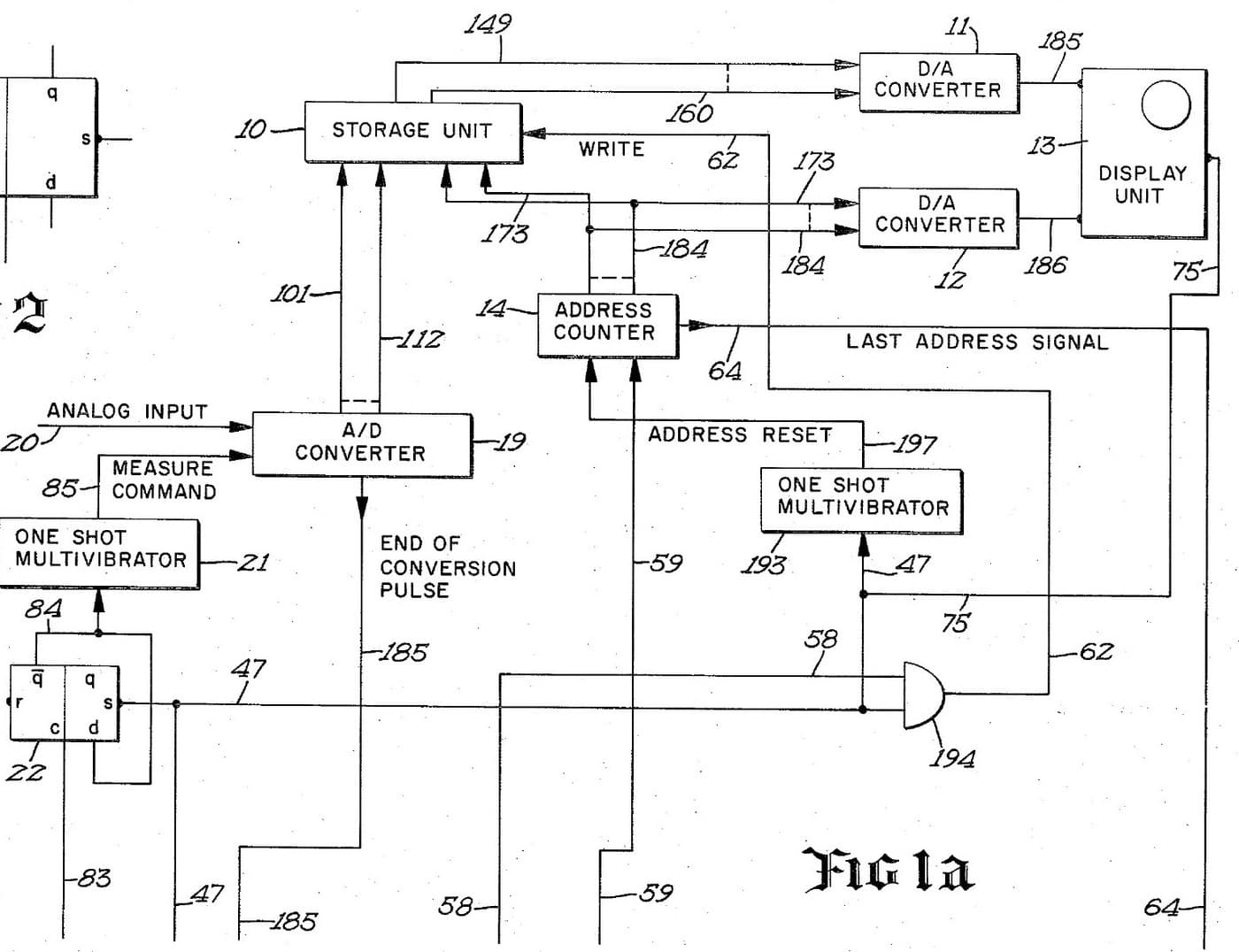
Source: K. Nakatsugawa et al. (Anritsu), US 4,727,288 (1988). Unknown: sample rate, bandwidth, memory size and the display. Picture: the patent drawing.
ผู้เชี่ยวชาญ
Unknown
คำแนะนำ
1
1
Convert the two channels
Convert the two channels
Bring the main channel and the sub channel each to its own analog-to-digital converter. Ours: BNC sockets. Not given: the sample rate, the bandwidth.
วัสดุสำหรับขั้นตอนนี้:
 ตัวแปลงสัญญาณแอนะล็อกเป็นดิจิทัล2 main and sub converters
 ชุดขั้วต่อโคแอกเชียล (BNC / SO-239)1 input sockets
เครื่องมือที่ต้องใช้:
 หัวแร้งบัดกรี
 คีมปอกสายไฟ
2
2
Delay, store and display
Delay, store and display
Pass each channel's digital signal through its own delay circuit, whose delay is set by its own delay value setting device. Store both delayed signals in a wave memory and show them on the display. Ours: logic ICs for the delay circuits and setting devices, IC memory, and a CRT driven through D/A converters. Not given: how the delay circuits are built, the memory size, the display.
วัสดุสำหรับขั้นตอนนี้:
 ชุดไอซีลอจิกคละแบบ1 delay circuits and setting devices
 หน่วยความจำวงจรรวม1 wave memory
 ตัวแปลงดิจิทัลเป็นแอนะล็อก2 display drive
 หลอดรังสีแคโทด1 display
เครื่องมือที่ต้องใช้:
หัวแร้งบัดกรีคีมปอกสายไฟ3
3
Build the delay panel and processor
Build the delay panel and processor
Make a delay operation panel with a main switch, a sub switch and one dial, with an encoder on the dial so each turn is read as a change in its output. Connect the panel to a microprocessor with a common memory that holds the sub channel's delay S in one area and the main channel's delay M in another. Mount it all in a case with its supply. Ours: push buttons, an aluminium case, a DC supply.
วัสดุสำหรับขั้นตอนนี้:
 ปุ่มกด2 main and sub switches
 โรตารีเอ็นโคเดอร์1 delay dial
 ไมโครโพรเซสเซอร์1 command devicesหน่วยความจำวงจรรวม1 common memory
 กล่องอะลูมิเนียม1 case
เครื่องมือที่ต้องใช้:
 แหล่งจ่ายไฟกระแสตรง
 สว่านแท่นหัวแร้งบัดกรี
4
4
Program the two commands
Program the two commands
When the dial turns, read the encoder change e and which switch is held. Sub switch: add e to S, set the sum in the sub channel's setting device and store it back as the new S. Main switch: add e to both M and S, set M + e in the main channel's device and S + e in the sub channel's, and store both back. The main command so moves both channels by the same amount and keeps their relative delay.
เครื่องมือที่ต้องใช้:
หัวแร้งบัดกรี5
5
Compare two waves
Compare two waves
Feed two signals in. Hold the sub switch and turn the dial to slide the sub channel's wave against the main one. Then hold the main switch and turn the dial: both waves move along the time base together, with the phase difference between them unchanged. Test it with a known signal.
เครื่องมือที่ต้องใช้:
 เครื่องกำเนิดสัญญาณ
วัสดุ
10- 2 main and sub convertersตัวยึดตำแหน่ง
- 1 input socketsตัวยึดตำแหน่ง
- 1 delay circuits and setting devicesตัวยึดตำแหน่ง
- 1 common memoryตัวยึดตำแหน่ง
- 2 display driveตัวยึดตำแหน่ง
- 1 displayตัวยึดตำแหน่ง
- ตัวยึดตำแหน่ง
- ตัวยึดตำแหน่ง
- 1 command devicesตัวยึดตำแหน่ง
- 1 caseตัวยึดตำแหน่ง
พิมพ์เขียวนี้สร้าง

บลูพริ้นท์ที่เกี่ยวข้อง
บลูพริ้นท์เหล่านี้แบ่งปันความรู้ — เทคนิค วัสดุ หรือหลักการ
CC0 สาธารณสมบัติ
พิมพ์เขียวนี้เผยแพร่ภายใต้ CC0 คุณสามารถคัดลอก แก้ไข แจกจ่าย และใช้งานผลงานนี้เพื่อวัตถุประสงค์ใดก็ได้ โดยไม่ต้องขออนุญาต
สนับสนุนเมกเกอร์โดยซื้อสินค้าผ่านพิมพ์เขียวของพวกเขา ซึ่งพวกเขาจะได้รับ ค่าคอมมิชชันเมกเกอร์ ที่ผู้ขายกำหนด หรือสร้างเวอร์ชันใหม่ของพิมพ์เขียวนี้และรวมเป็นการเชื่อมต่อในพิมพ์เขียวของคุณเพื่อแบ่งรายได้