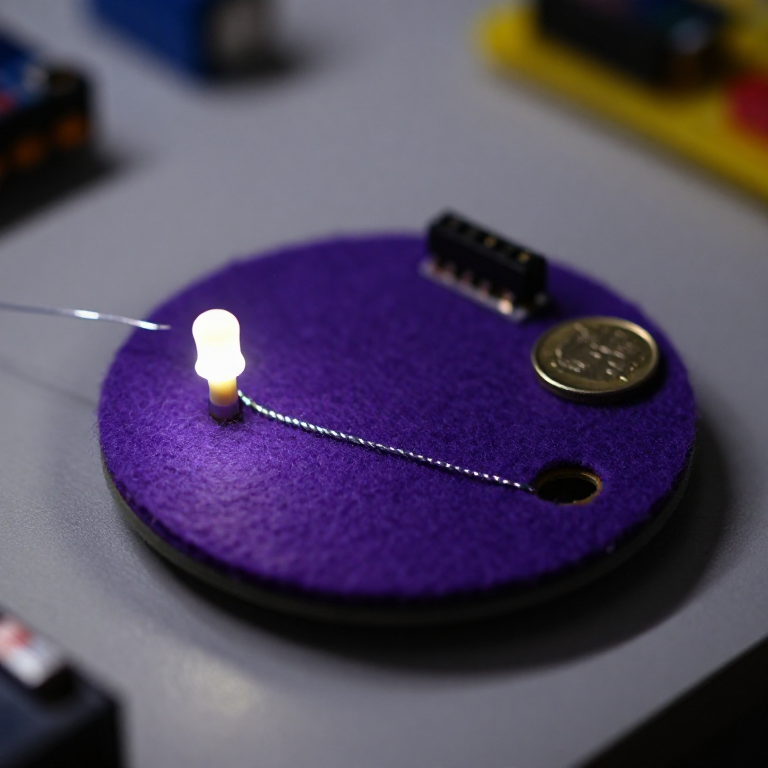


Blinking an LED with LilyPad Arduino
Step up from a plain sewn circuit to a sewable computer. The LilyPad Arduino is a washable microcontroller you program from your PC, then run on a coin cell — so your fabric can blink, fade and react on its own. This project sews an LED to the board and uploads the classic 'blink' sketch: the gateway to every sensor-driven wearable that follows.
Instructions
Sew the LilyPad Arduino and an LED
Sew the LilyPad Arduino and an LED
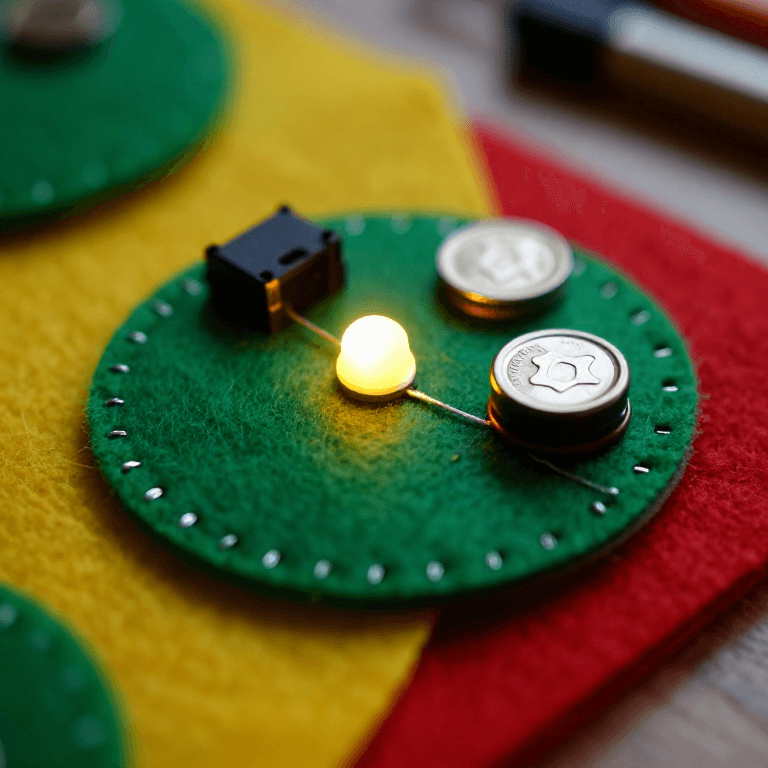
Sew a LilyPad Arduino Simple board and a LilyPad LED onto felt with conductive thread: the LED's + tab to numbered pin 5, and the LED's - tab to the board's - tab. Loop 3–4 times through each hole, trim tails, and keep the two lines from crossing.
Materials for this step:
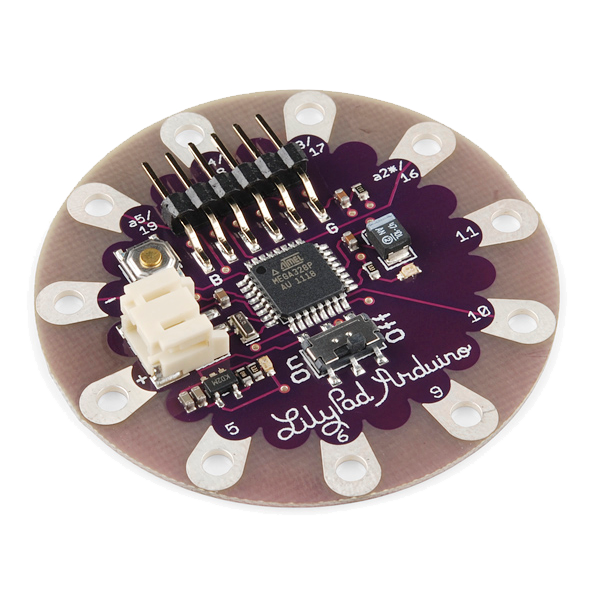 LilyPad Arduino Simple Board1 piece
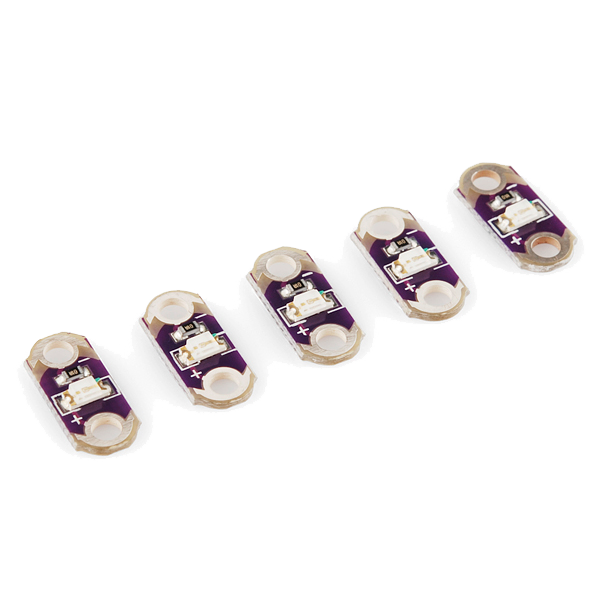 LilyPad LED - 5 pcs1 pack
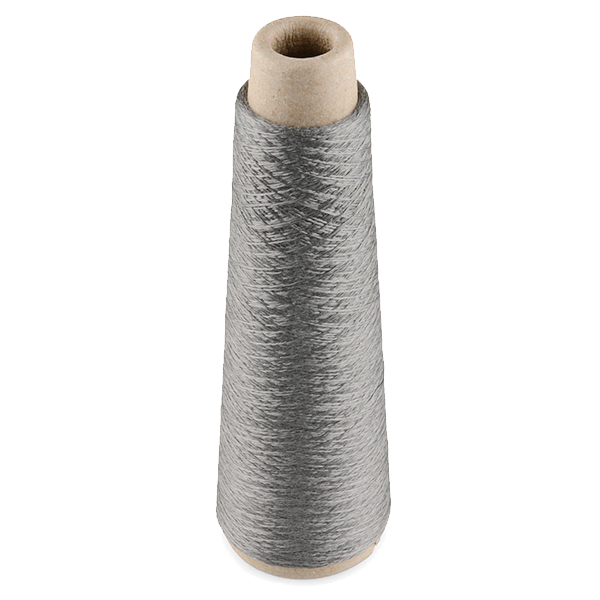 Conductive Thread - 60g (Stainless Steel)1 spool
 Wool Felt Sheet1 sheet
Tools needed:
 Hand Sewing Needles (Assorted, 30-Pack)
Connect the FTDI programmer
Connect the FTDI programmer
Plug a LilyPad FTDI Basic Breakout onto the board's 6-pin programming header (line up GND to GND, DTR to DTR) and connect it to your computer with a USB cable. Install the free Arduino IDE, then choose the LilyPad Arduino board and the FTDI's serial port under Tools.
Tools needed:
 Computer with Arduino IDE
 LilyPad FTDI Basic Breakout - 5V
 USB-B Cable
Upload the blink sketch
Upload the blink sketch
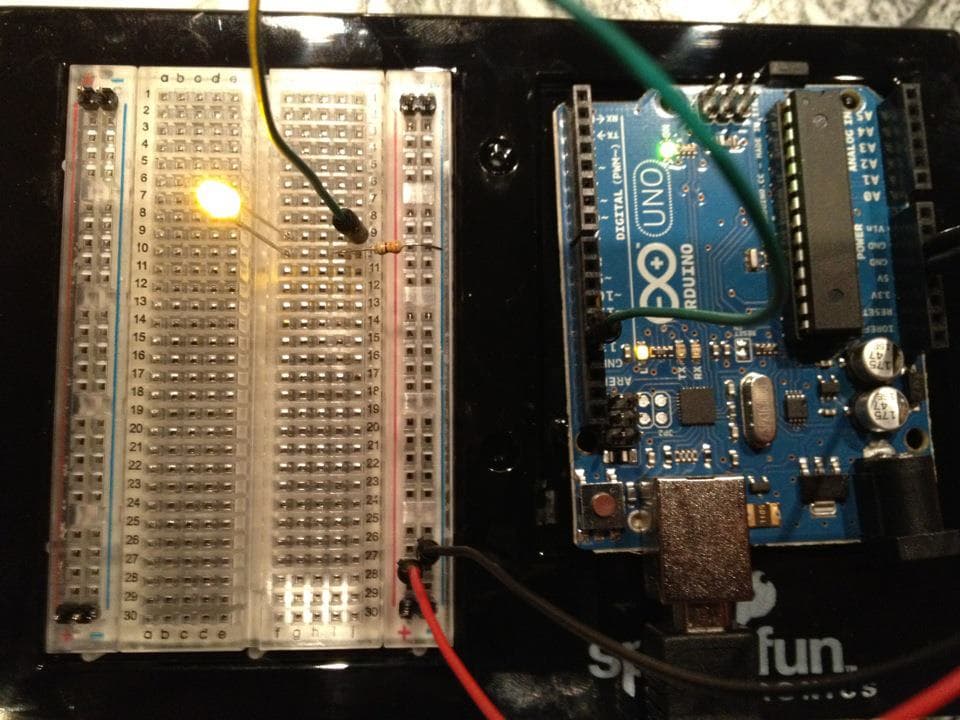
Paste this sketch into the Arduino IDE and click Upload. It flashes the LED on pin 5 on and off twice a second.
Go wireless on a coin cell
Go wireless on a coin cell
Unplug the FTDI. Sew a LilyPad coin-cell battery holder to the board — + tab to +, - tab to - — and drop in a CR2032. Switch it on and the LED blinks on its own, no computer attached. Your fabric now runs its own program.
Materials for this step:
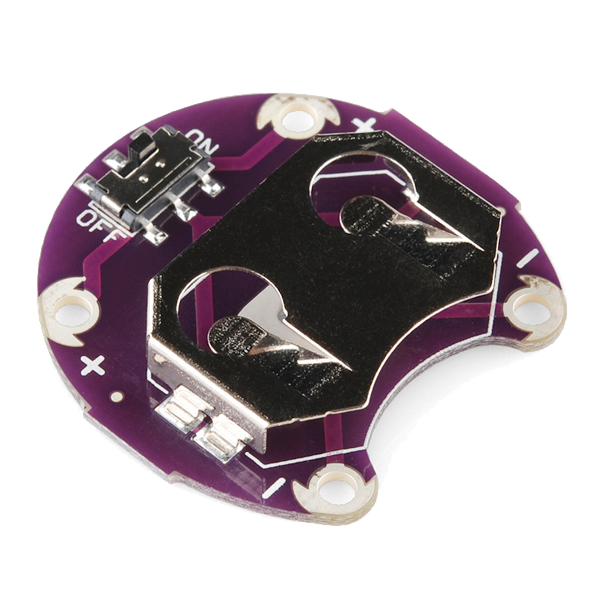 LilyPad Coin Cell Battery Holder - w/Switch - 20mm1 piece
 CR2032 Coin Cell Battery1 piece
Experiment
Experiment
Re-attach the FTDI and change the sketch: adjust the delays for a heartbeat rhythm, or sew a second LED to another pin and blink them in turn. This is the base every LilyPad sensor project builds on.
Materials
6- LilyPad Arduino Simple Board10% commission1 piece$19.85
- LilyPad LED - 5 pcs10% commission1 pack$4.25
- Conductive Thread - 60g (Stainless Steel)10% commission1 spool$40.65
- 1 sheetPlaceholder
- LilyPad Coin Cell Battery Holder - w/Switch - 20mm10% commission1 piece$5.12
- 1 piecePlaceholder
Tools Required
4- Placeholder
- Placeholder
- LilyPad FTDI Basic Breakout - 5V10% commission$14.57
- 1 vendor sell this, none ship to you yetPlaceholder
Related Blueprints
These blueprints share knowledge with this one — techniques, materials, or principles that connect them in the learning graph.

CC0 Public Domain
This blueprint is released under CC0. You are free to copy, modify, distribute, and use this work for any purpose, without asking permission.
Support the Maker by purchasing products through their Blueprint where they earn a Maker Commission set by Vendors, or create a new iteration of this Blueprint and include it as a connection in your own Blueprint to share revenue.