

Making a LilyPad Musical Patch
Sew a patch that plays a tune. A LilyPad buzzer and a button let the microcontroller sing a short melody whenever you press it — a musical badge, a fabric greeting card, or a costume piece. This project introduces the buzzer and the Arduino tone() function that turns pin signals into notes.
Hướng dẫn
Sew the board, buzzer and button
Sew the board, buzzer and button
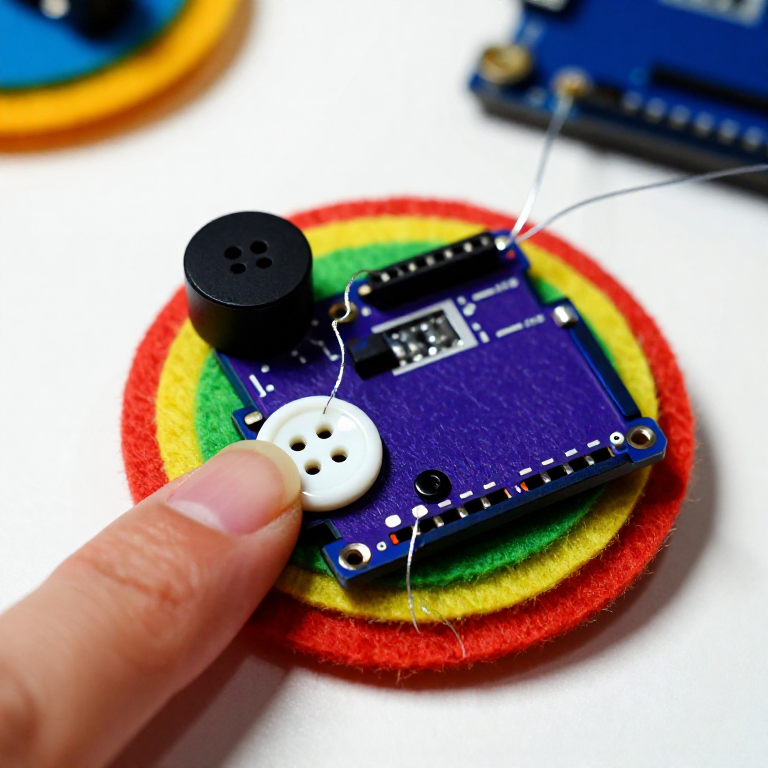
Sew a LilyPad Arduino, a LilyPad buzzer and a LilyPad button onto felt. Wire it: the buzzer's + tab to pin 9 and its - tab to -; the button's tabs to analog pin A2 and to -. Keep the lines from crossing.
Vật liệu cho bước này:
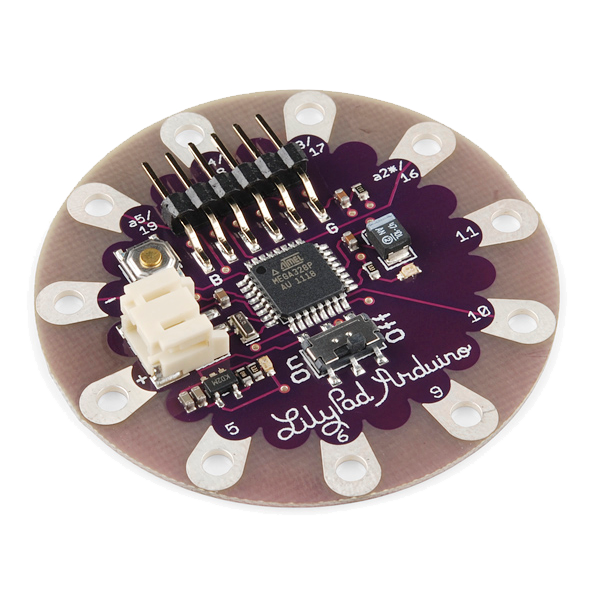 LilyPad Arduino Simple Board1 cái
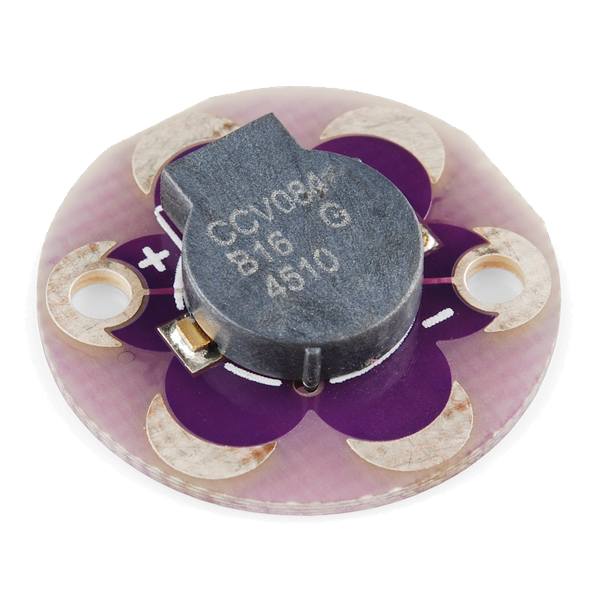 LilyPad Buzzer1 cái
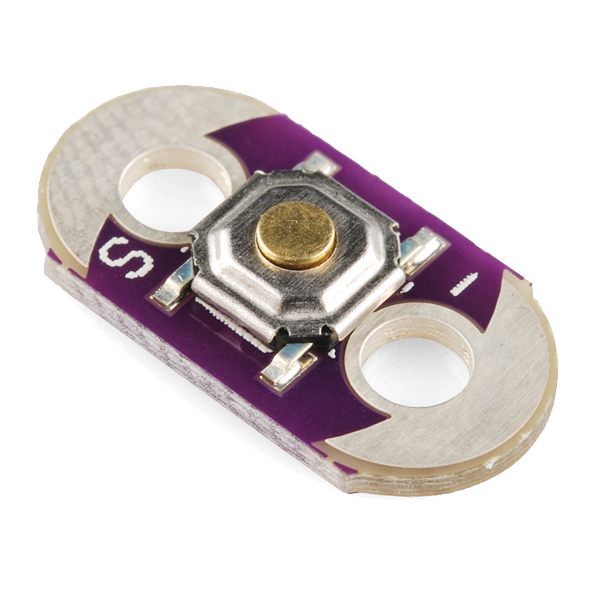 LilyPad Button Board1 cái
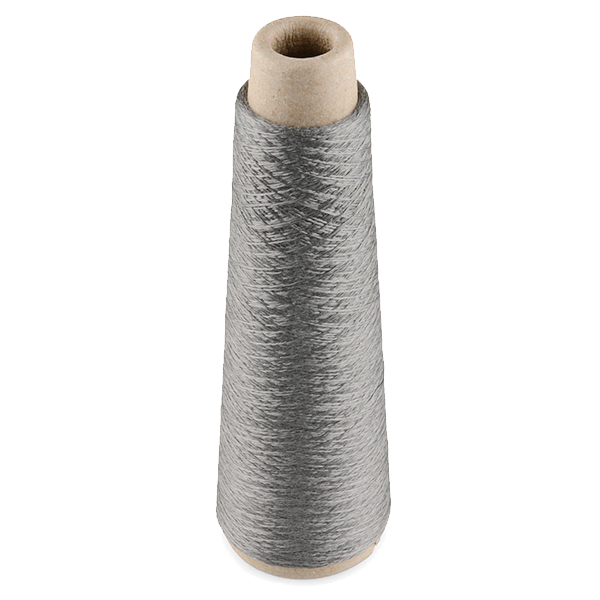 Conductive Thread - 60g (Stainless Steel)1 ống
 Kim khâu tay1 gói
 Tấm nỉ len1 tờ
Connect the programmer
Connect the programmer
Plug the LilyPad FTDI onto the programming header and connect the USB cable. Open the Arduino IDE and select the LilyPad Arduino board and its serial port.
Vật liệu cho bước này:
 LilyPad FTDI Basic Breakout - 5V1 cái
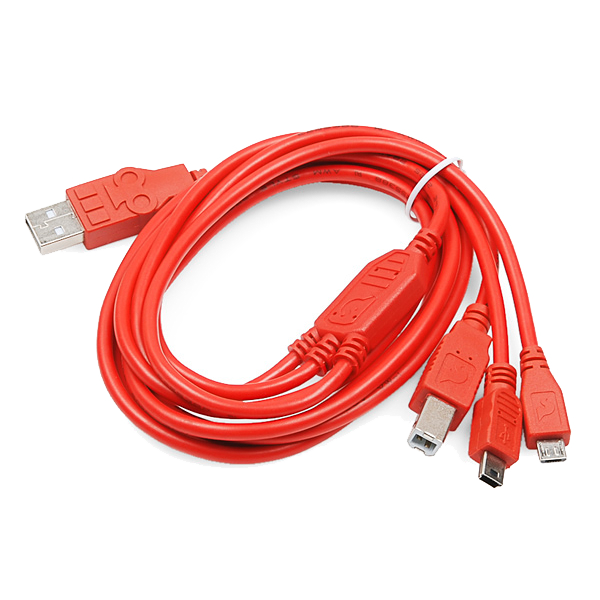 SparkFun Cerberus USB Cable - 1.8 meter1 cái
Công cụ cần thiết:
 Máy tính cài Arduino IDE
Upload the melody sketch
Upload the melody sketch
Paste this sketch and upload. Pressing the button plays a short rising scale on the buzzer.
Press to play, then compose
Press to play, then compose
Press the button — you should hear the five notes. Change the tune by editing the melody[] frequencies (higher number = higher note) and the durations[] in milliseconds, then re-upload. Add more notes to both arrays to make a longer song.
Go wireless and wear it
Go wireless and wear it
Unplug the FTDI, sew a LilyPad coin-cell holder to the board (+ to +, - to -), drop in a CR2032 and switch on. Sew the felt onto a badge or card — press it to play your tune anywhere.
Vật liệu cho bước này:
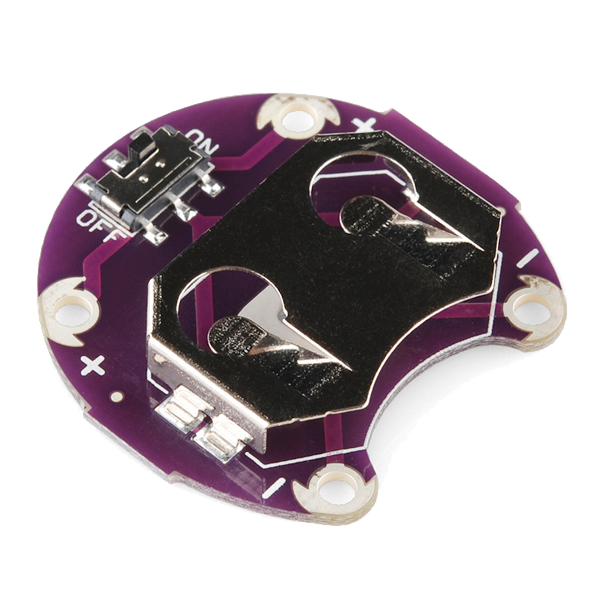 LilyPad Coin Cell Battery Holder - w/Switch - 20mm1 cái
 Pin cúc áo CR20321 cái
Vật liệu
10- LilyPad Arduino Simple BoardHoa hồng 10%1 cái$19.35
- LilyPad BuzzerHoa hồng 10%1 cái$7.52
- LilyPad Button BoardHoa hồng 10%1 cái$2.20
- Conductive Thread - 60g (Stainless Steel)Hoa hồng 10%1 ống$39.62
- 1 góiTạm thời
- 1 tờTạm thời
- LilyPad FTDI Basic Breakout - 5VHoa hồng 10%1 cái$14.19
- SparkFun Cerberus USB Cable - 1.8 meterHoa hồng 10%1 cái$5.66
- 1 cái$4.99
- 1 cáiTạm thời
Công cụ yêu cầu
2- Tạm thời
- Tạm thời
Blueprint liên quan
Các blueprint này chia sẻ kiến thức — kỹ thuật, vật liệu hoặc nguyên tắc
CC0 Phạm vi công cộng
Bản thiết kế này được phát hành theo CC0. Bạn tự do sao chép, sửa đổi, phân phối và sử dụng cho bất kỳ mục đích nào mà không cần xin phép.
Hỗ trợ nhà sáng tạo bằng cách mua sản phẩm qua bản thiết kế, nơi họ nhận Hoa hồng nhà sáng tạo do nhà bán hàng đặt, hoặc tạo phiên bản mới và kết nối trong bản thiết kế riêng để chia sẻ doanh thu.