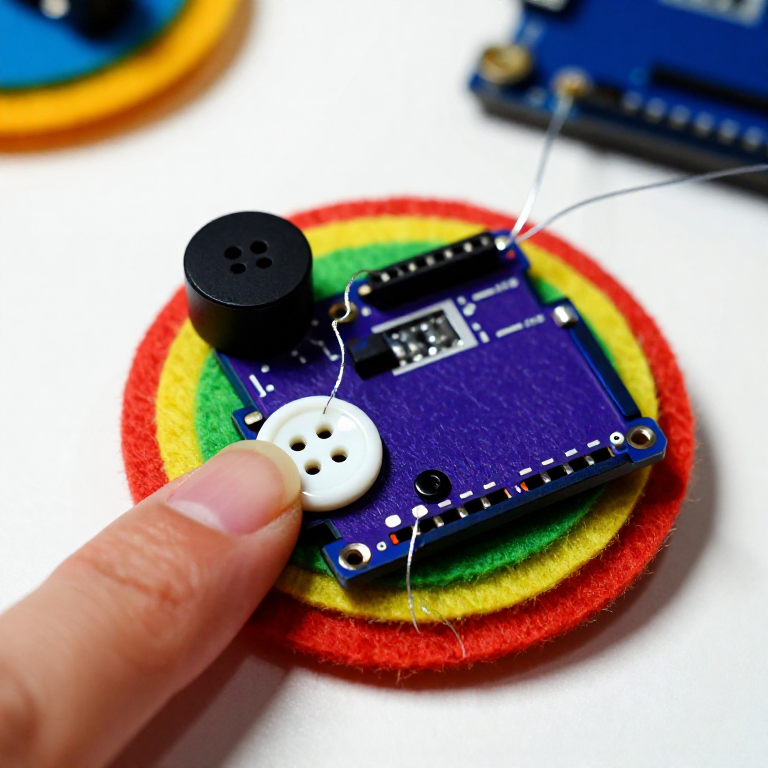


Making a LilyPad Musical Patch
Sew a patch that plays a tune. A LilyPad buzzer and a button let the microcontroller sing a short melody whenever you press it — a musical badge, a fabric greeting card, or a costume piece. This project introduces the buzzer and the Arduino tone() function that turns pin signals into notes.
Imiyalelo
Sew the board, buzzer and button
Sew the board, buzzer and button
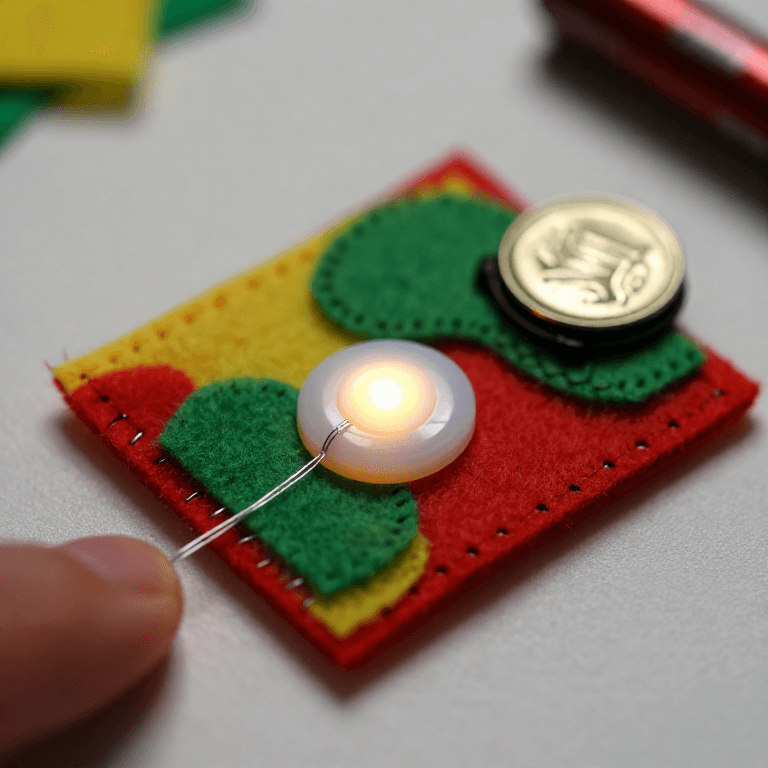
Sew a LilyPad Arduino, a LilyPad buzzer and a LilyPad button onto felt. Wire it: the buzzer's + tab to pin 9 and its - tab to -; the button's tabs to analog pin A2 and to -. Keep the lines from crossing.
Izinto zokwakha zalesi sinyathelo:
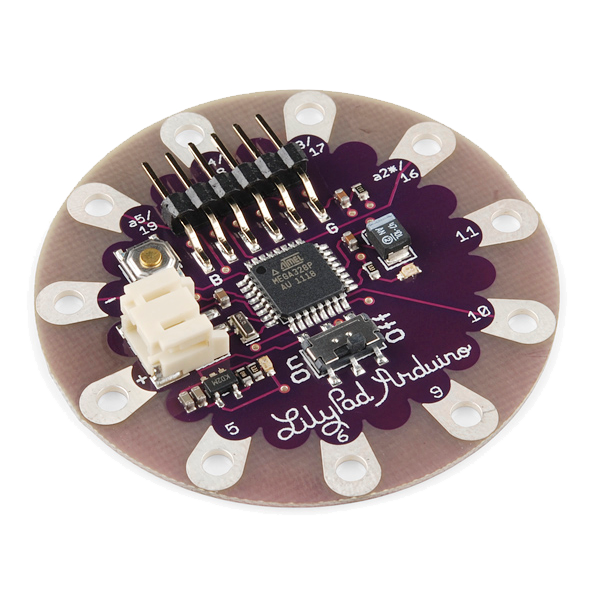 LilyPad Arduino Simple Board1 ucezu
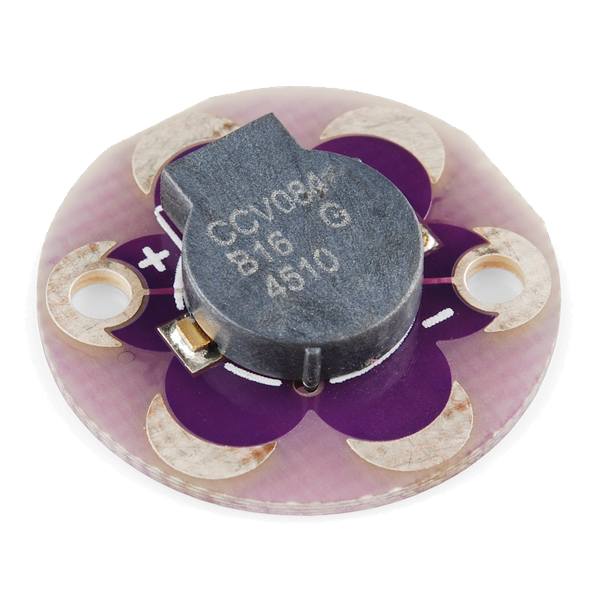 LilyPad Buzzer1 ucezu
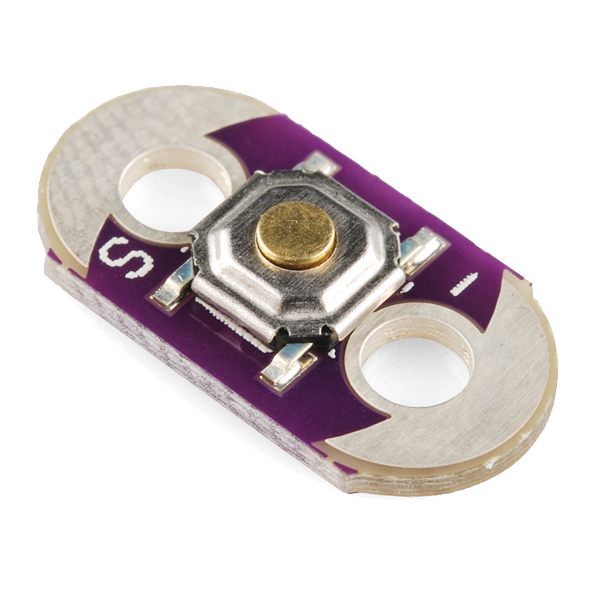 LilyPad Button Board1 ucezu
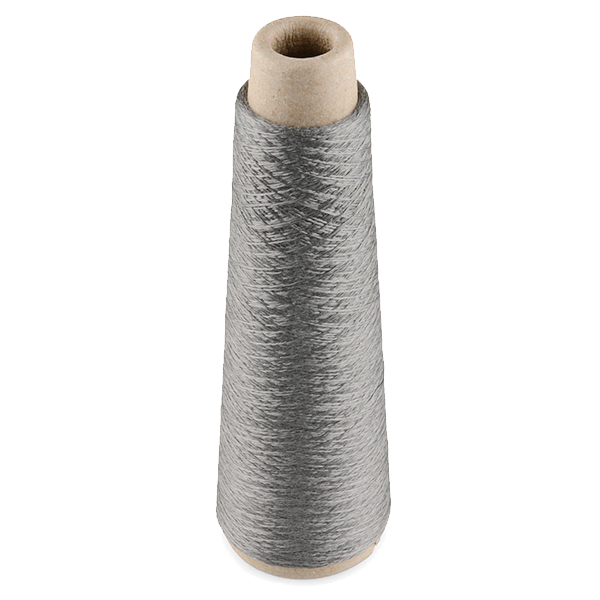 Conductive Thread - 60g (Stainless Steel)1 isipulu
 Ishidi lofelefele woboya1 ishidi
Amathuluzi adingekayo:
 Izinaliti zokuthunga ngesandla
Connect the programmer
Connect the programmer
Plug the LilyPad FTDI onto the programming header and connect the USB cable. Open the Arduino IDE and select the LilyPad Arduino board and its serial port.
Amathuluzi adingekayo:
 Ikhompyutha Ene-Arduino IDE
 LilyPad FTDI Basic Breakout - 5V
 Ikhebula le-USB-B
Upload the melody sketch
Upload the melody sketch
Paste this sketch and upload. Pressing the button plays a short rising scale on the buzzer.
Press to play, then compose
Press to play, then compose
Press the button — you should hear the five notes. Change the tune by editing the melody[] frequencies (higher number = higher note) and the durations[] in milliseconds, then re-upload. Add more notes to both arrays to make a longer song.
Go wireless and wear it
Go wireless and wear it
Unplug the FTDI, sew a LilyPad coin-cell holder to the board (+ to +, - to -), drop in a CR2032 and switch on. Sew the felt onto a badge or card — press it to play your tune anywhere.
Izinto zokwakha zalesi sinyathelo:
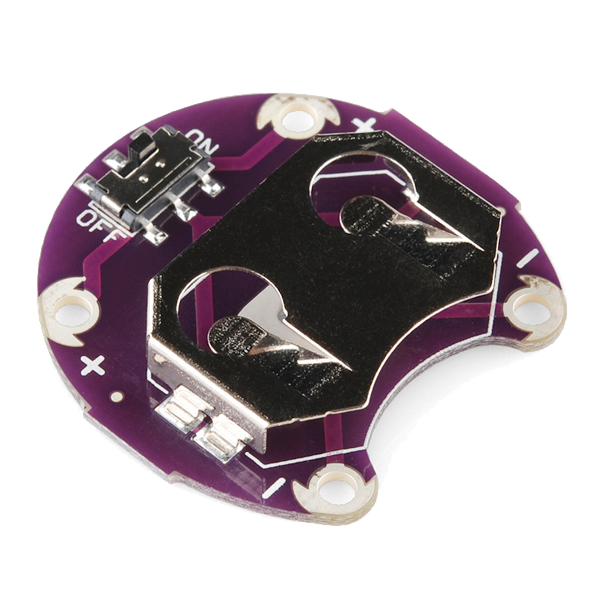 LilyPad Coin Cell Battery Holder - w/Switch - 20mm1 ucezu
 Ibhethri lohlamvu CR20321 ucezu
Izinto
7- LilyPad Arduino Simple Boardikhomishini engu-10%1 ucezu$19.60
- LilyPad Buzzerikhomishini engu-10%1 ucezu$7.62
- LilyPad Button Boardikhomishini engu-10%1 ucezu$2.23
- Conductive Thread - 60g (Stainless Steel)ikhomishini engu-10%1 isipulu$40.13
- 1 ishidiIsibambeli
- LilyPad Coin Cell Battery Holder - w/Switch - 20mmikhomishini engu-10%1 ucezu$5.05
- 1 ucezuIsibambeli
Amathuluzi Adingekayo
4- Isibambeli
- Isibambeli
- LilyPad FTDI Basic Breakout - 5Vikhomishini engu-10%$14.38
- 1 vendor sell this, none ship to you yetIsibambeli
Ama-blueprint ahlobene
Lama-blueprint abelana ngolwazi — amasu, izinto noma izimiso
CC0 Isizinda Somphakathi
Le blueprint ikhishwe ngaphansi kwe-CC0. Ukhululekile ukukopisha, ukuguqula, ukusabalalisa, nokusebenzisa ngaphandle kwemvume.
Sekela uMenzi ngokuthenga imikhiqizo nge-Blueprint yabo IKhomishane Yomenzi kumiswe ngabathengisi, noma dala inguqulo entsha yale Blueprint bese uyifaka njengoxhumaniso ku-Blueprint yakho ukuze wabelane ngemali engenayo.